Review - Meross WiFi Plug 16A - MSS310: Smart Home Power Socket for Enhanced Connectivity
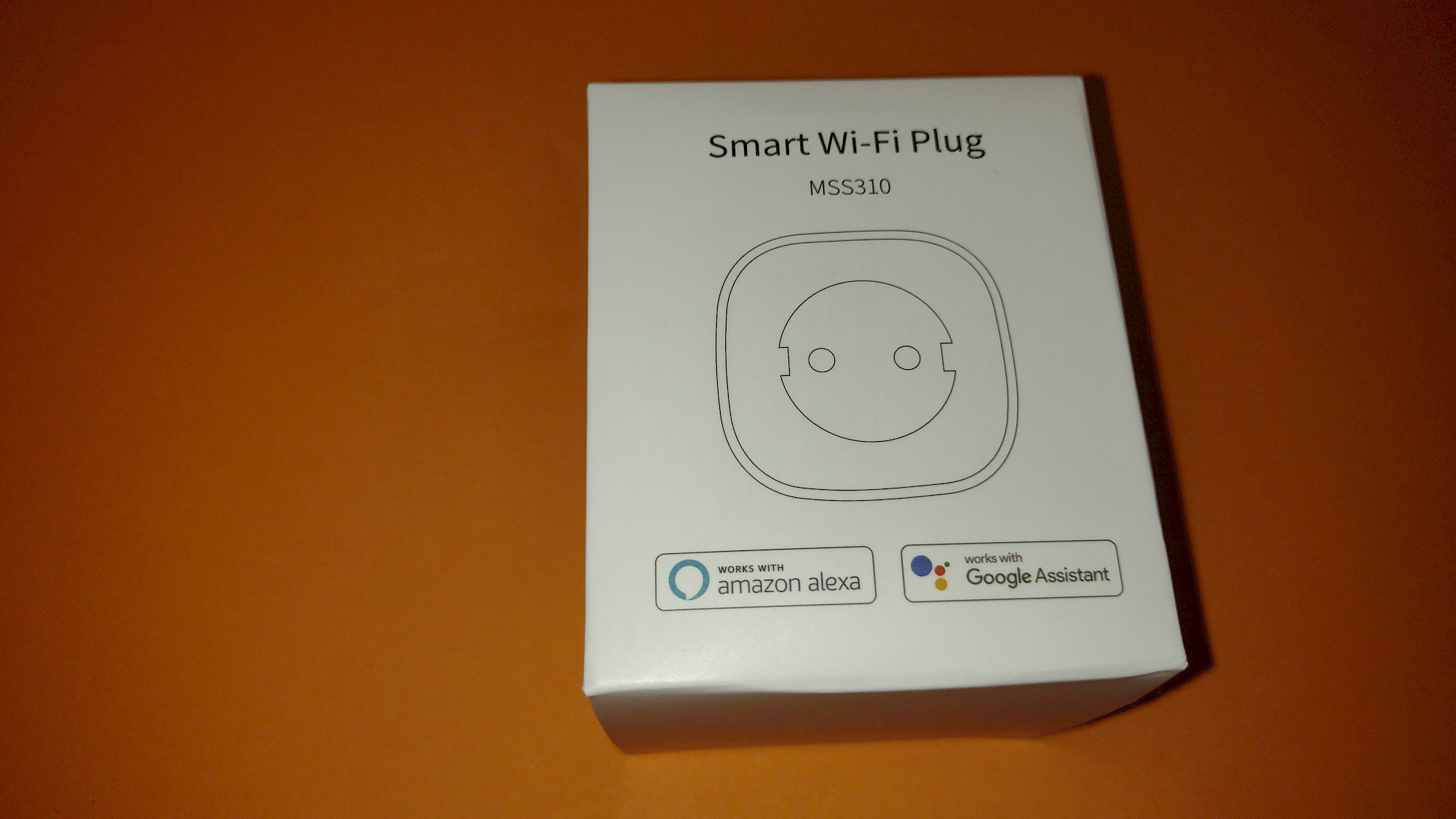
Meross WiFi Plug 16A - MSS310 - With Energy Consumption Monitoring
Als Amazon-Partner erhalten wir bei qualifizierten Käufen eine Provision
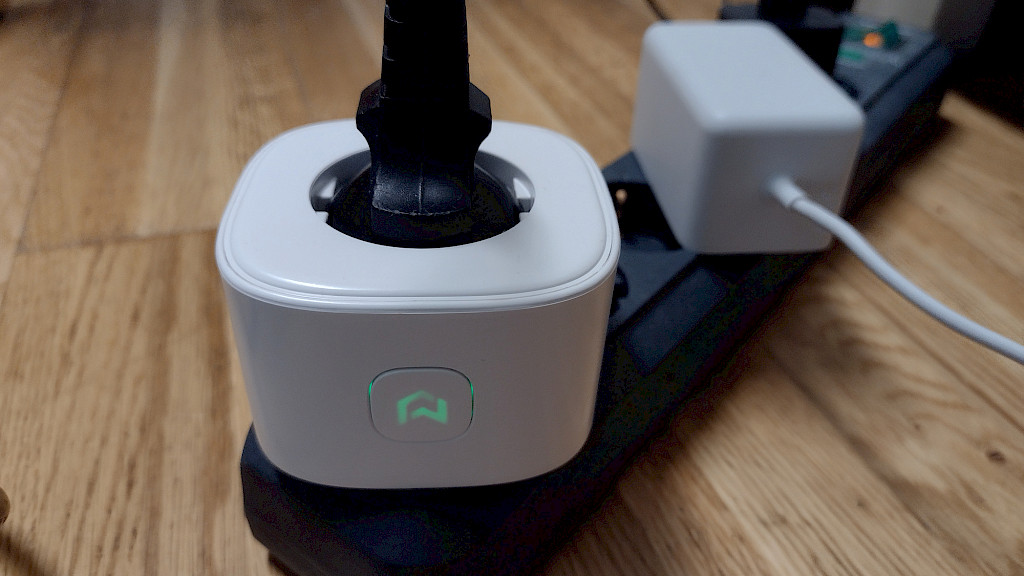
Meross WiFi Plug MSS310 in Action
table of contents
Als Amazon-Partner erhalten wir bei qualifizierten Käufen eine Provision
Pros, Cons, and General Features
positive
- Simple setup
- Good value for money
negative
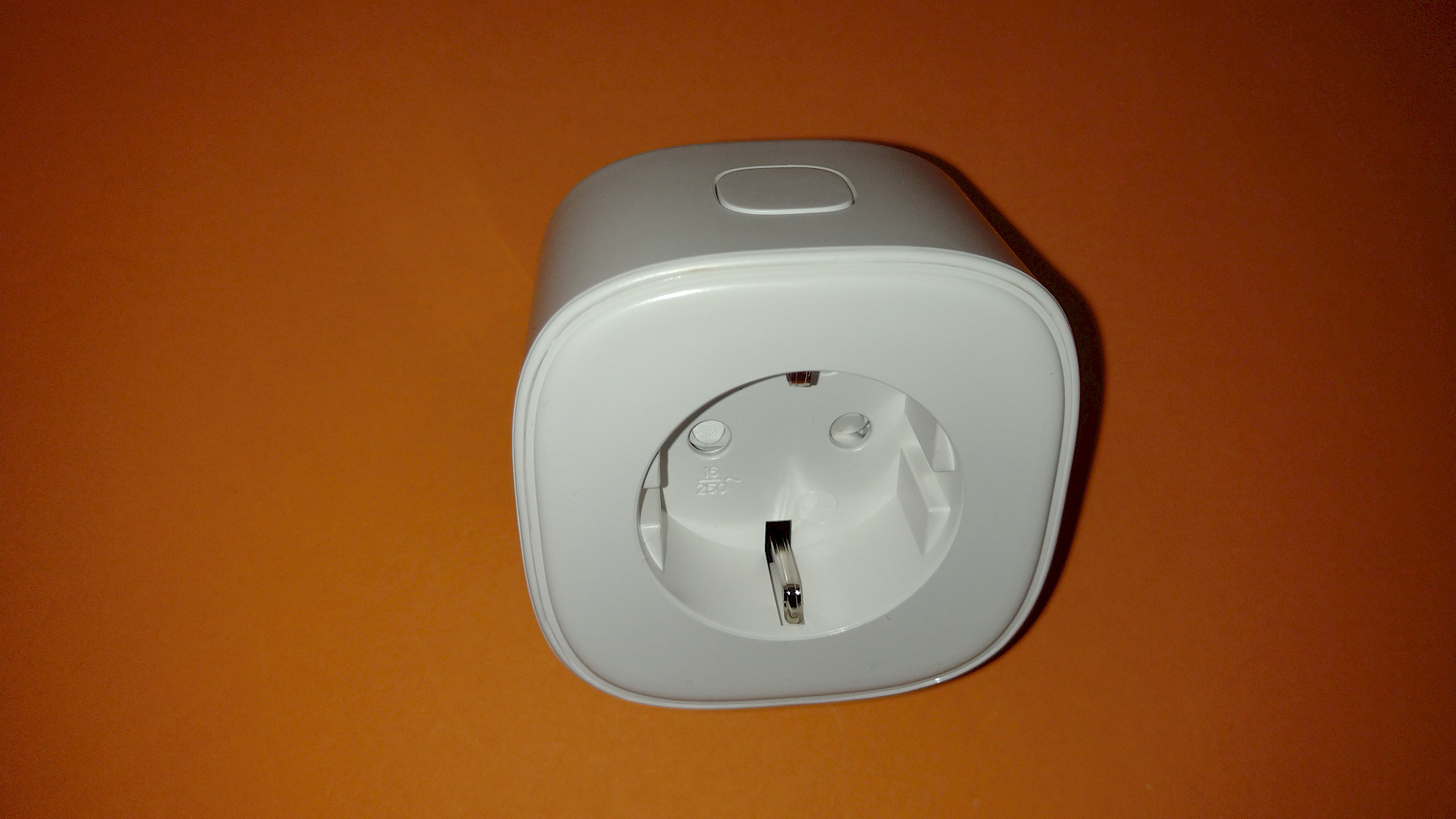
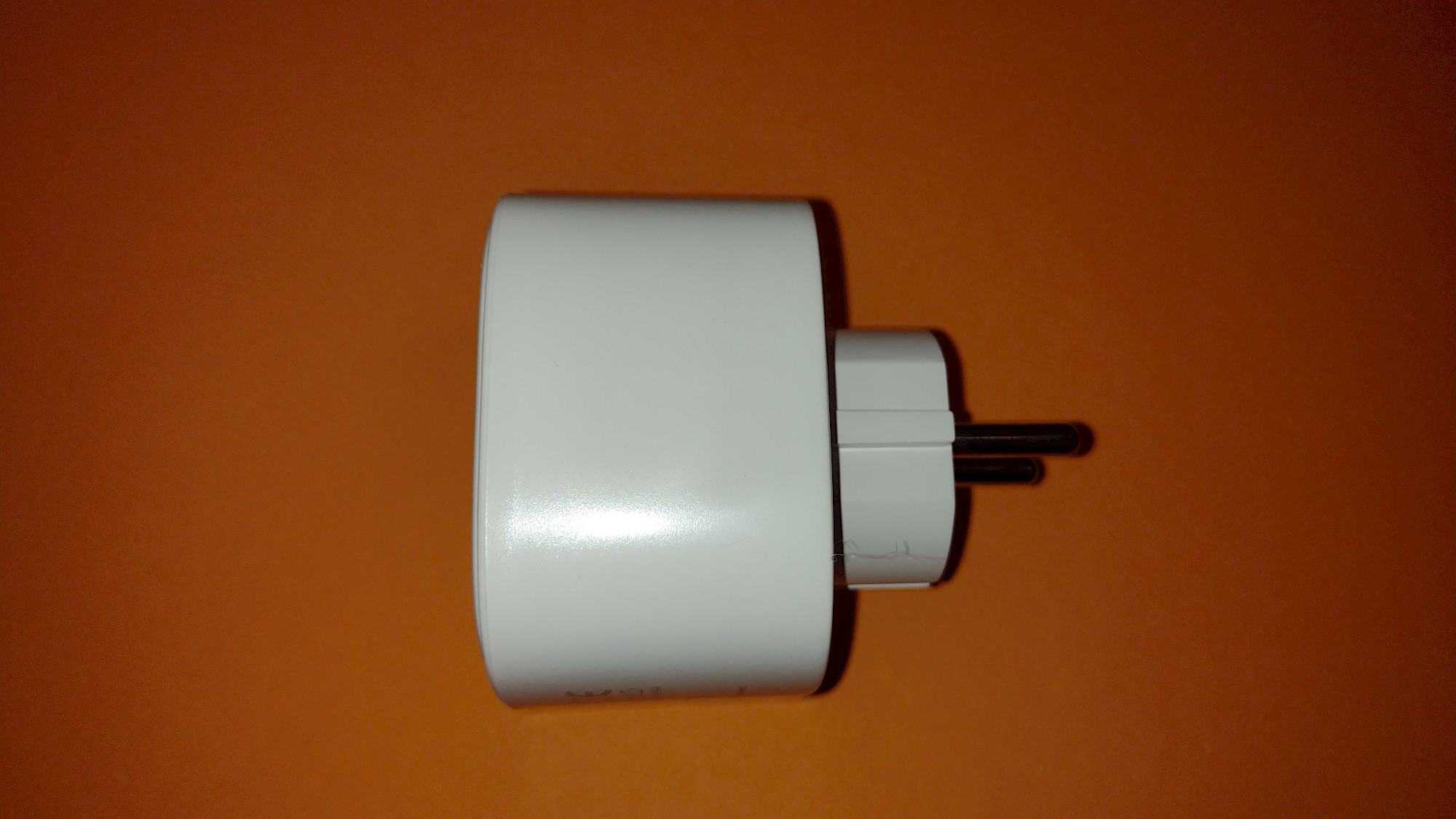
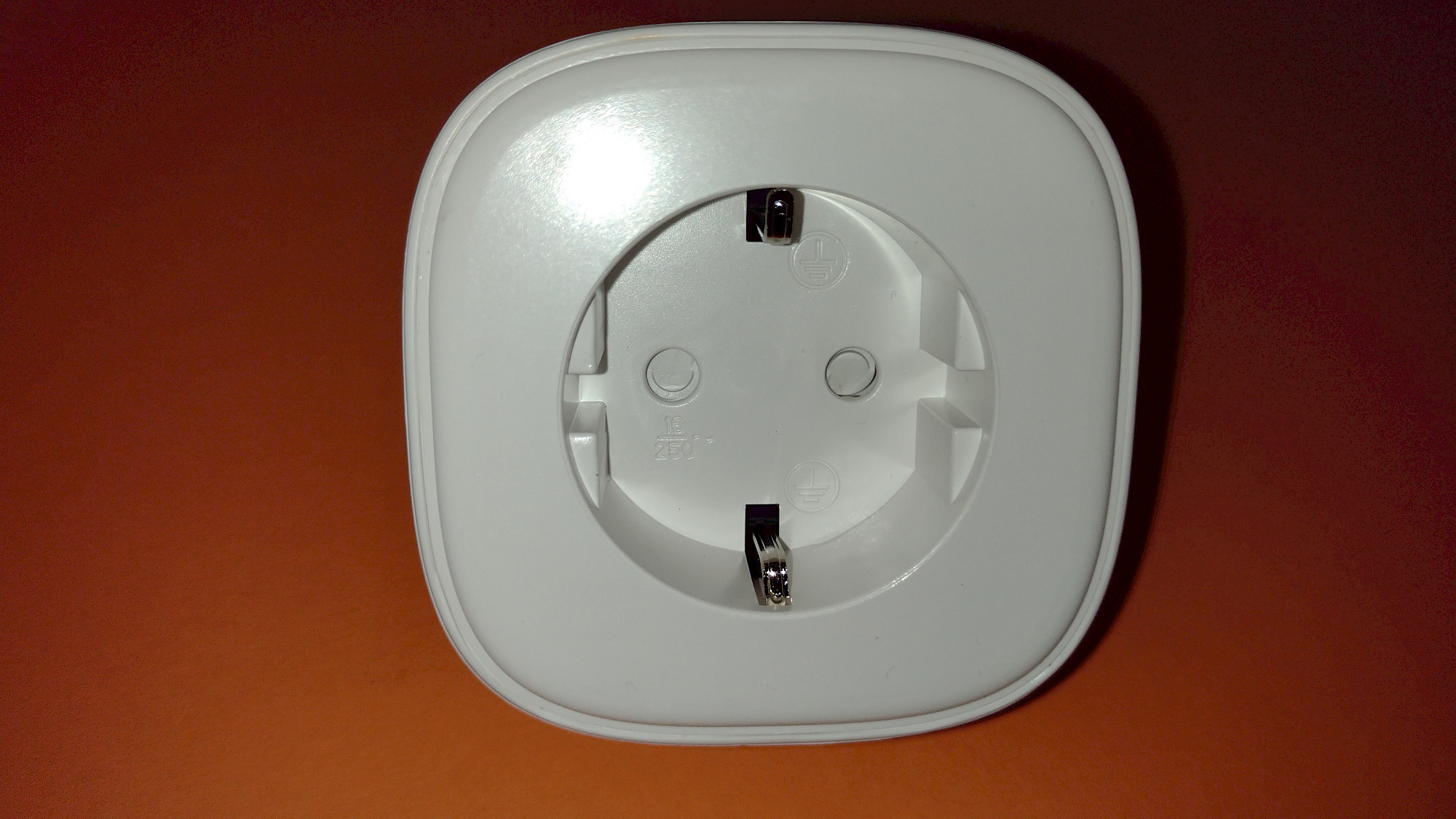
- Requires more space, larger design
- Firmware update takes forever or doesn't end automatically
More features
- Integration with Google Home and Amazon Alexa
- Time control
- Timer function
- Energy consumption monitoring
According to manufacturer's specifications
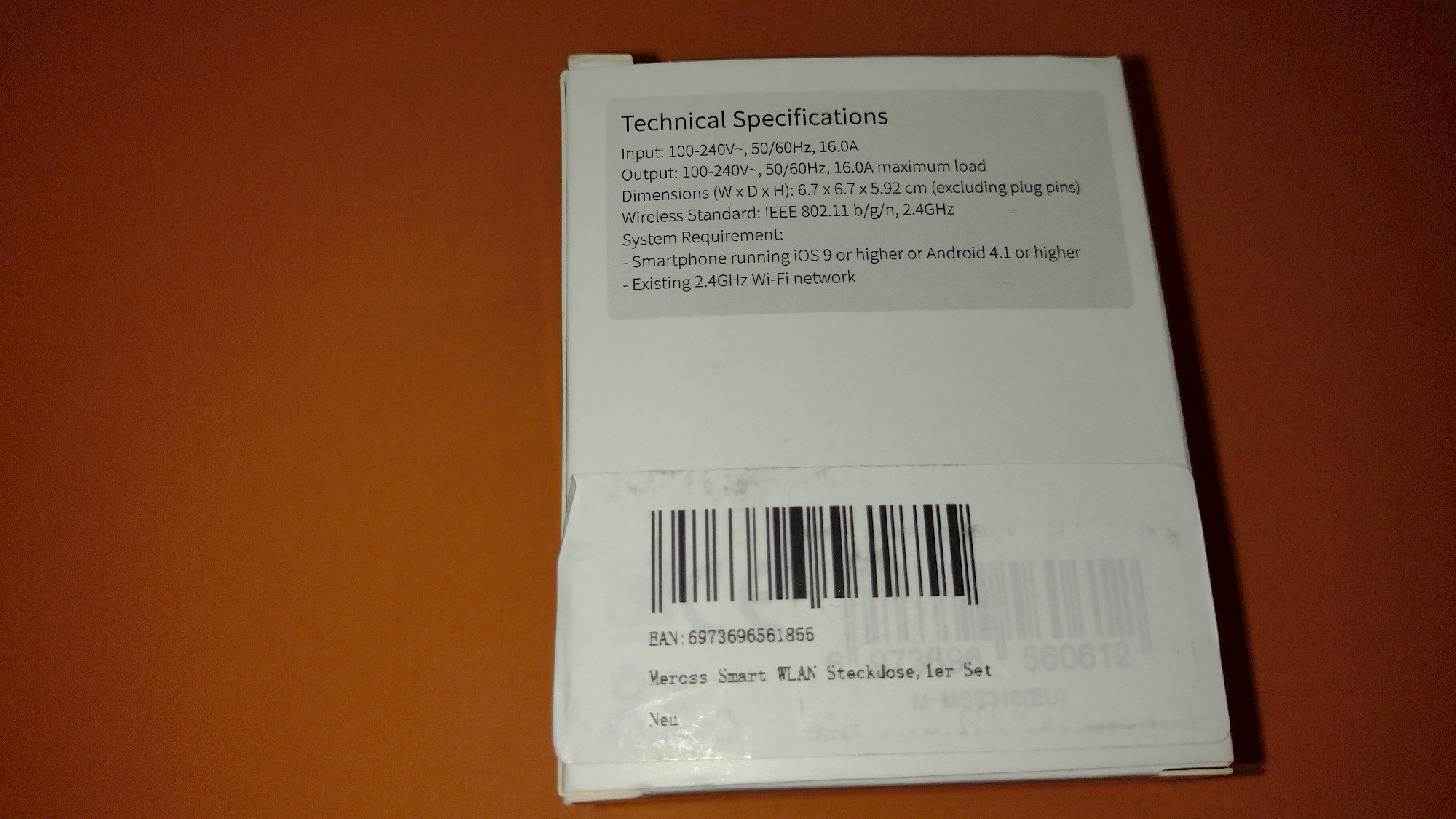
Technical data
- Dimensions:
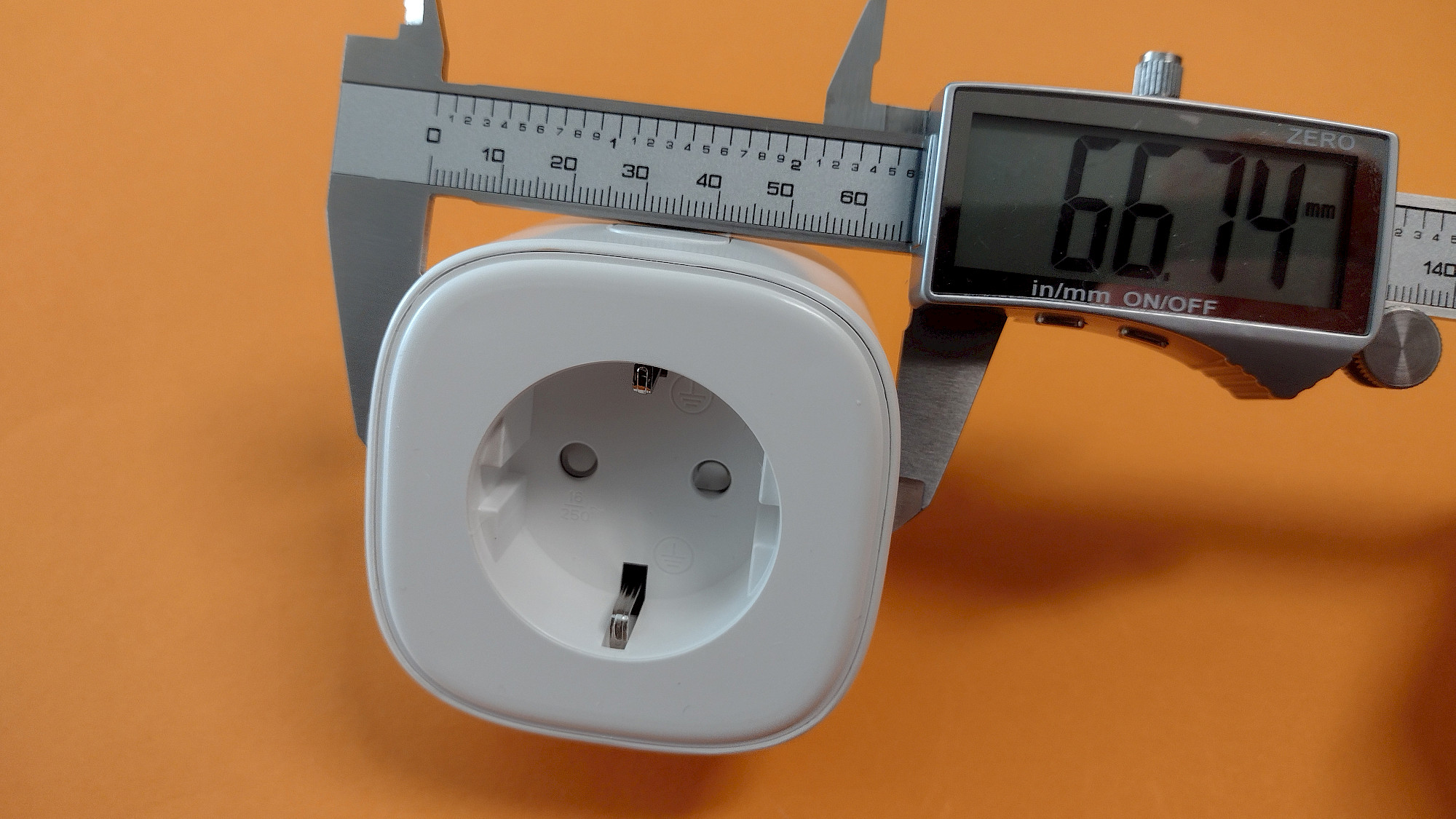
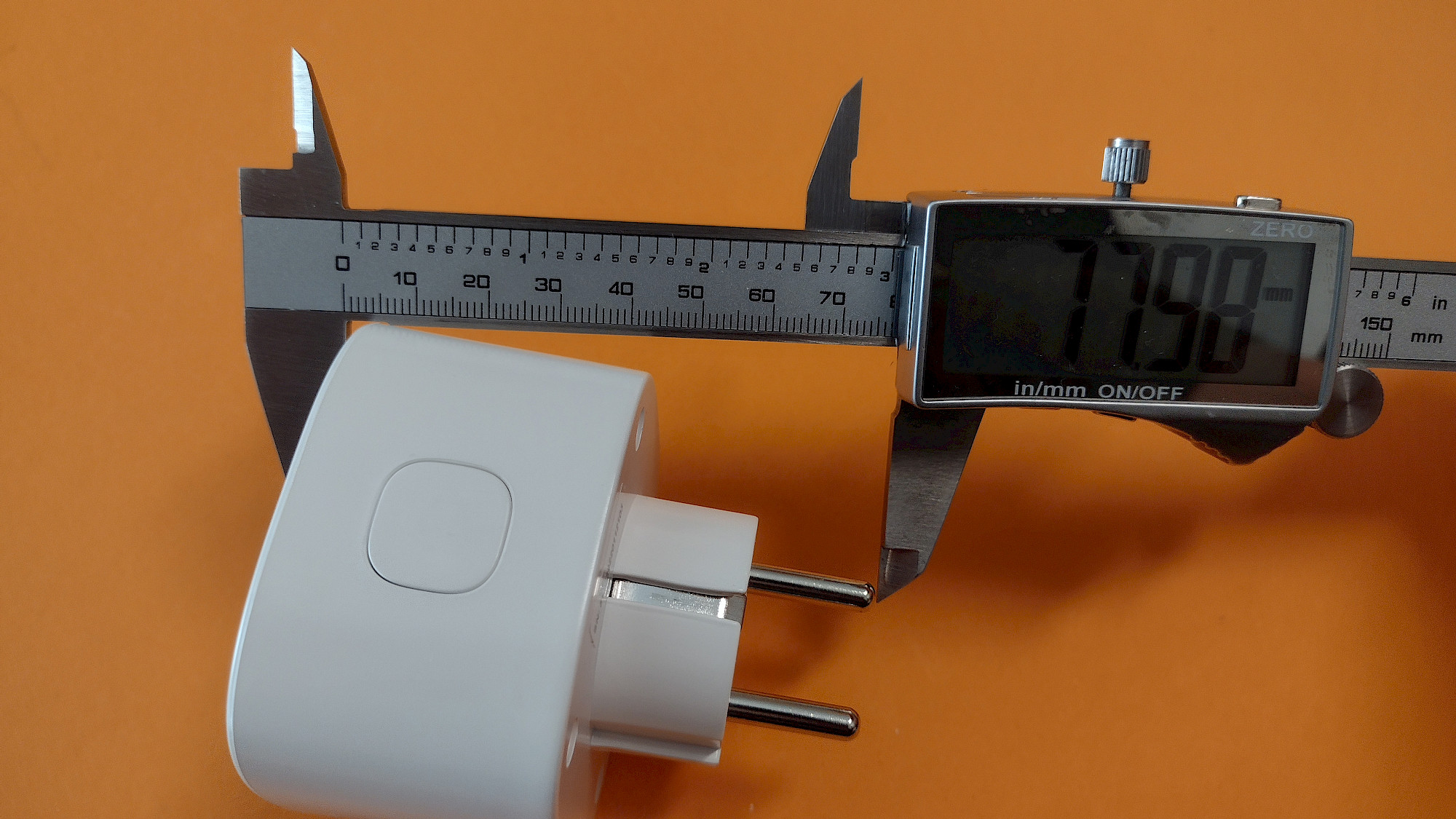
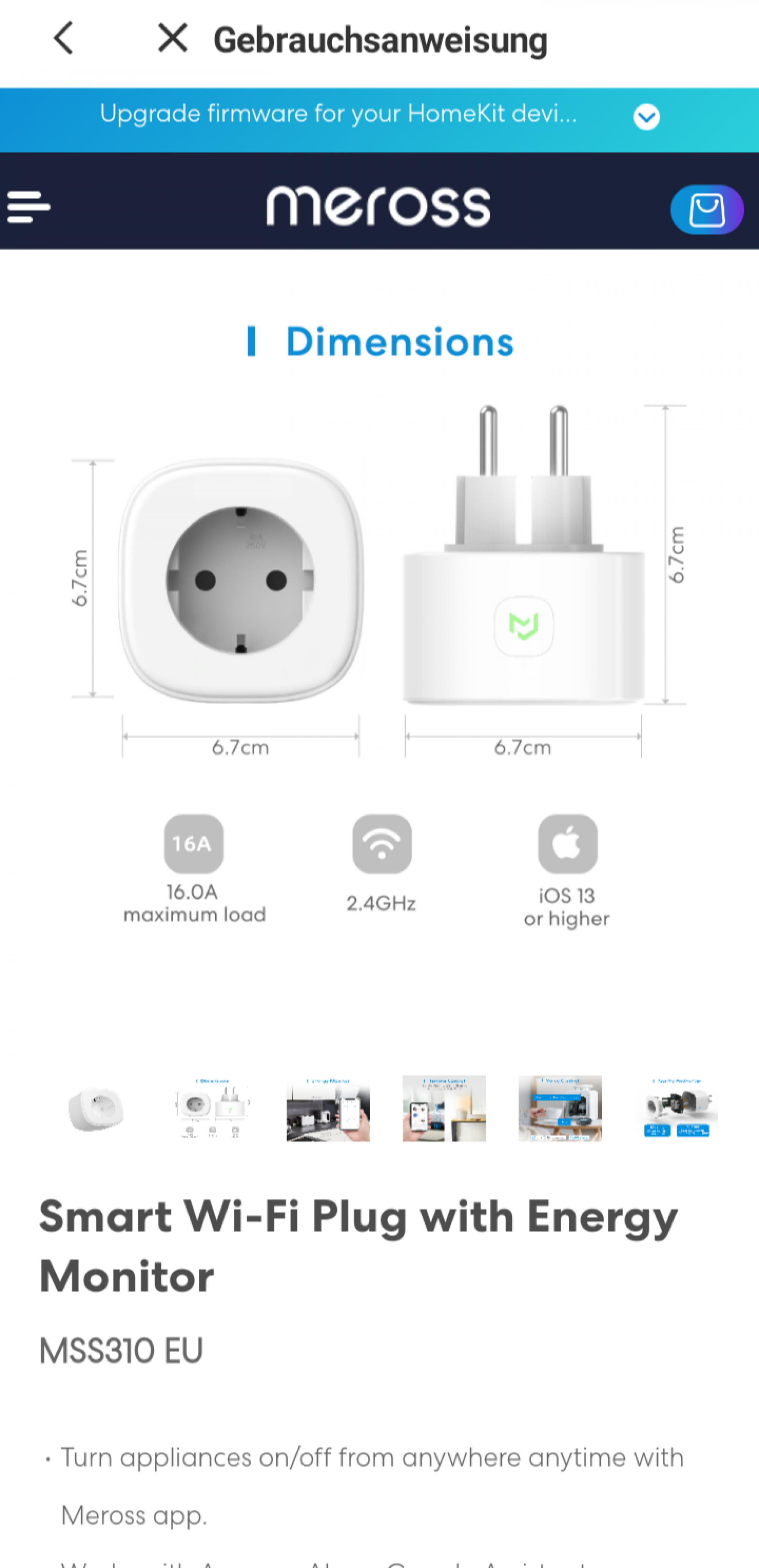
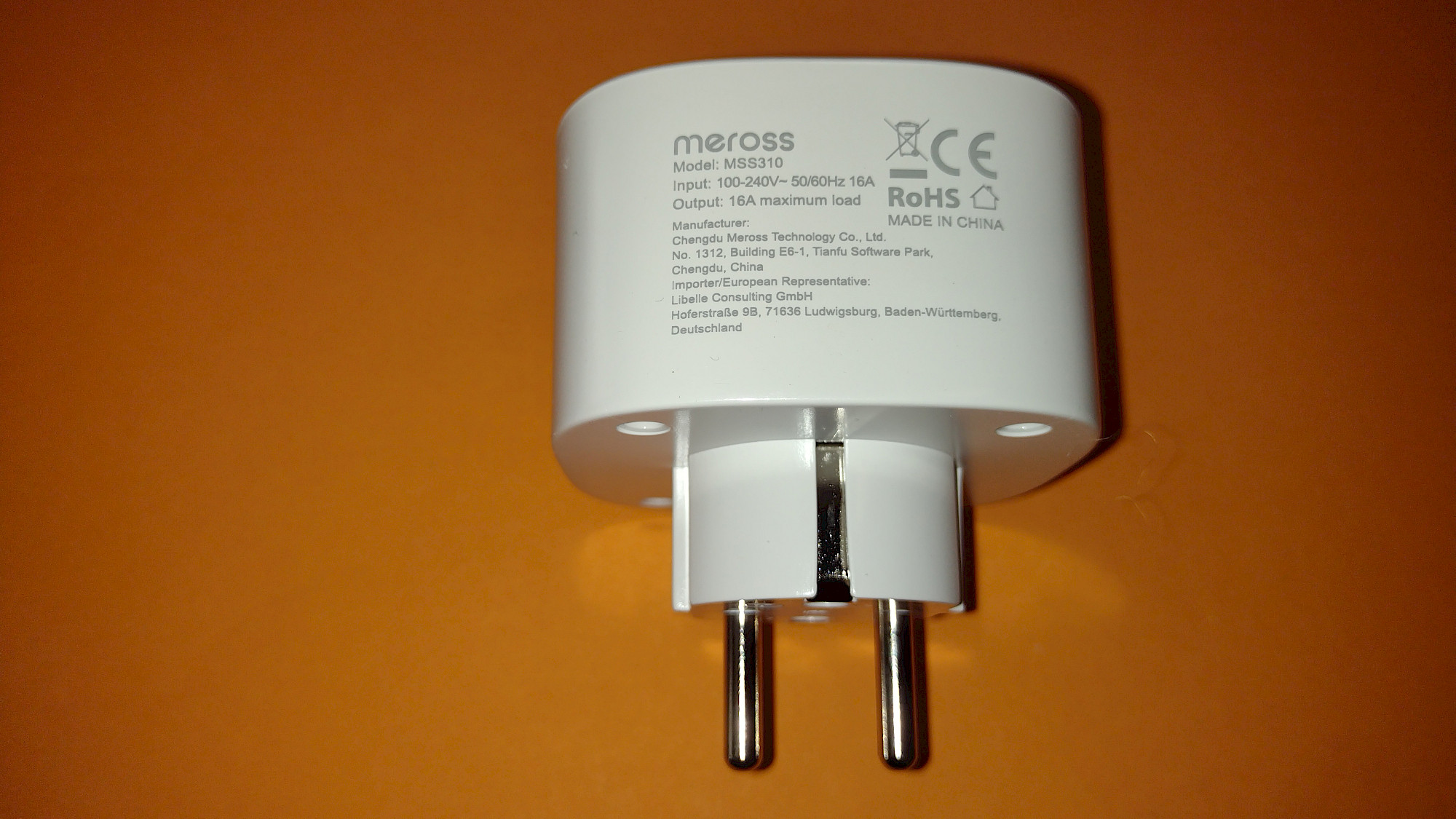
- Width / Height: approx. 66.7mm
- Total length: approx. 78mm
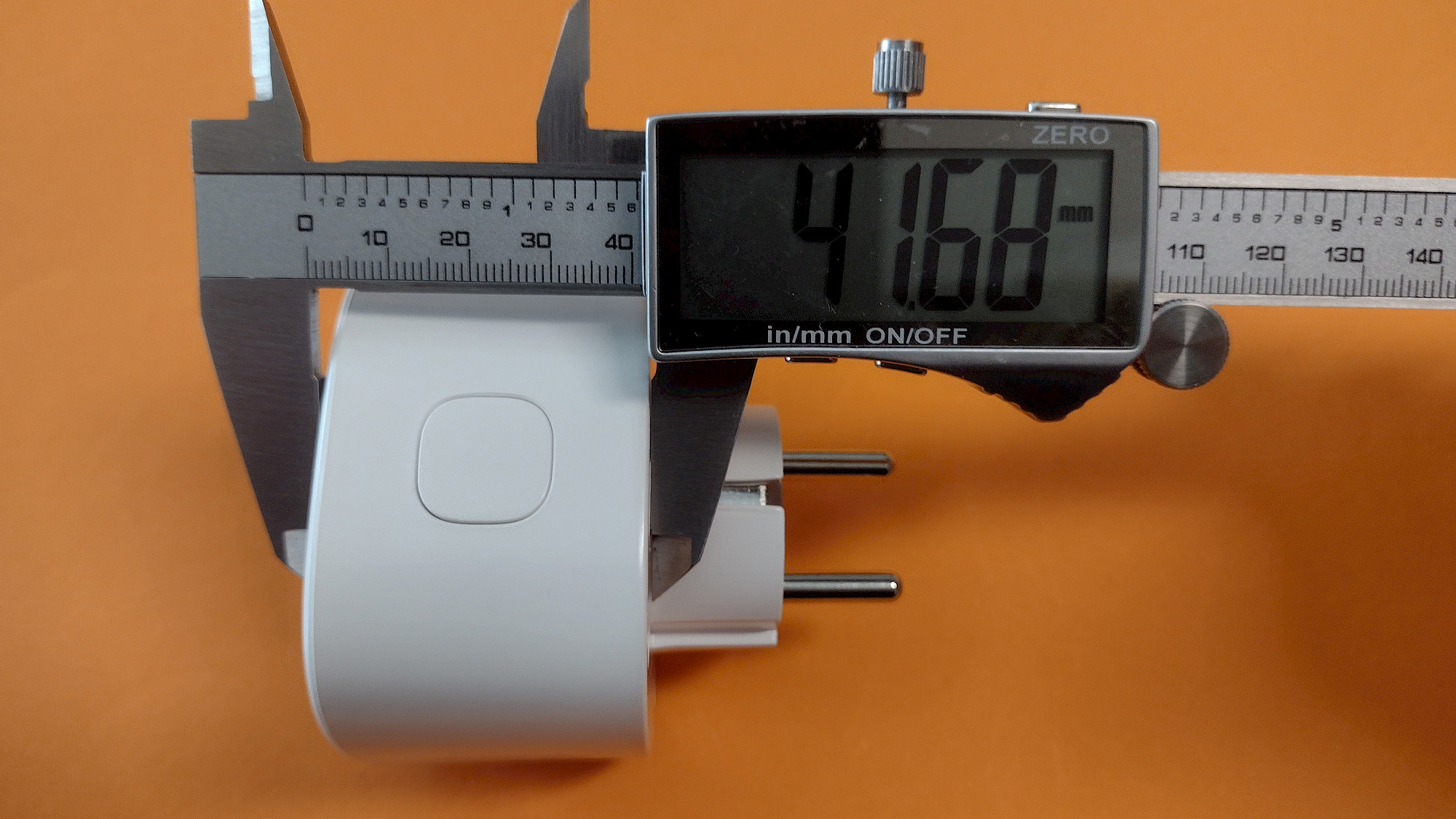
- Length (part protruding from the socket): approx. 41.7mm
- Weight: 113 grams
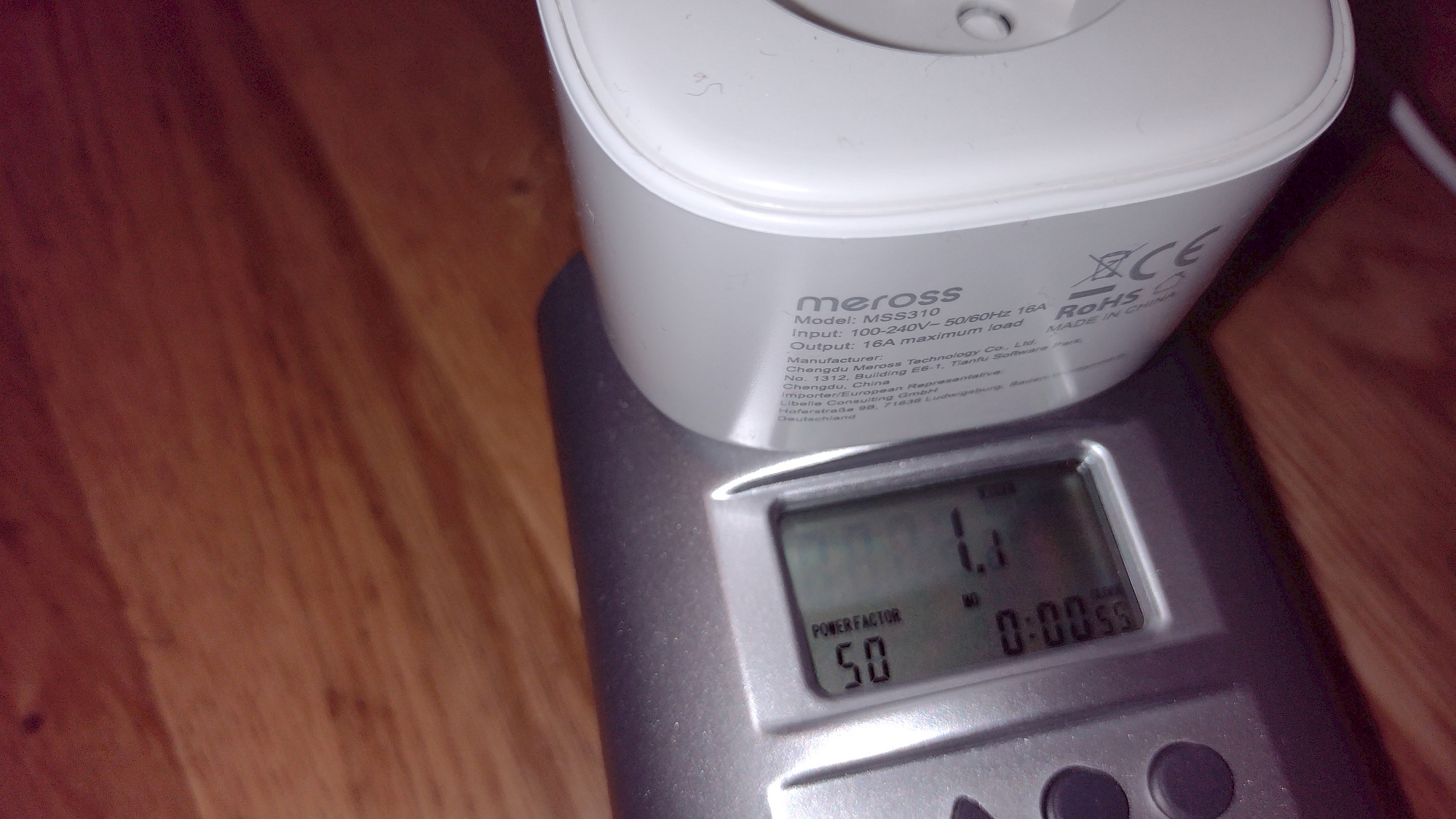
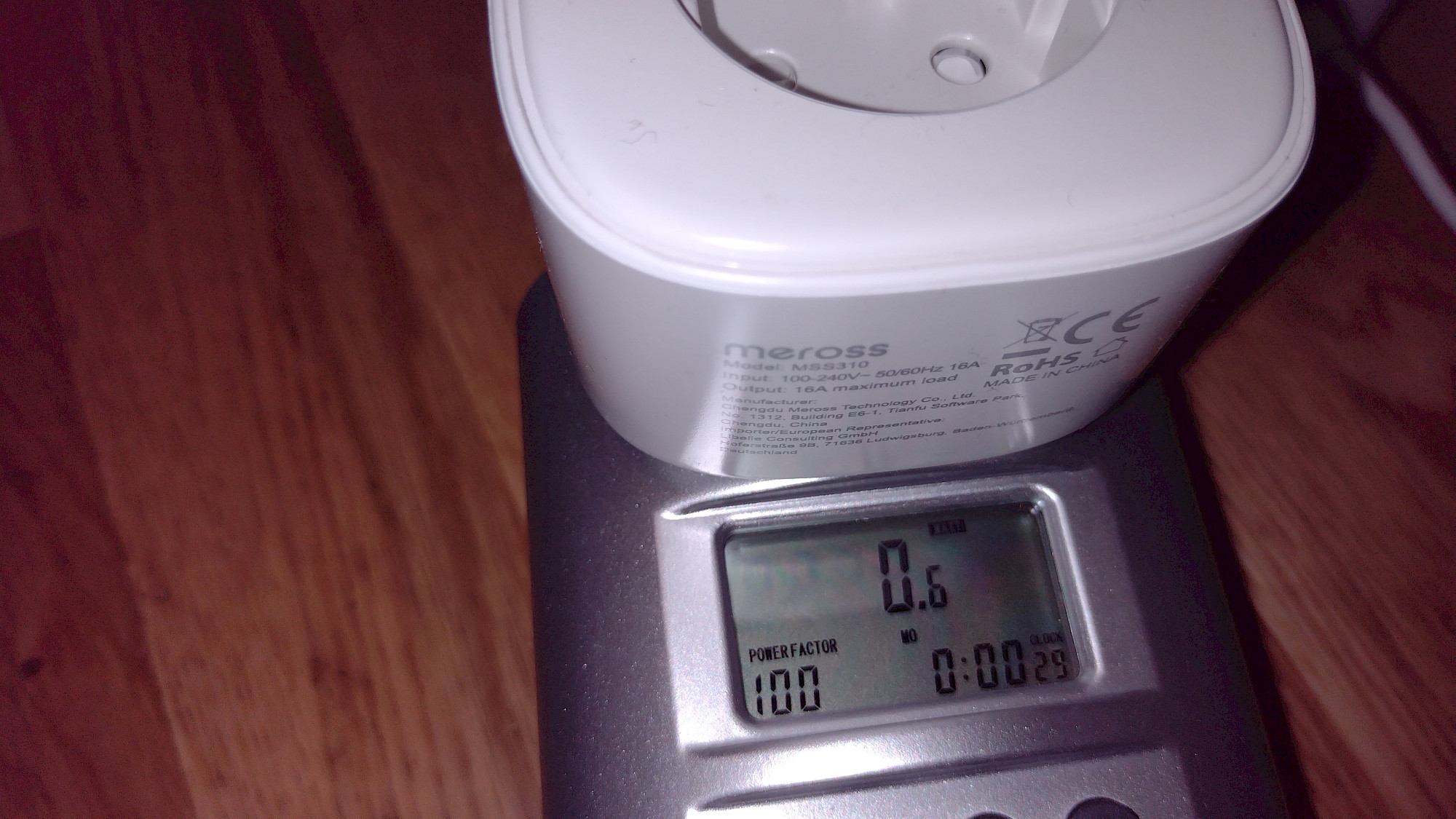
- Power consumption: 0.6 to 1.2 Watts
- Wi-Fi: 2.4 GHz
- Model number: SP1-D
- Maximum load: 3840W, 16A
- Input voltage / Output voltage: 110-220V
- Made in China
- Compatible with Alexa, Google Home, and SmartThings
Bestsellers in Smart & Remote Controlled Plugs (Selection)

VOCOlinc Smart Steckdose Funktioniert mit Apple HomeKit, WLAN Steckdose mit Verbrauchsmessung, Timer, Kompatibel mit Alexa, Google Home, Kein Hub Erforderlich, 1 Stück

TP-Link Tapo Smart Plug Wi-Fi Outlet, Works with Amazon Alexa (Echo and Echo Dot), Google Home, Wireless Smart Socket, Device Sharing, Without Energy Monitoring, No Hub Required - Tapo P100 (4-Pack)
Als Amazon-Partner erhalten wir bei qualifizierten Käufen eine Provision
The setup
Of course, you also need an appropriate app to be able to control this WiFi plug smartly. Meross relies on its own Meross app for this purpose. So, let's start with this step-by-step guide.
- Download the app from the corresponding store, install it and open it.
- Continue as a guest, create or log in to your account.
- Register by setting up your email and password.
- Accept the terms and conditions of use.
- Optionally subscribe to the newsletter.
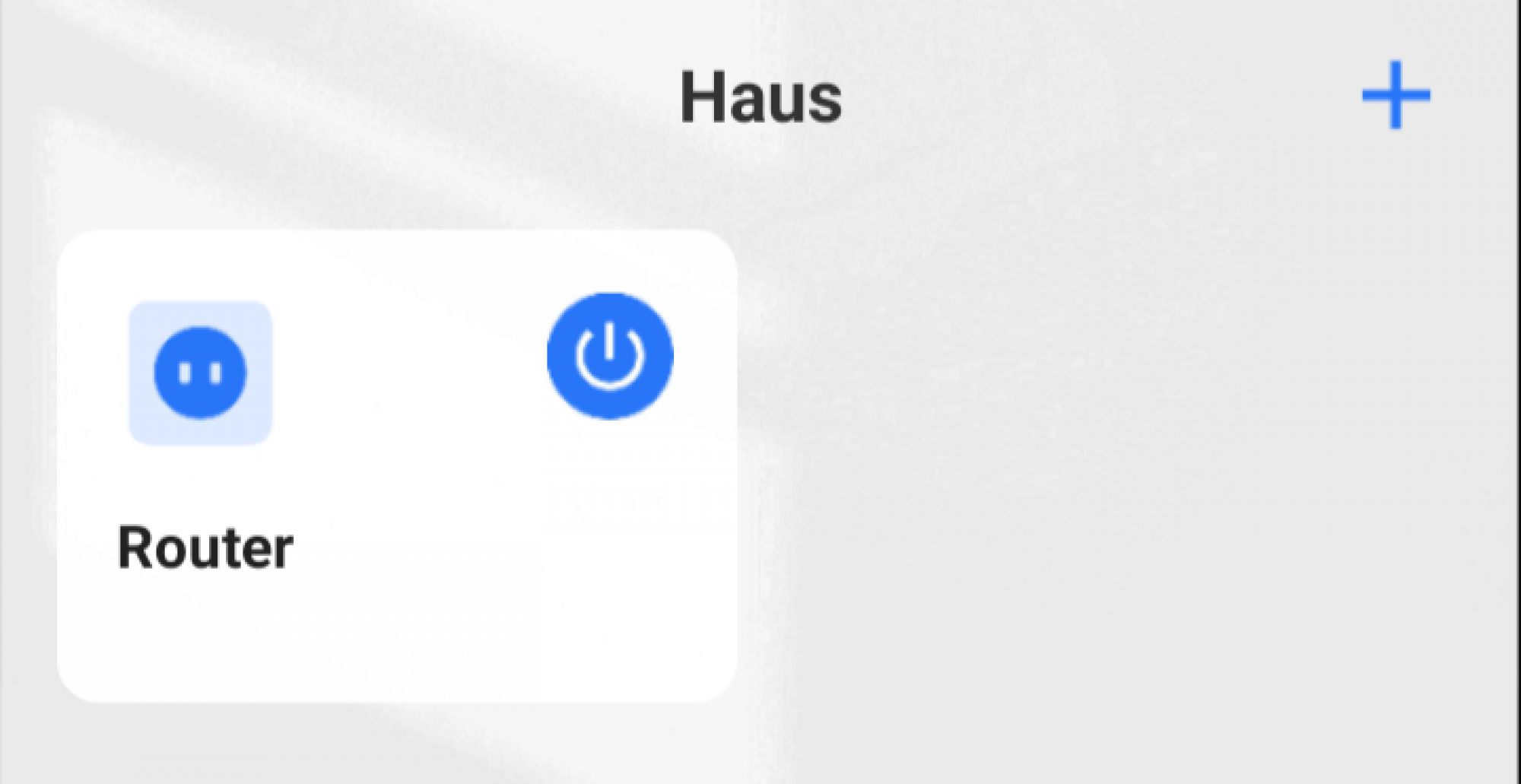
- Add the device by clicking the "+" icon in the upper right corner.
- Location service permission is required for automatic setup.
- Plug in the device => the app will search for the device.
- If automatic search doesn't work (as it didn't in my case), manually select the device => follow the instructions in the app.
- The connection will be established.
- Once the device is found (it worked for me now), give it an appropriate name and select an icon.
- Connect to WiFi.
- The installation is complete.
- Now, with just a few clicks, you can link your Meross account to Amazon Alexa or Google Home.
- After installation, you may receive a message that a new firmware is available, which may take a little while, but then you'll be up to date.
- You can now operate your new smart plug in the app and receive helpful information on power consumption.
Note: The firmware update takes quite a while. I have been waiting for a few minutes to continue my testing. During this process, the plug cannot be operated and should not be turned off. Another note: After waiting for over 10 minutes for the update to finish, I turned off the plug and restarted the app. The update had already been installed. Replicating this is at your own risk.
Further Smart WiFi Plugs
VOCOlinc Smart Steckdose Funktioniert mit Apple HomeKit, WLAN Steckdose mit Verbrauchsmessung, Timer, Kompatibel mit Alexa, Google Home, Kein Hub Erforderlich, 1 Stück

Kasa Mini Smart Plug by TP-Link, Wi-Fi Outlet, Works with Amazon Alexa(Echo and Echo Dot), Google Home and Samsung SmartThings, Wireless Smart Socket (KP105), A Certified for Humans Device
Als Amazon-Partner erhalten wir bei qualifizierten Käufen eine Provision
The Meross WiFi Plug MSS310 - in use
The installation of the Meross app was quickly done. A positive aspect of the Meross app is that it can be used without registration, but registration can also be completed in just a few steps. However, setting up the Meross WiFi plug was a bit bumpy. Initially, the automatic detection/installation did not work, resulting in manual selection/installation. Okay, I can live with that. Then the firmware update did not work immediately, and it never finished. After waiting for 10 minutes, I turned off the plug and closed the app. After that, everything worked again.
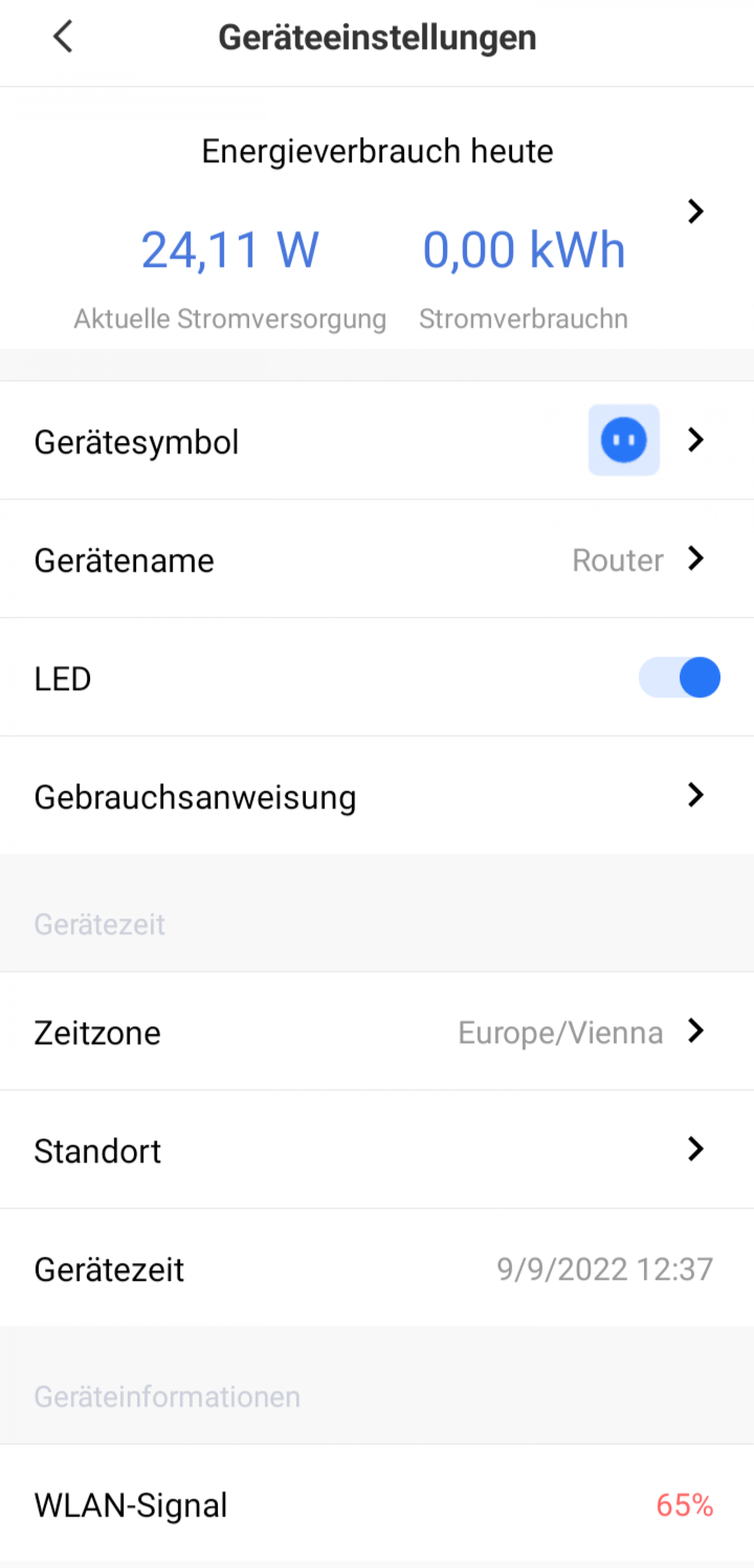
The app offers the following features in conjunction with the WiFi plug:
- Measuring energy consumption
- Changing device icon
- Defining device names
- Activation/deactivation of the status LED
- Direct link to the user manual
- Setting the time zone
- Location recognition
- Device time (info only)
- Quality of WiFi signal (info)
- Model number (info)
- Firmware version (info)
- Hardware version (info)
- MAC address (info)
The energy consumption is displayed on the device page (current power supply in watts and power consumption today in kWh) and can be viewed more precisely in charts in the detailed view (daily average and total consumption in three charts: last week, last month, and total time).
Additional WiFi Plugs

Philips Hue Smart Plug für Hue Lichtsysteme, smarte Steckdose zur Steuerung von Leuchten, kompatibel zur Sprachsteuerung und per App von überall, weiß

Meross Smart Steckdosenleiste mit USB, 6 AC-Steckdosen und 4 USB-Anschlüsse, Alexa Verlängerungskabel, kompatibel mit Alexa, Google, SmartThings, 2,4 GHz WiFi (Verpackung kann variieren)
Als Amazon-Partner erhalten wir bei qualifizierten Käufen eine Provision
The test verdict - rating
Good - Meross WiFi Plug MSS310 - with a few quirk
The Meross WiFi Plug MSS310 is a smart plug that has proven to be effective in testing. However, there were a few small issues during setup in the app and a slightly limited range of features in the intelligent control, which led to some deductions. The size of the device is average, but depending on the power strip or arrangement of sockets, adjacent sockets may be obscured and not fully usable. Nonetheless, the Meross WiFi Plug MSS310 still received a good rating. The competition tested so far was simply too strong for it to receive a very good rating.
The power consumption of the Meross plug, ranging from 0.6 to 1.1 watts, is also very low for this model, as shown in photos and in the FAQ section.
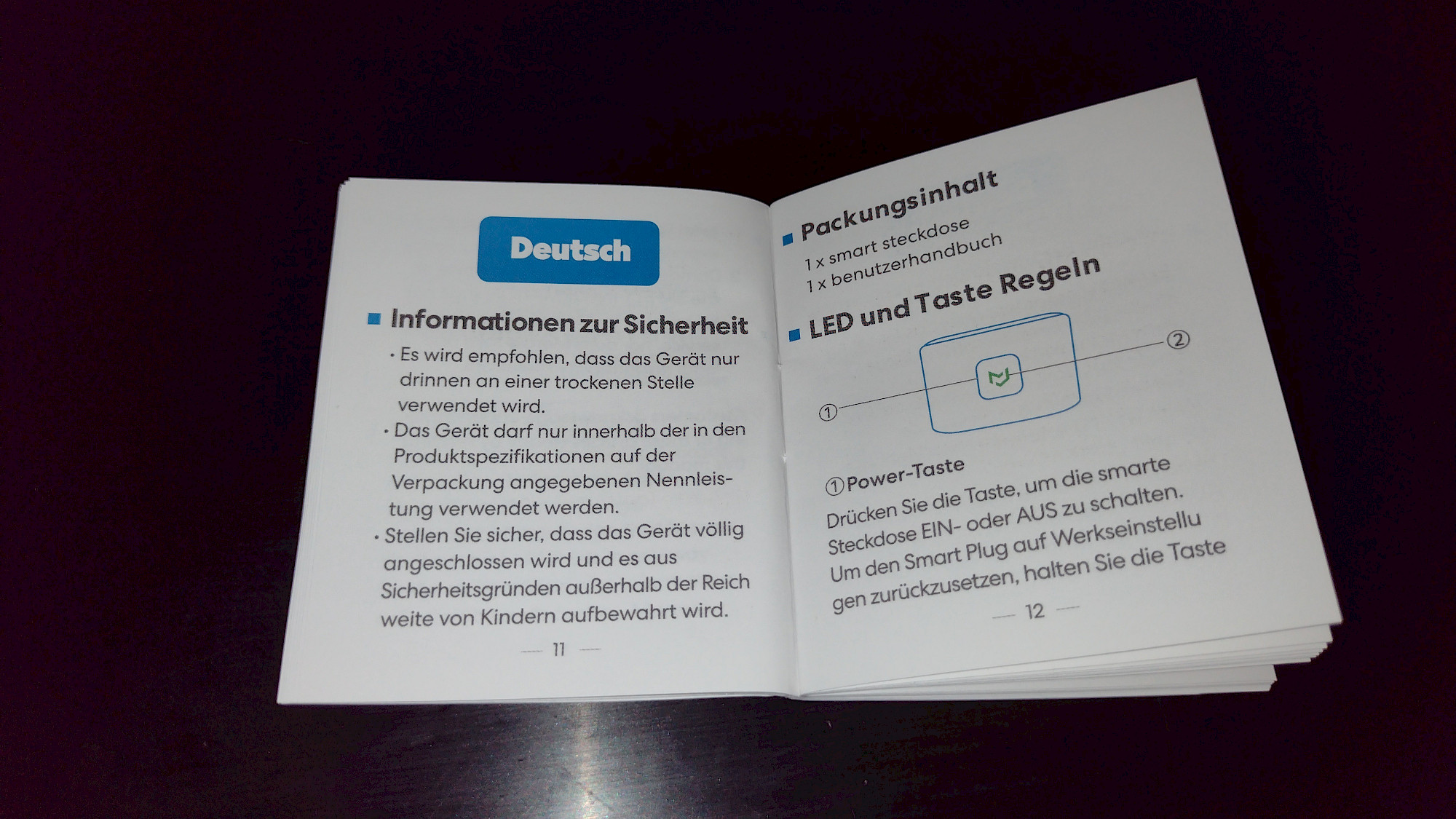
The User Manual of the Meross WiFi Plug
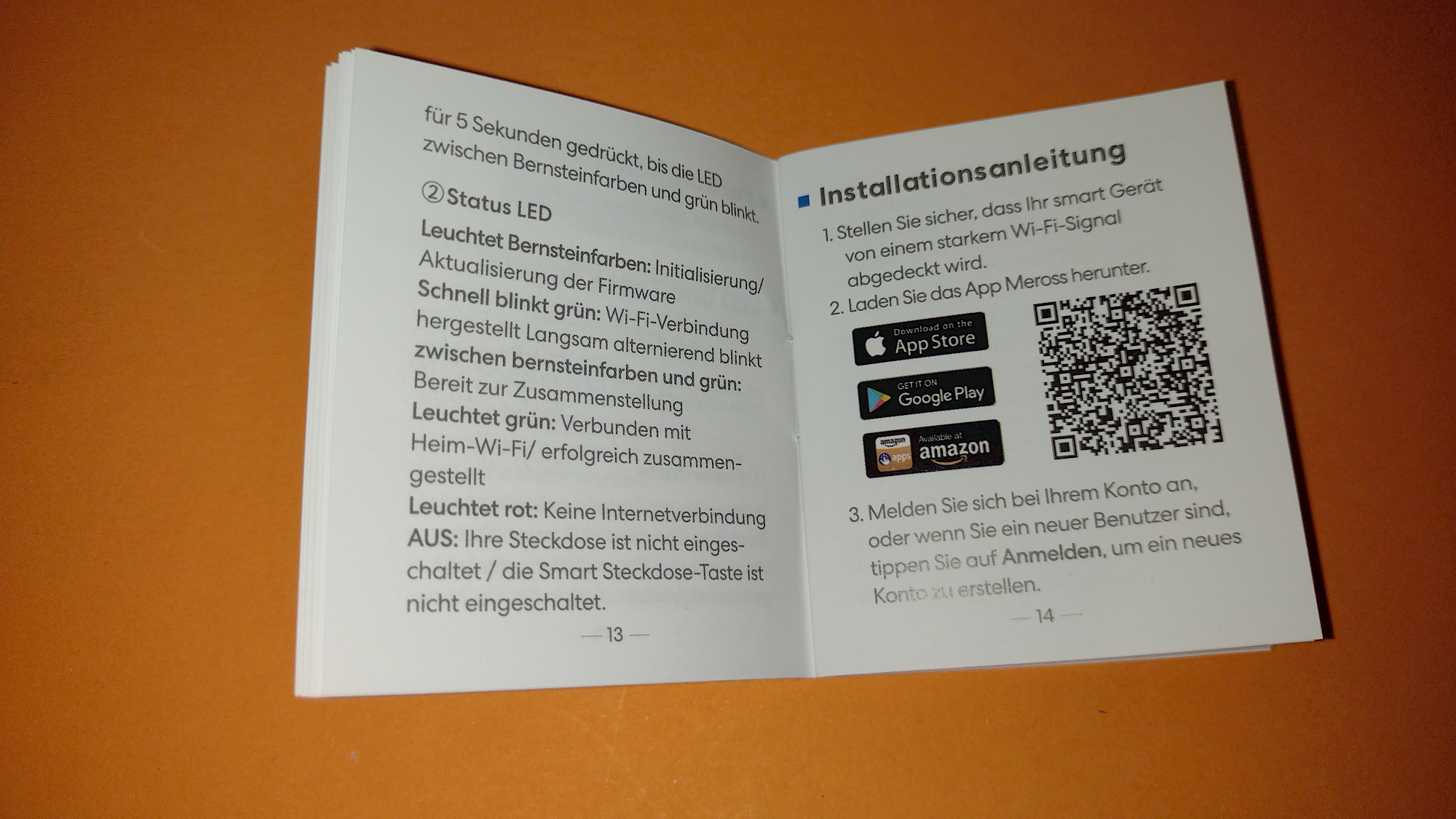
Instructions for the Meross MSS310 Smart Plug, freely translated.
- Safety Information
- Recommendation: use only indoors and in dry locations
- Use only within specifications, especially the indicated rated power
- Use out of reach of children and fully connected
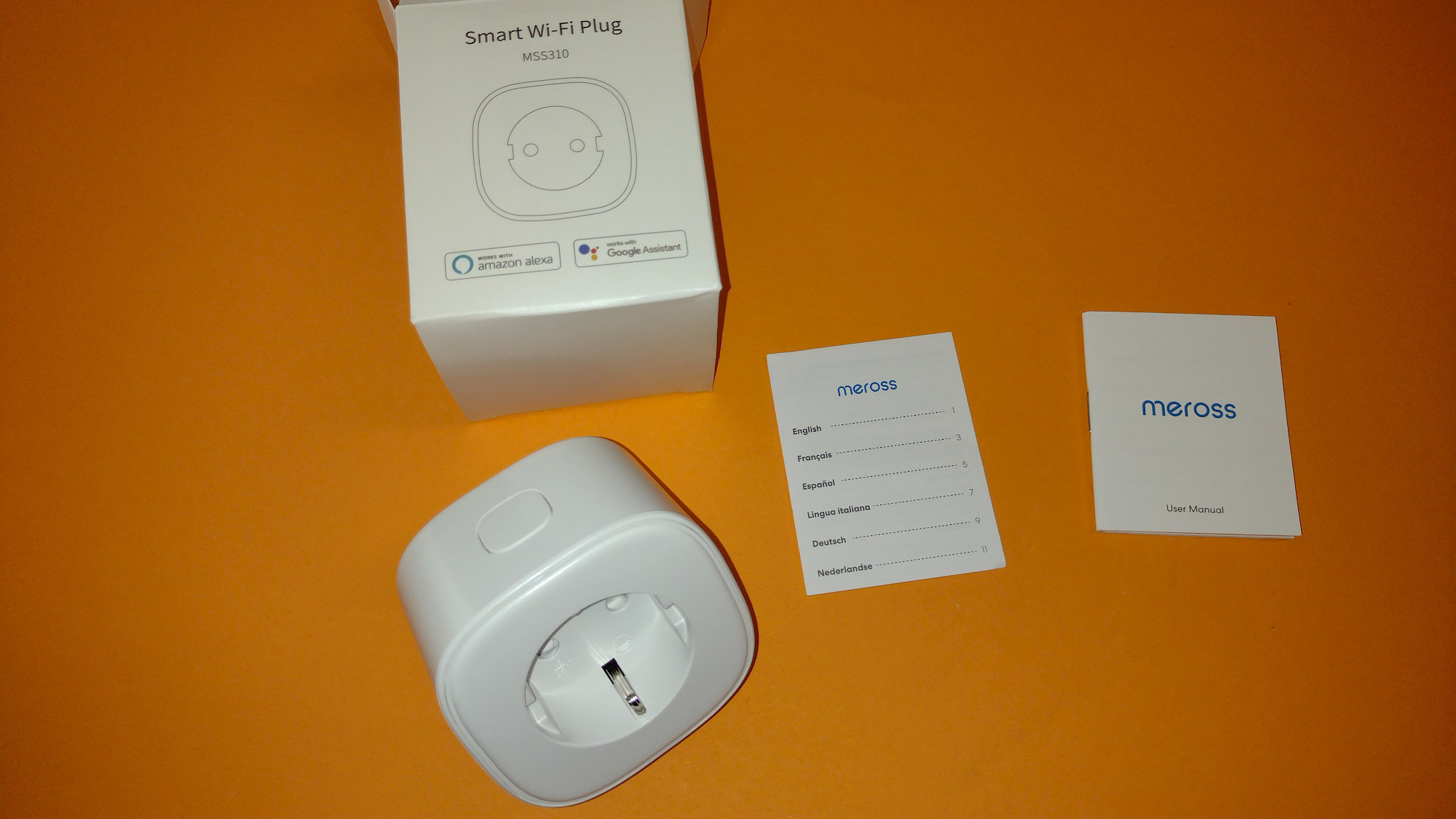
- Package Contents
- 1 x Smart WiFi Plug
- 1 User Manual
- LED and Button
- Power button: Press to turn the plug on or off. Reset to factory settings:
- Press the button for at least 5 seconds.
- LED flashes amber/green.
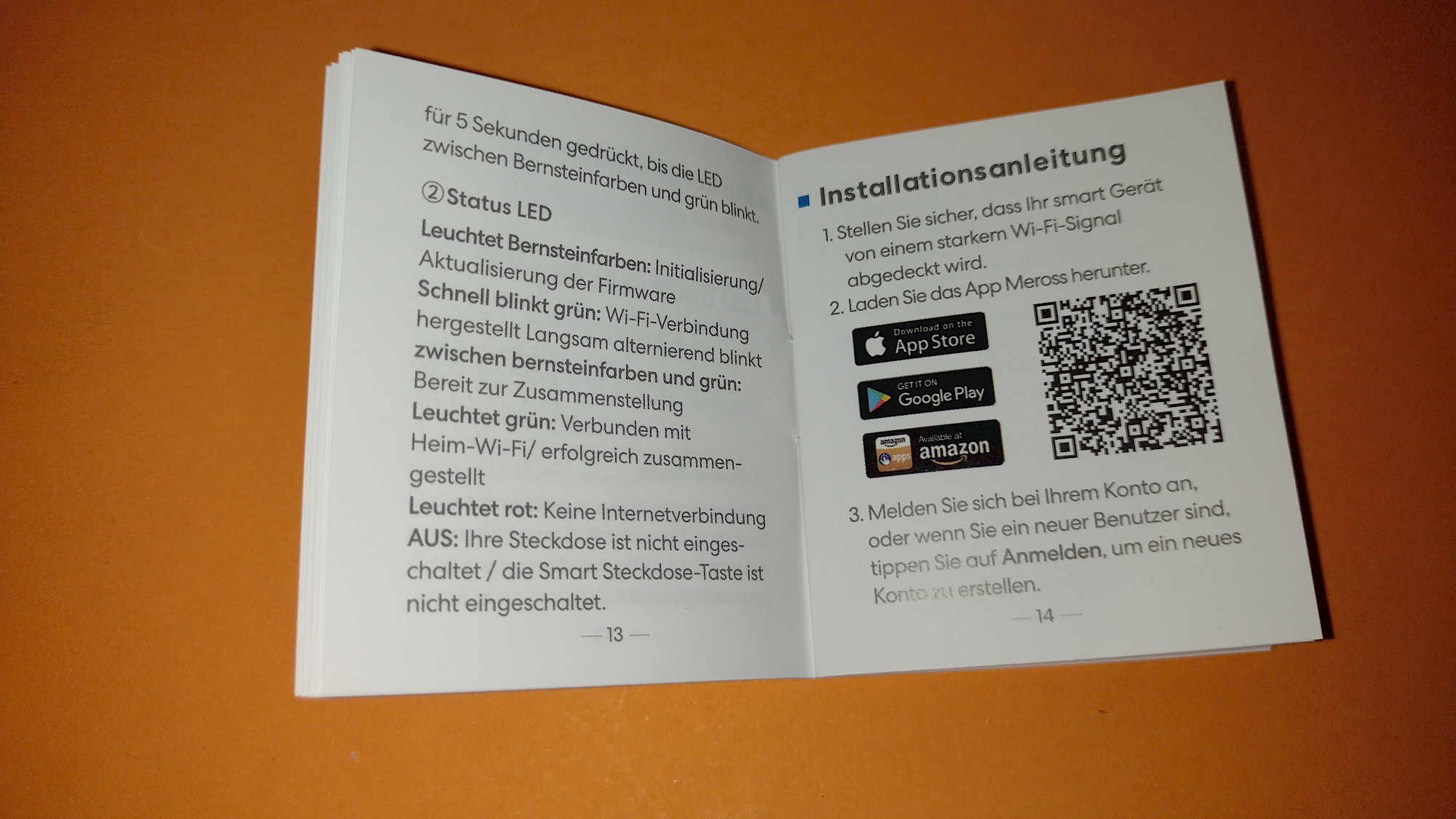
- Status LED
- Solid amber: Initializing or updating firmware
- Rapid green blinking: Connecting to Wi-Fi
- Amber and green blinking: Ready for pairing/setup
- Solid green: Connected to Wi-Fi, setup successful
- Solid red: No internet connection Off: Plug is off or LED is configured to off Installation Instructions
- Ensure Wi-Fi connection
- Download the Meross App
- Sign in with account or create a new one
- Click + symbol and select device
- No further Wi-Fi setup required if using in the same network
- Connect to Amazon Alexa or Google Assistant
- Complete setup in Meross App first
- Link Meross service with corresponding service
- Account => Amazon Alexa. Allow linking
- Account => Google Assistant. Allow linking
- FAQ What devices can I connect? Lamps, humidifiers, portable heaters, and electric outdoor equipment according to specifications
- What to do when LED blinks red? Check your Wi-Fi network Access control enabled on router Reset Smart Plug to factory settings and reinstall
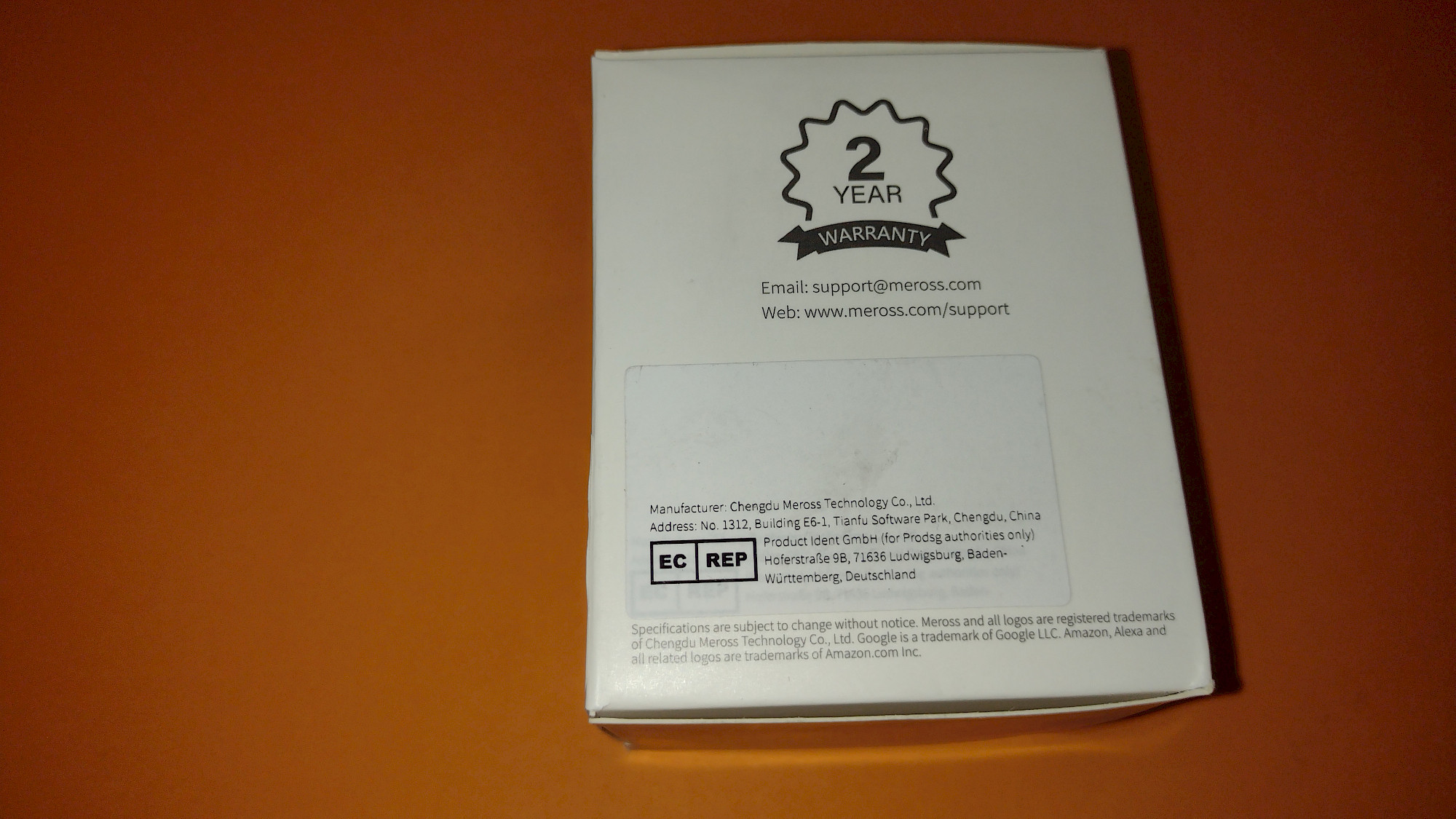
- Warranty Limited warranty for 24 months from purchase date"
This is a rough translation of the original text, and some phrases may not be translated exactly as intended. However, it should provide a general understanding of the instructions and information provided in the Meross MSS310 Smart Plug manual.
More images from our review
The product from our review (or similar)
Meross WLAN Steckdose 16 A, Smart Plug mit Strommessung, Stromerzeugung Messen für Balkonkraftwerk, Smart Steckdose mit Timer, Fern- und Sprachsteuerung, Kompatibel mit Alexa, Google Home, 1 St.

Als Amazon-Partner erhalten wir bei qualifizierten Käufen eine Provision