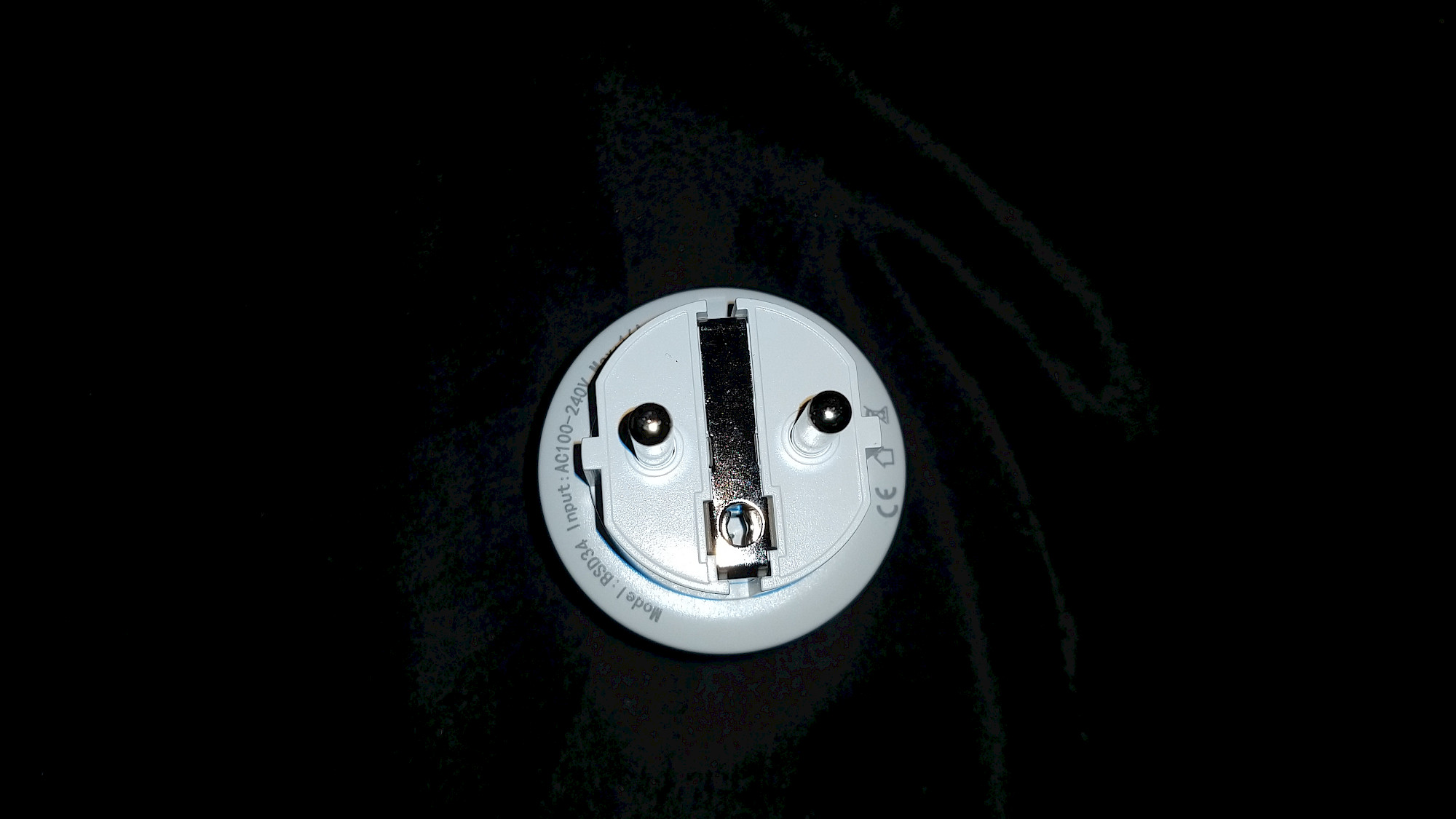
In-depth Test - The SURFOU WLAN Smart Socket with Power Consumption Measurement - Practical Experiences
From Setup to Daily Use - A Comprehensive Look at the Smart Plug by Surfou
table of contents
- Pro and Cons
- Processing of the Surfou WLAN socket
- Step-by-Step Guide to Installing the SURFOU WLAN Smart Socket
- The WLAN socket in the application
- Technical specifications
- Stromverbrauch der Surfou WLAN Steckdose
- Overall grade 1.3 => 4.7 points in the overall rating.
- Die WLAN Steckdose im Video
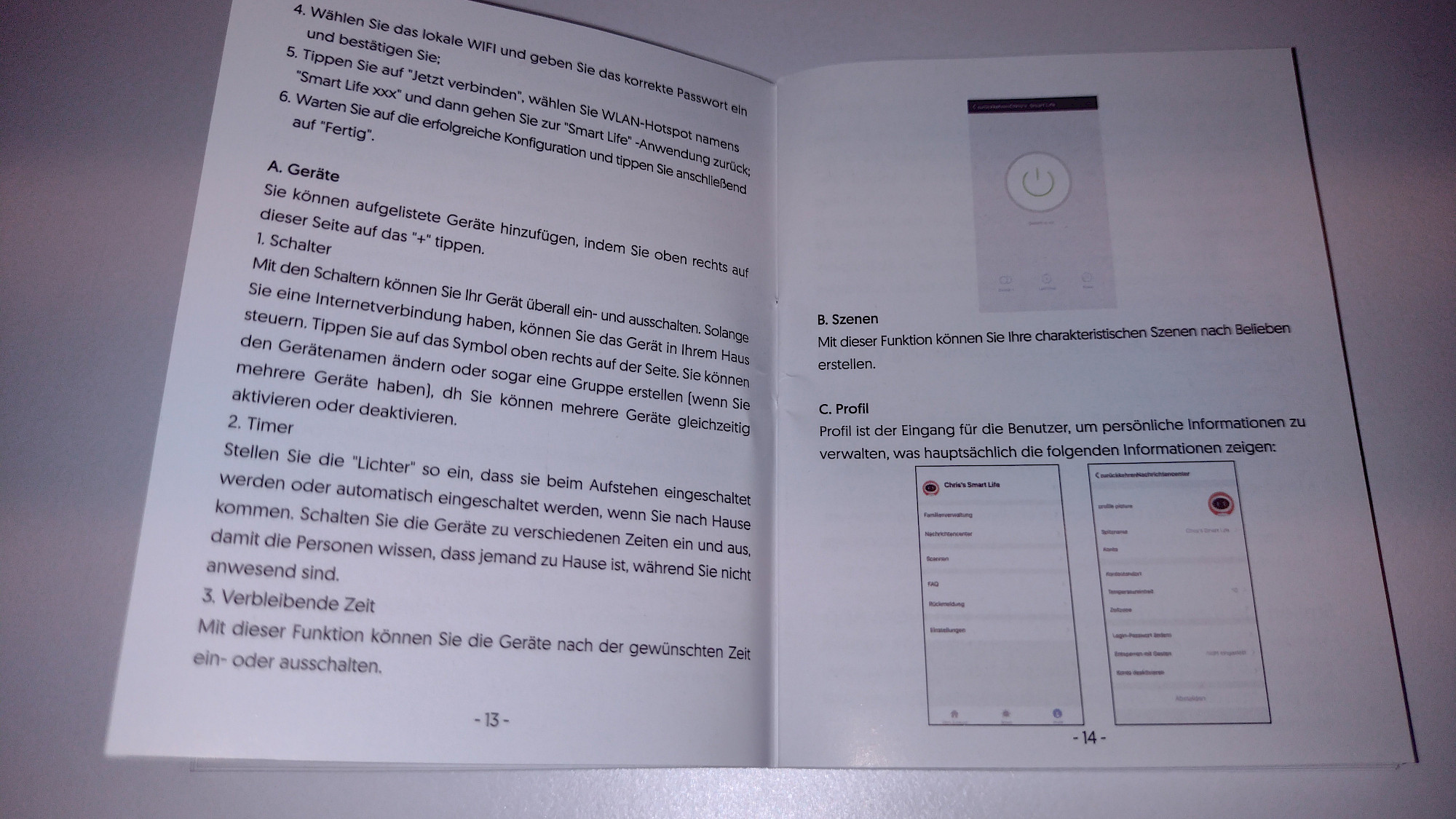
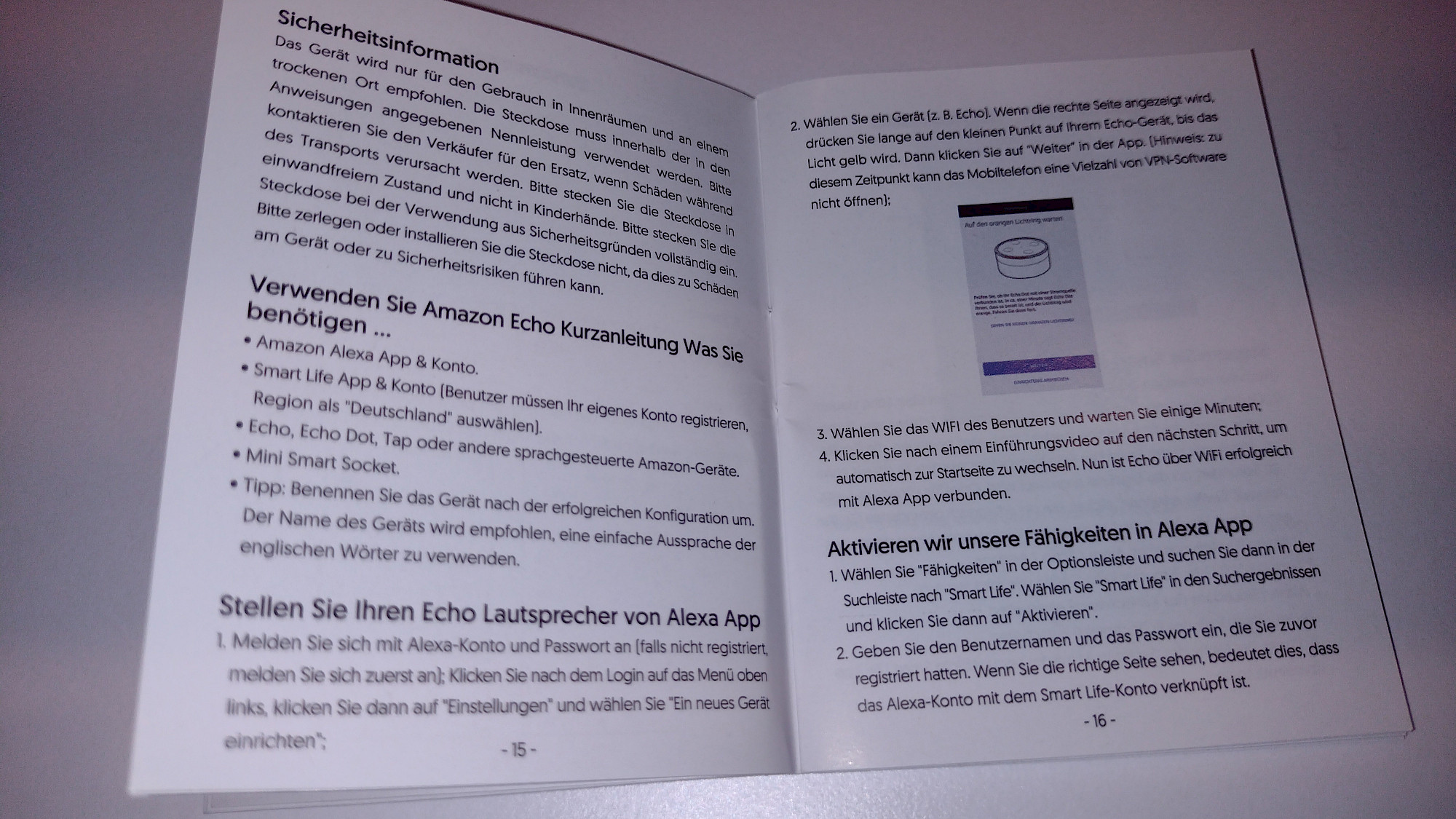
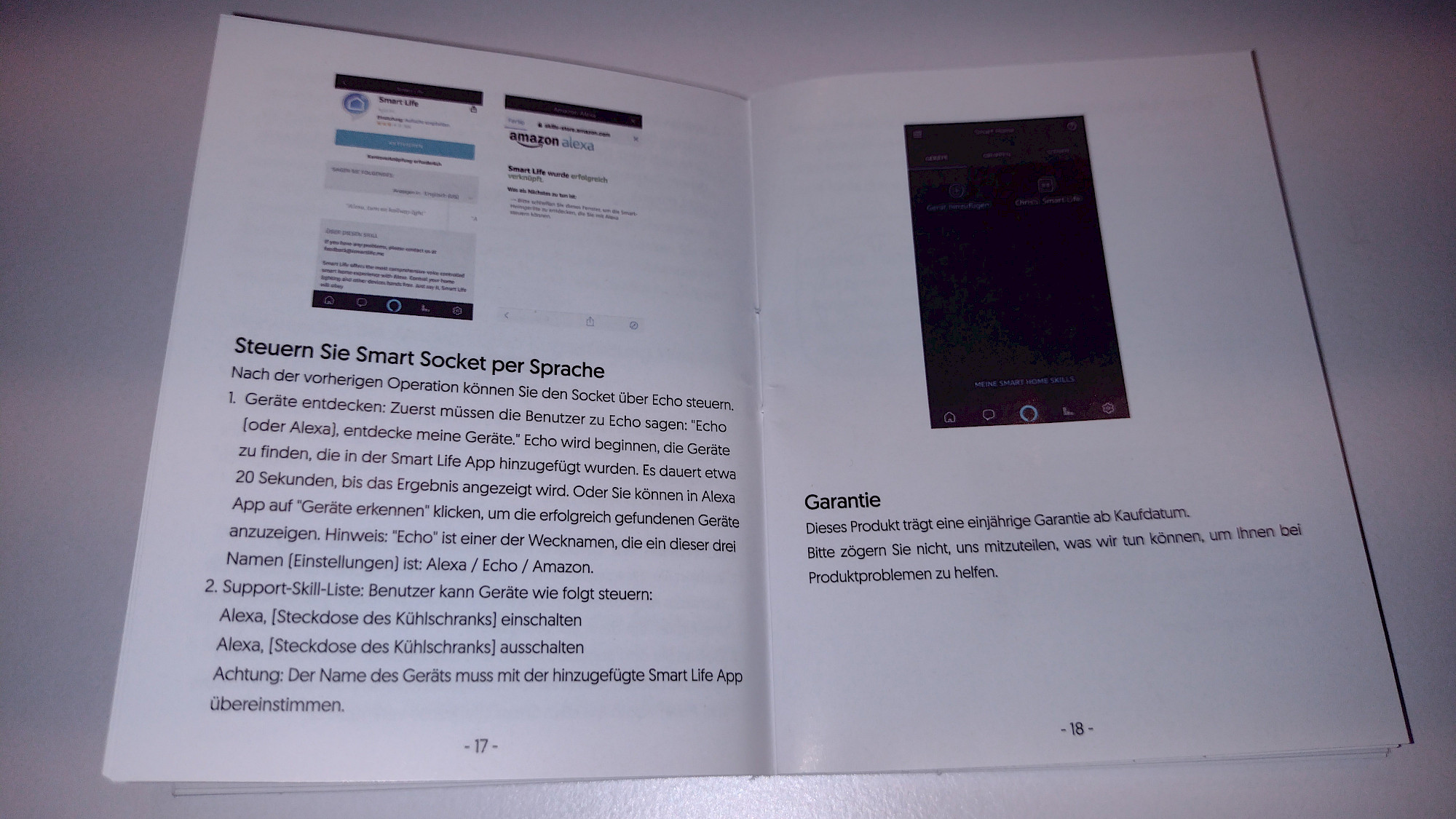
- Die Bedienungsanleitung
- more pictures
- Frequently asked questions on this topic
The Surfou WLAN Smart Socket boasts an impressive list of features and characteristics, including the ability to measure power consumption. This feature allows you to monitor the energy consumption of your connected devices and better manage your overall energy usage. In addition, the socket offers voice control features and is compatible with Alexa and Google Assistant, allowing for easy and convenient control of your devices. Let's now delve deeper into the details and find out what else the SURFOU WLAN Smart Socket has to offer.
Pro and Cons
positive
- Compact Design: The Surfou WLAN Smart Socket stands out for its small size, which allows for a discreet integration into any living space.
- Versatile App Compatibility: The socket can easily connect with various apps, giving you a wide range of control options.
- No Hub Required: You don't need an additional hub to utilize the features of the Surfou WLAN Smart Socket, making installation and use even easier.
- High-Quality Material and Good Haptics: The socket feels solid and is made of high-quality materials, promising durability and reliability.
negative
- No Negative Points Identified: So far, no negative aspects have been identified in the use of the Surfou WLAN Smart Socket.
More features
- App and Voice Control: The Surfou WLAN Smart Socket is compatible with Amazon Alexa and Google Home, allowing for intuitive voice command control.
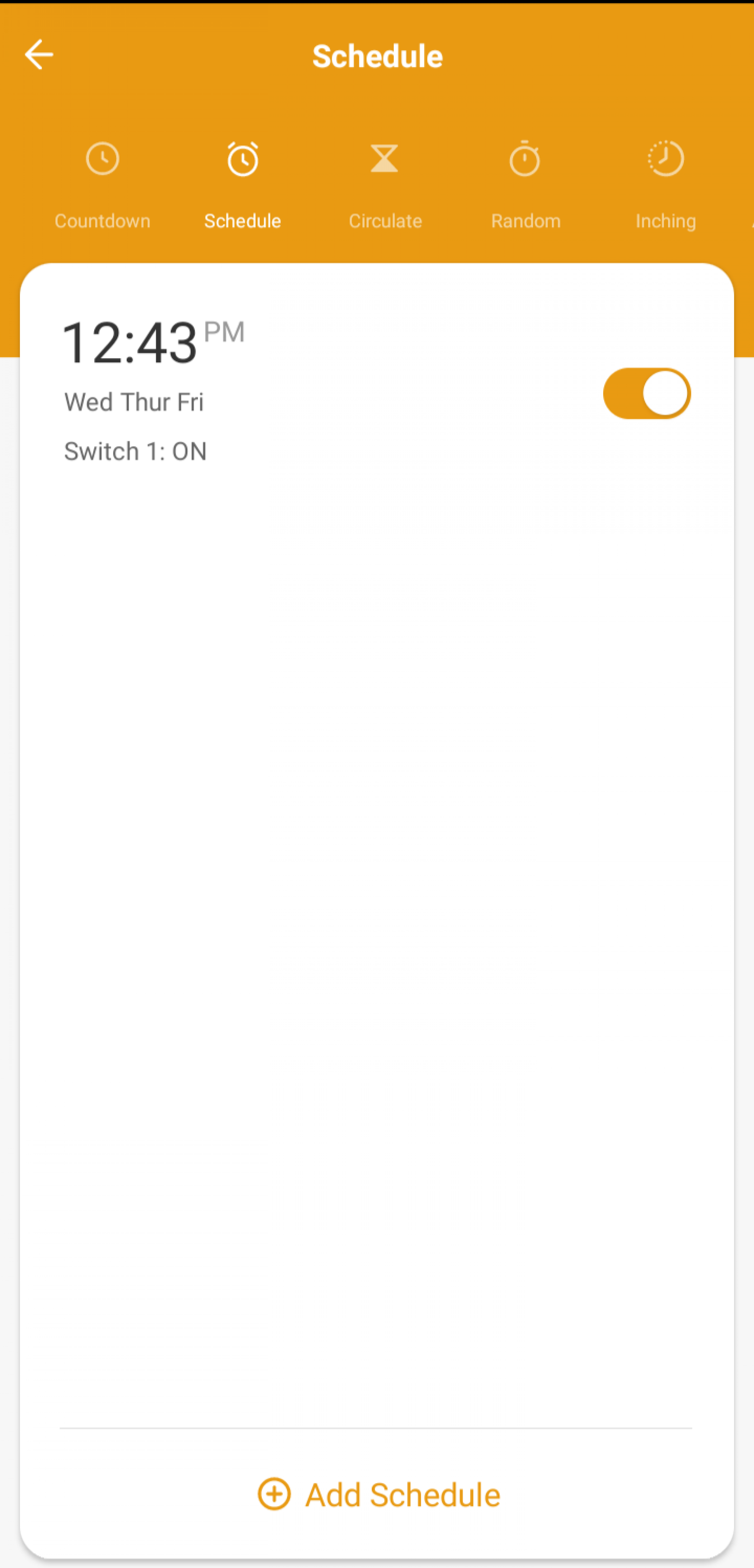
- Schedules: The schedule creation feature allows you to automatically turn the socket on and off at specific times.
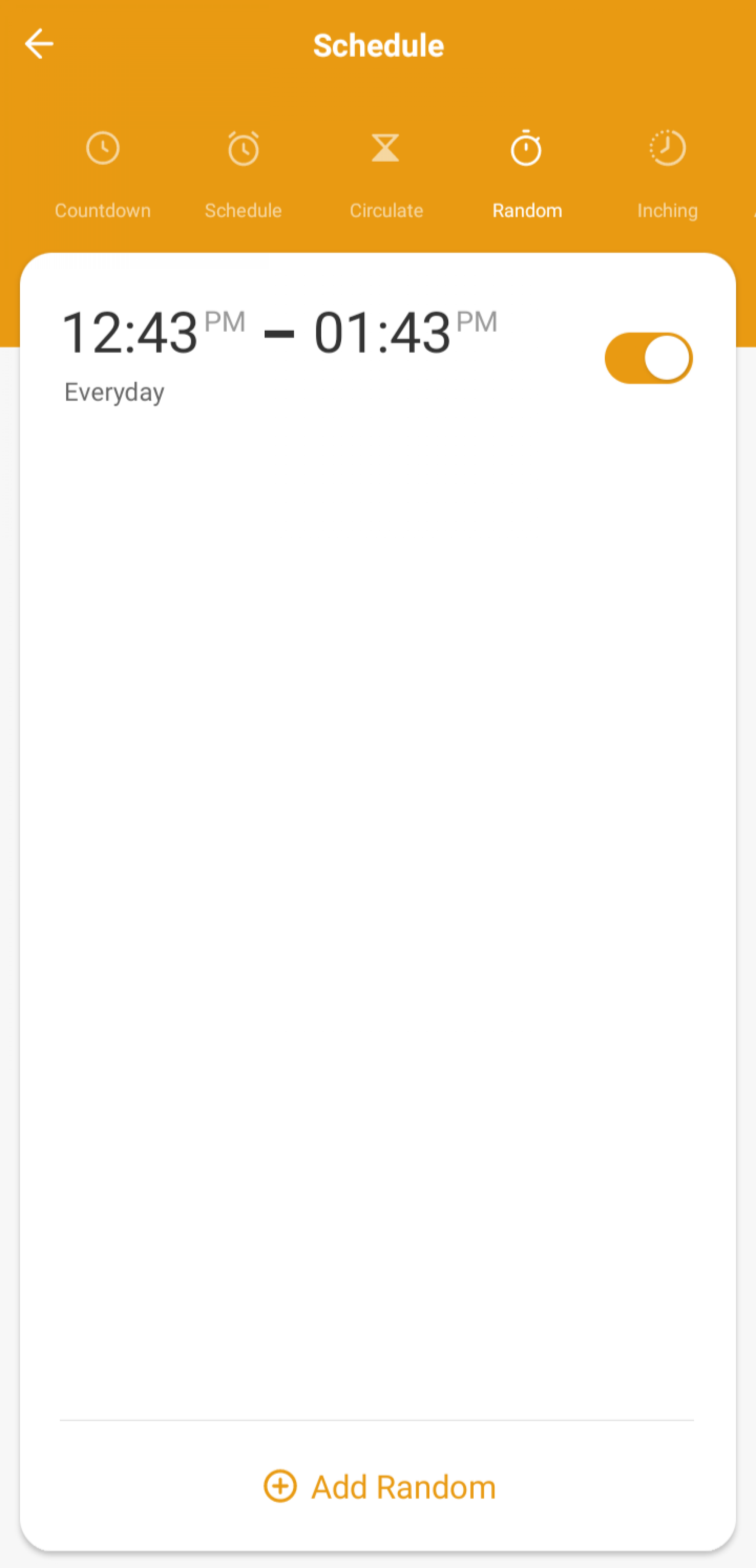
- Random Switching and Presence Simulation: These features enhance the security of your home by simulating presence when you're not home.
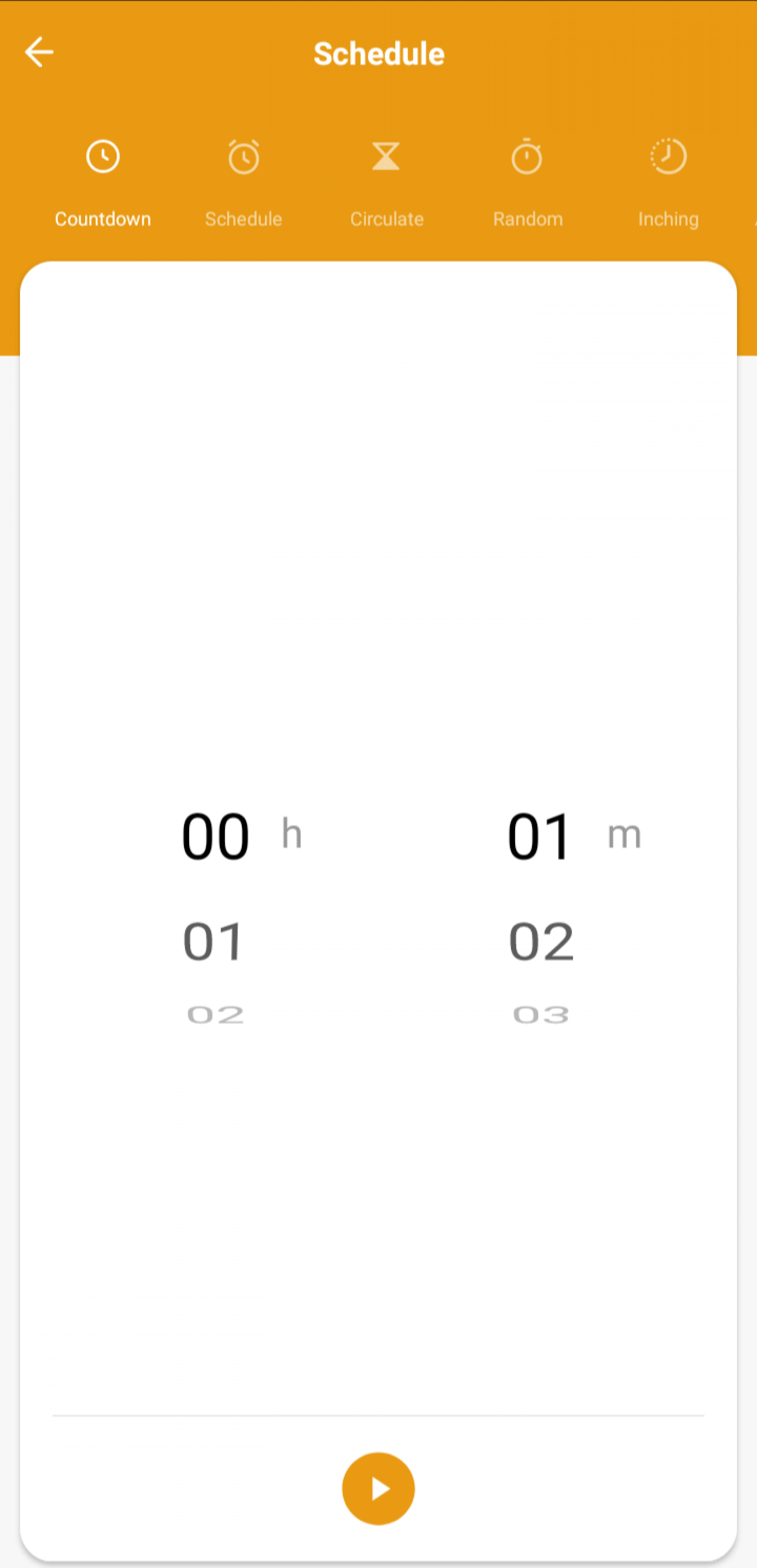
- Countdown: With the countdown function, you can have the Surfou WLAN Smart Socket automatically shut off after a certain period of time.
- Control according to sunrise and sunset: With this feature, you can program the socket to turn on with the sunrise and off with the sunset.
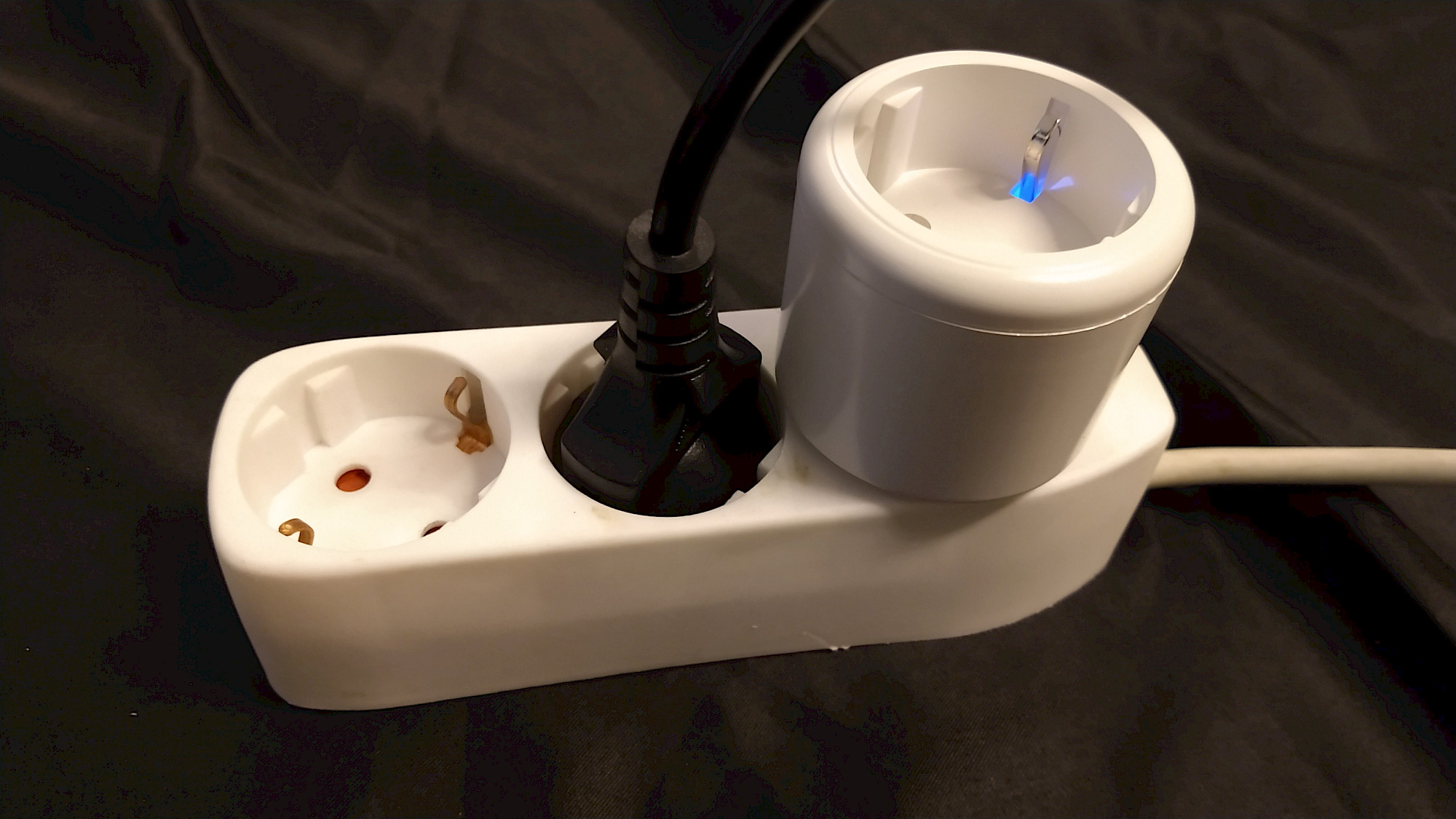
Impressive Craftsmanship of the Surfou Smart Plug
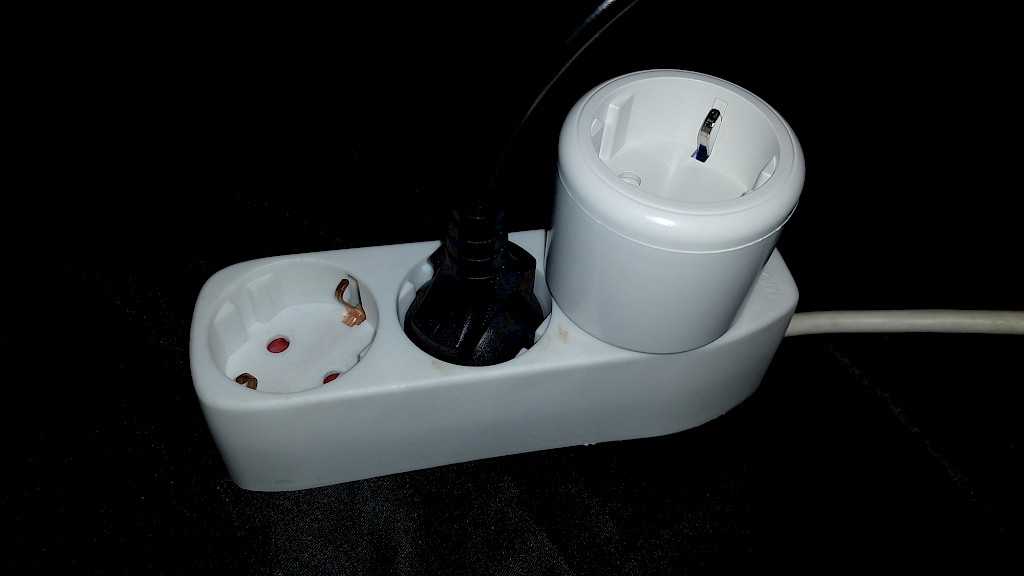
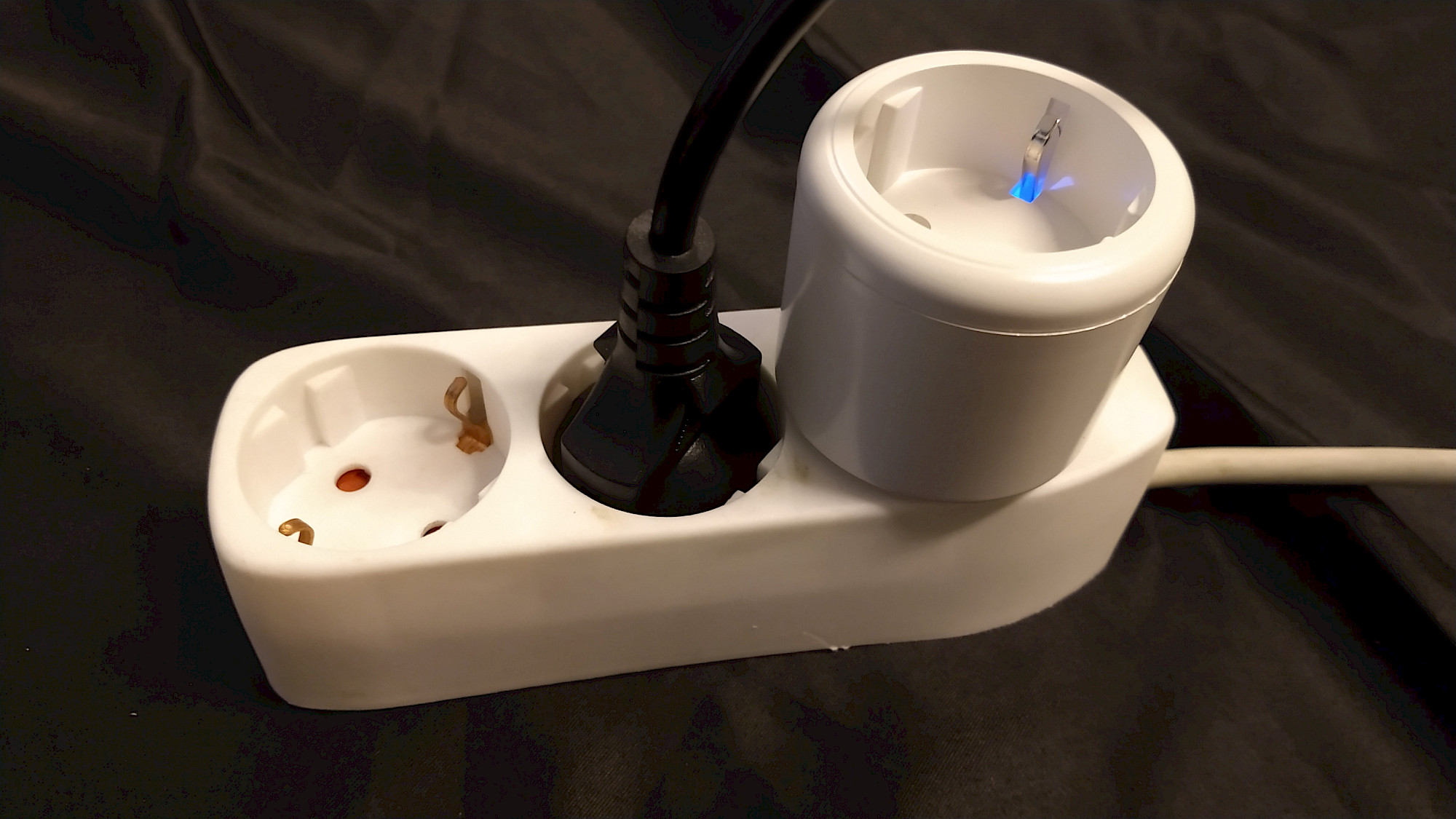
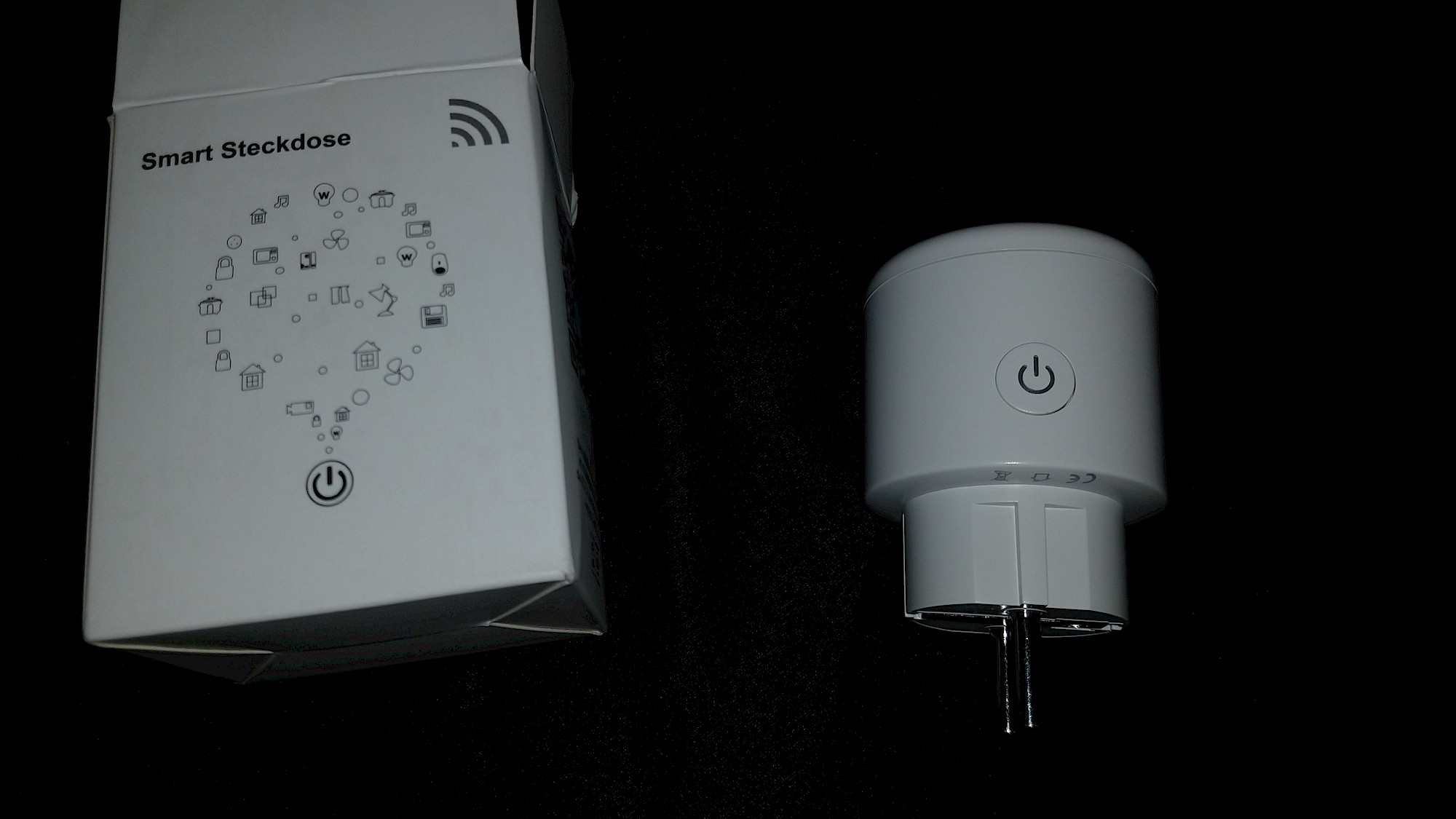
The craftsmanship of the Surfou Smart Plug leaves a very positive impression when examined. At first glance, it is immediately apparent that high material quality was prioritized during manufacturing. The plastic used does not feel cheap or inferior in any way. On the contrary, it exudes a sturdy robustness one would expect from a high-quality device.
The gap dimensions are small and uniform, indicating careful and precise production. Another proof of the excellent craftsmanship is the fact that nothing seems to be loose inside. Each component sits firmly and securely in place, indicating the longevity of the Smart Plug.
Another aspect that should not be overlooked when evaluating the quality of craftsmanship is handling. Both plugging the device into the socket and plugging plugs into the Smart Plug does not require excessive effort. This speaks to a thoughtful design and user-friendliness that convinces in every respect.
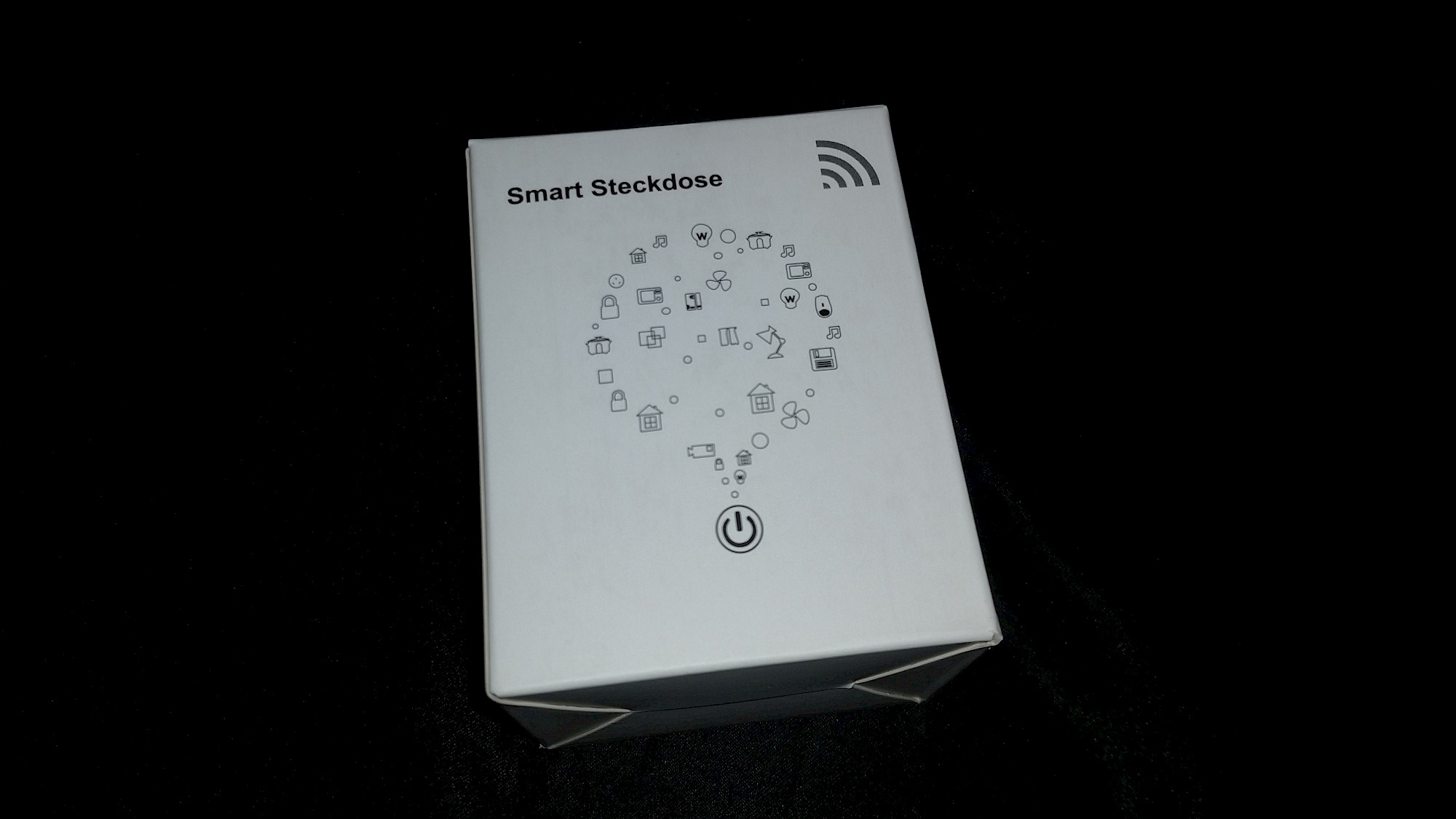
Last but not least, the environmentally friendly packaging is also an aspect that speaks for the quality of the Surfou Smart Plug. The packaging is 100% cardboard and contains no unnecessary plastic. This shows that the company not only focuses on the quality of its products, but also on environmental protection.
Step-by-Step Guide to Installing the SURFOU WLAN Smart Socket
Installing the SURFOU WLAN Smart Socket is a simple and straightforward process that doesn't differ significantly from installing other smart devices. If you've read other articles in the test series, you'll already be familiar with the procedure. However, for our first-time readers, we offer a detailed step-by-step guide here.
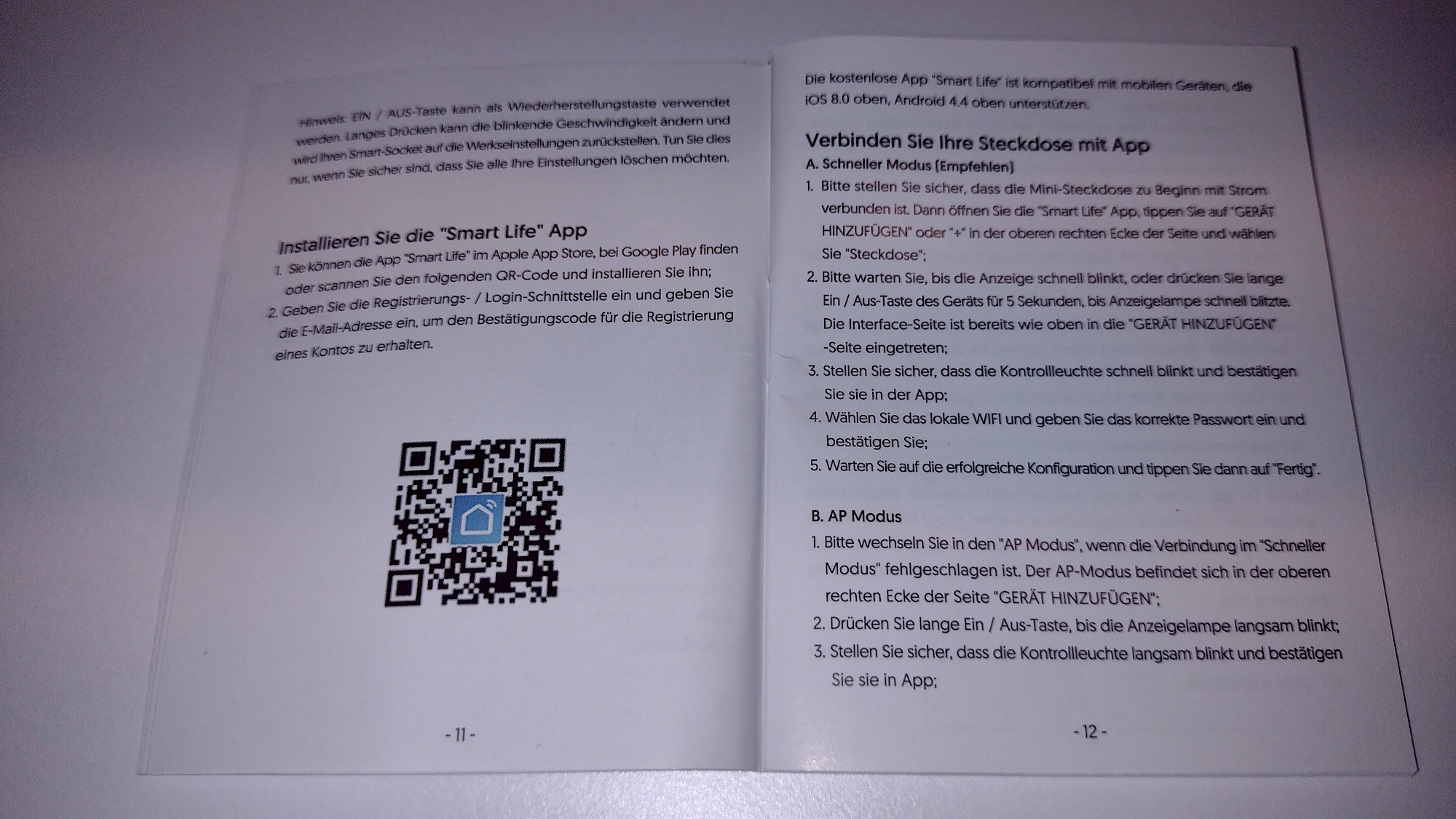
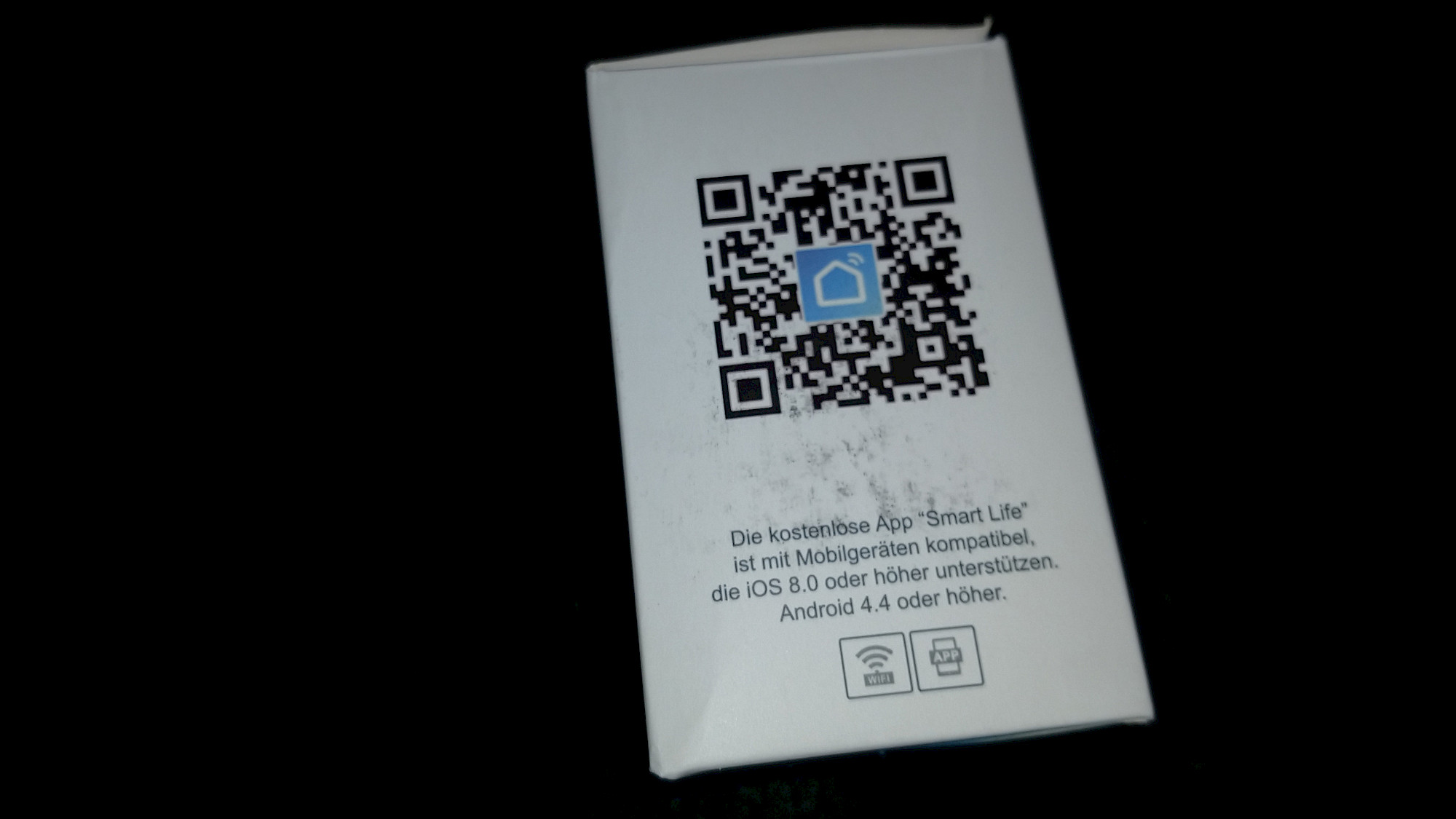
First, you'll need a suitable app to control the smart socket. I personally use the Gosund app, as it has proven to be reliable and easy to use in my tests. However, you can also use the "Smart Life" app recommended in the manual. Both apps are very similar in design and functionality, and both are compatible with the SURFOU WLAN Smart Socket. There is also a wide variety of other Smart Home apps you could use.
If you haven't already installed the chosen app on your smartphone, you'll need to download and install it from the respective store (Google Play for Android devices or Apple App Store for iOS devices). After that, you'll need to create an account, which is usually a simple and quick process.
Once you have installed the app and created an account, you can start setting up the socket. The following steps will guide you through the process:
- Click on the "+" icon or "Add device".
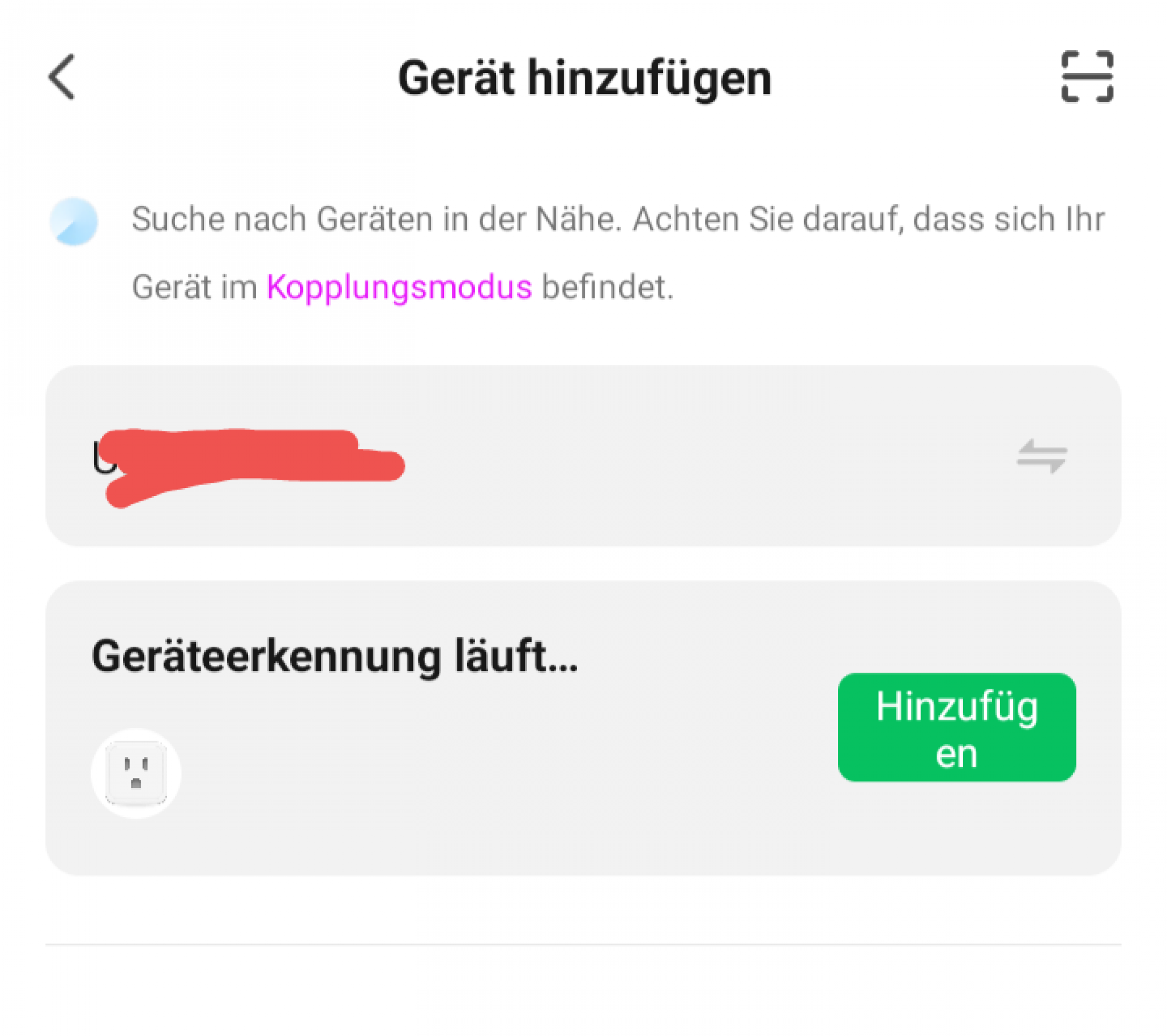
- The automatic search starts, or you can initiate a manual installation.
- The device is being searched for - device recognition is in progress.
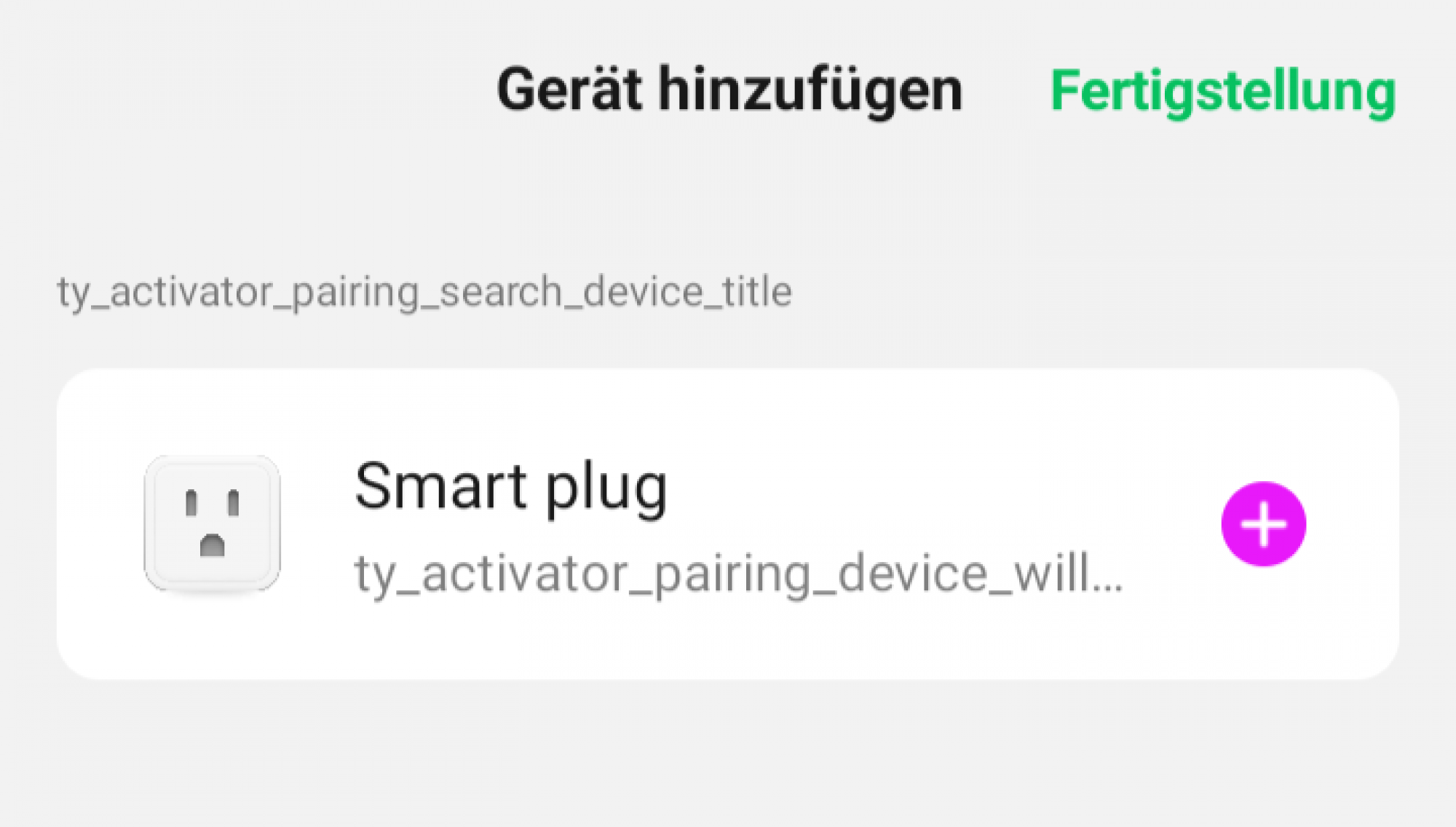
- If a new device is found, click on "+".
- The device is added, and the progress is shown in a circle.
- If there is a timeout while adding, you have two options:
- Restart the process.
- Simply click on the "Completion" link in the top right corner. In most cases, the socket will be correctly added this way.
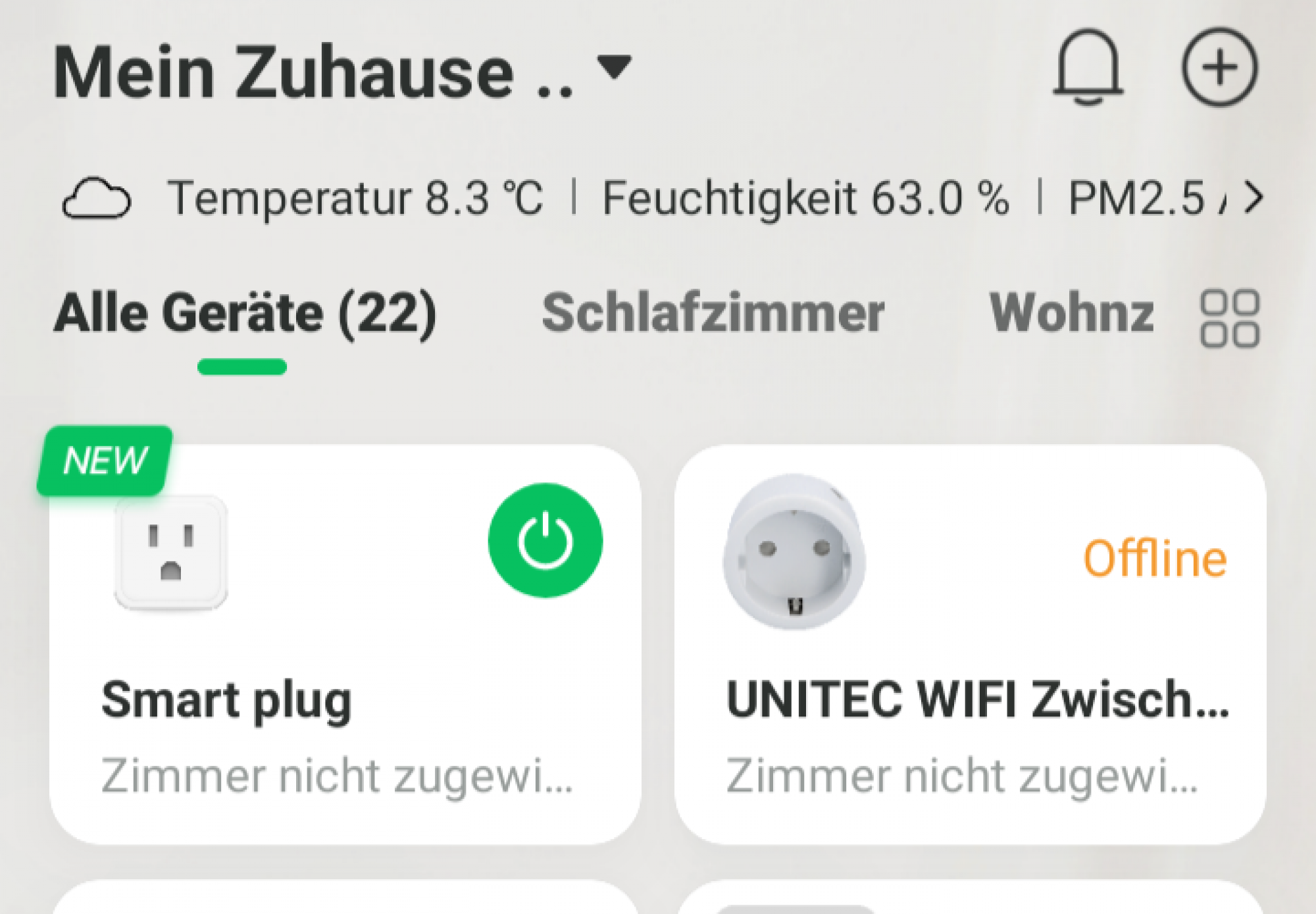
- The device is now added to the overview screen and is ready for use.
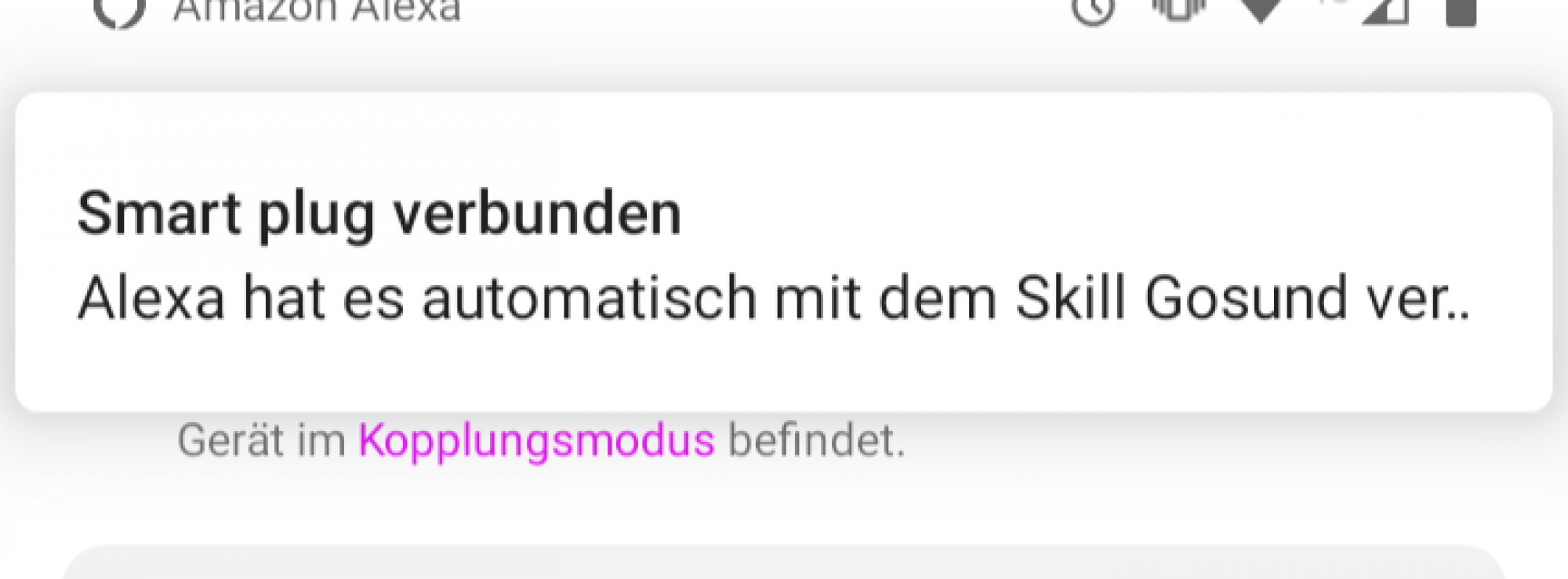
If you want to use voice control with Google Assistant or Amazon Alexa and haven't connected the service yet, you will need to do this in the respective app. If you have already connected the service, the new socket will be added automatically.
This smart plug is perfect for those looking to bring their home automation to the next level, and the setup process has been designed to be as user-friendly as possible. Whether you're a seasoned smart home enthusiast or just starting out, the SURFOU WLAN Smart Socket is a fantastic addition to any tech-savvy household.
Remember, the key to successfully integrating smart devices into your home is patience and understanding. It's a new technology that can sometimes seem complicated, but with a little persistence, you'll soon be enjoying the benefits of a more connected and efficient home. Happy installing!
More SURFOU products on Amazon

SURFOU Funkklingel, 400m Funk Reichweite Türklingel, Aussen Kabellose Wasserdicht Aussen Klingel Haustür mit Plug-in-Empfänger, 55 Klingeltönen 5 Lautstärken, Haustürklingel mit Batterie, Schwarz
![SURFOU Link Kabel Kompatibel mit Quest 2, [2-Pack 6M+1M] USB 3.0 auf USB C 5Gbps Hochgeschwindigkeits Datenübertragungs Ladekabel Typ C 90 Grad für Quest 2, VR Headset und Gaming PC](https://m.media-amazon.com/images/I/41Gl2R9rh-L._SL500_.jpg)
SURFOU Link Kabel Kompatibel mit Quest 2, [2-Pack 6M+1M] USB 3.0 auf USB C 5Gbps Hochgeschwindigkeits Datenübertragungs Ladekabel Typ C 90 Grad für Quest 2, VR Headset und Gaming PC

SURFOU Smartwatch Damen, Fitnessuhr 9 Sportmodi GPS 5ATM Wasserfest, Fitness Watch mit Herzfrequenz-/Schlafüberwachung 7-10 Tage Nutzung, Geschenk für Frauen, Pink, One Size
Als Amazon-Partner erhalten wir bei qualifizierten Käufen eine Provision
Utilizing the Full Potential of the SURFOU WLAN Smart Socket: A Comprehensive Guide
Navigating the SURFOU WLAN Smart Socket's functions might seem daunting at first, but once you understand its operations, you'll find it to be incredibly straightforward. Whether you choose to control the device manually, through the app, or with voice control options (compatible with Amazon Alexa and Google Assistant), you'll find each method to be quick and dependable.
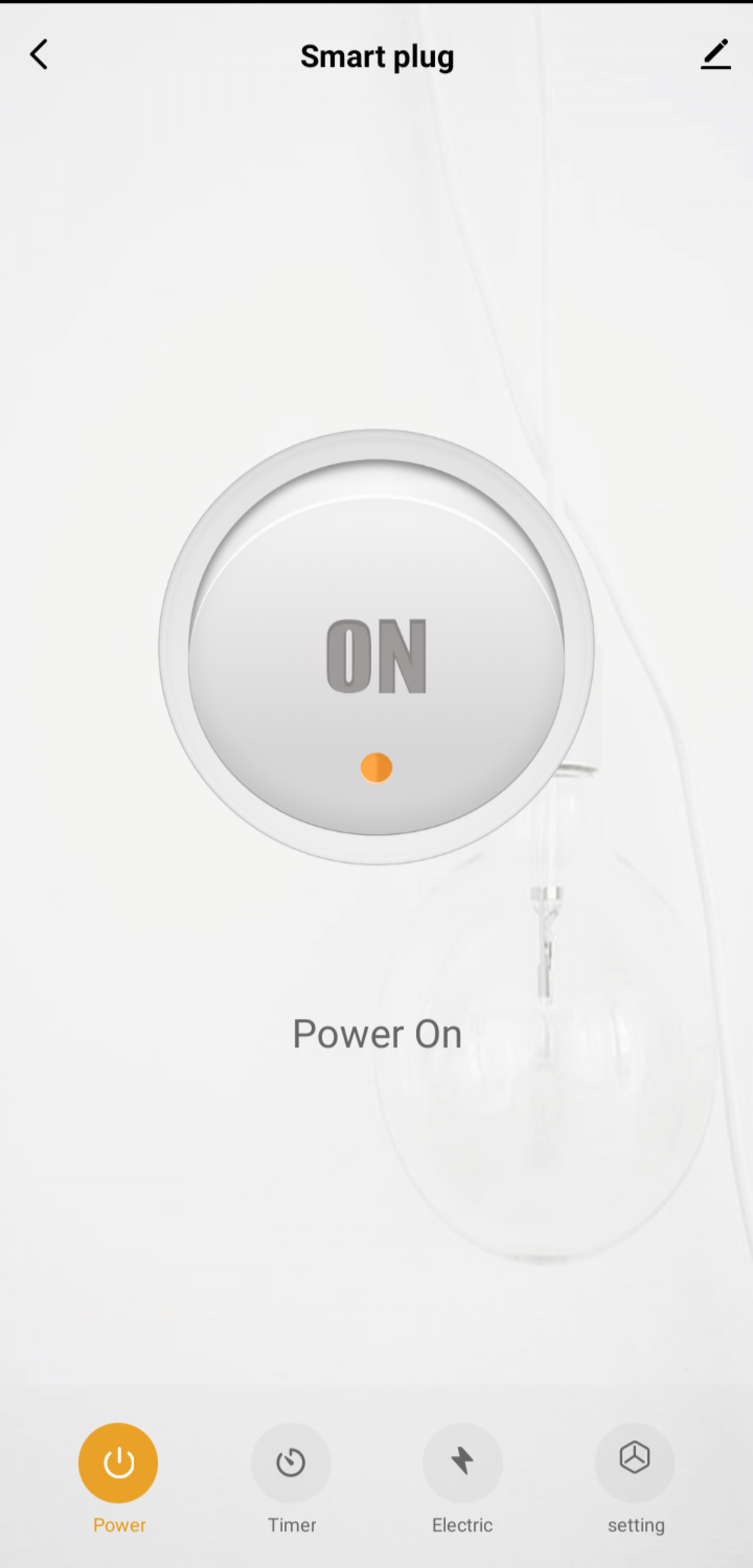
When using the Gosund App (or Smart Life, if you prefer), you'll have access to a variety of features designed to make your life easier and more efficient:
- Power ON/OFF: This primary function allows you to control the power supply to the device connected to the smart socket.
- Timer: You can set a countdown timer. Once the set time runs out, the socket will change its switch state.
- Schedule: You can set a time and the desired switch action (ON/OFF). This action can be performed once or can be set to repeat on specific or all days of the week.
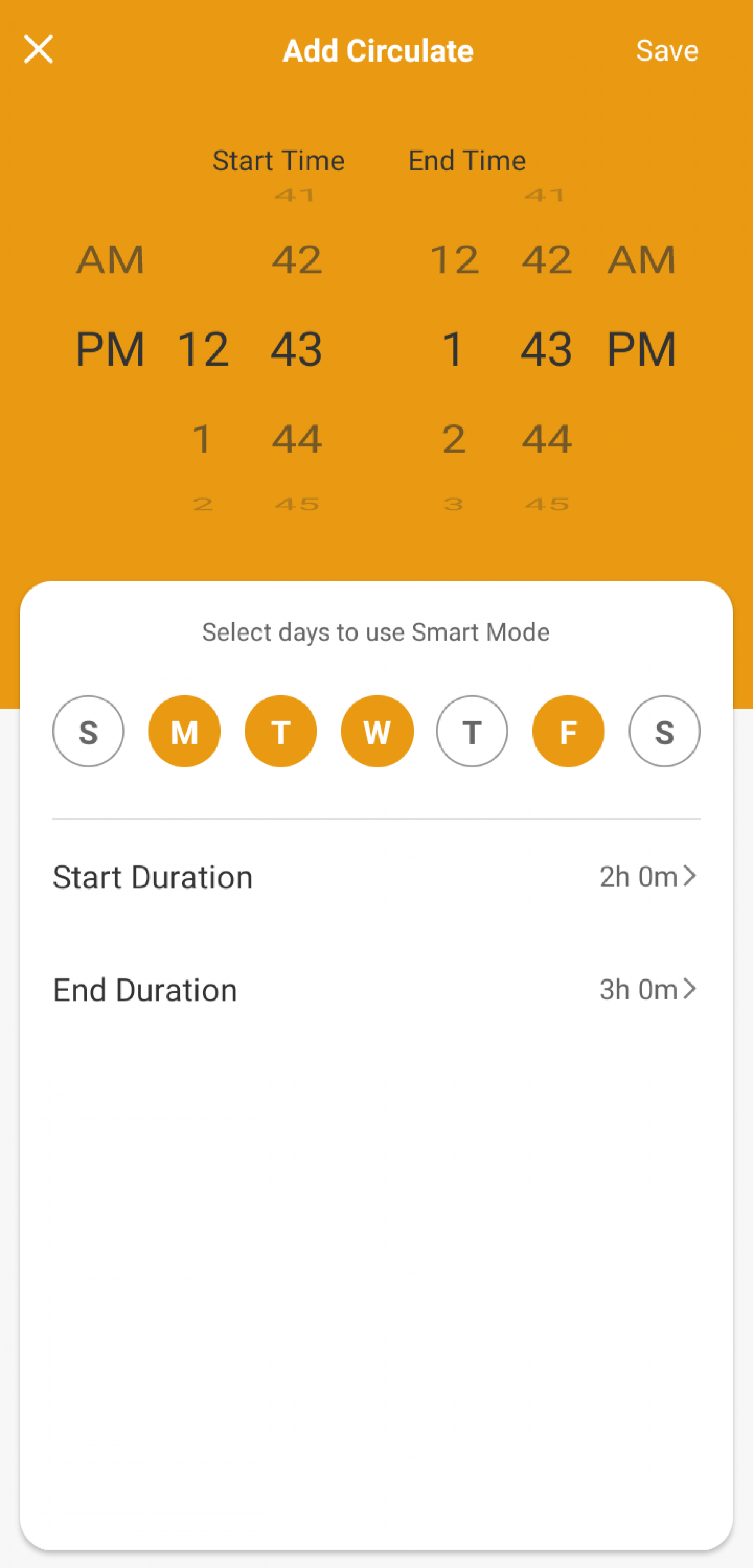
- Circulate: This function lets you set a start and end time, and specify the duration for which the socket should stay switched on and off. The socket will follow this schedule until the set end time.
- Random Switching/Presence Simulation: This function allows you to make the socket switch power at random intervals, creating the impression that someone is home.
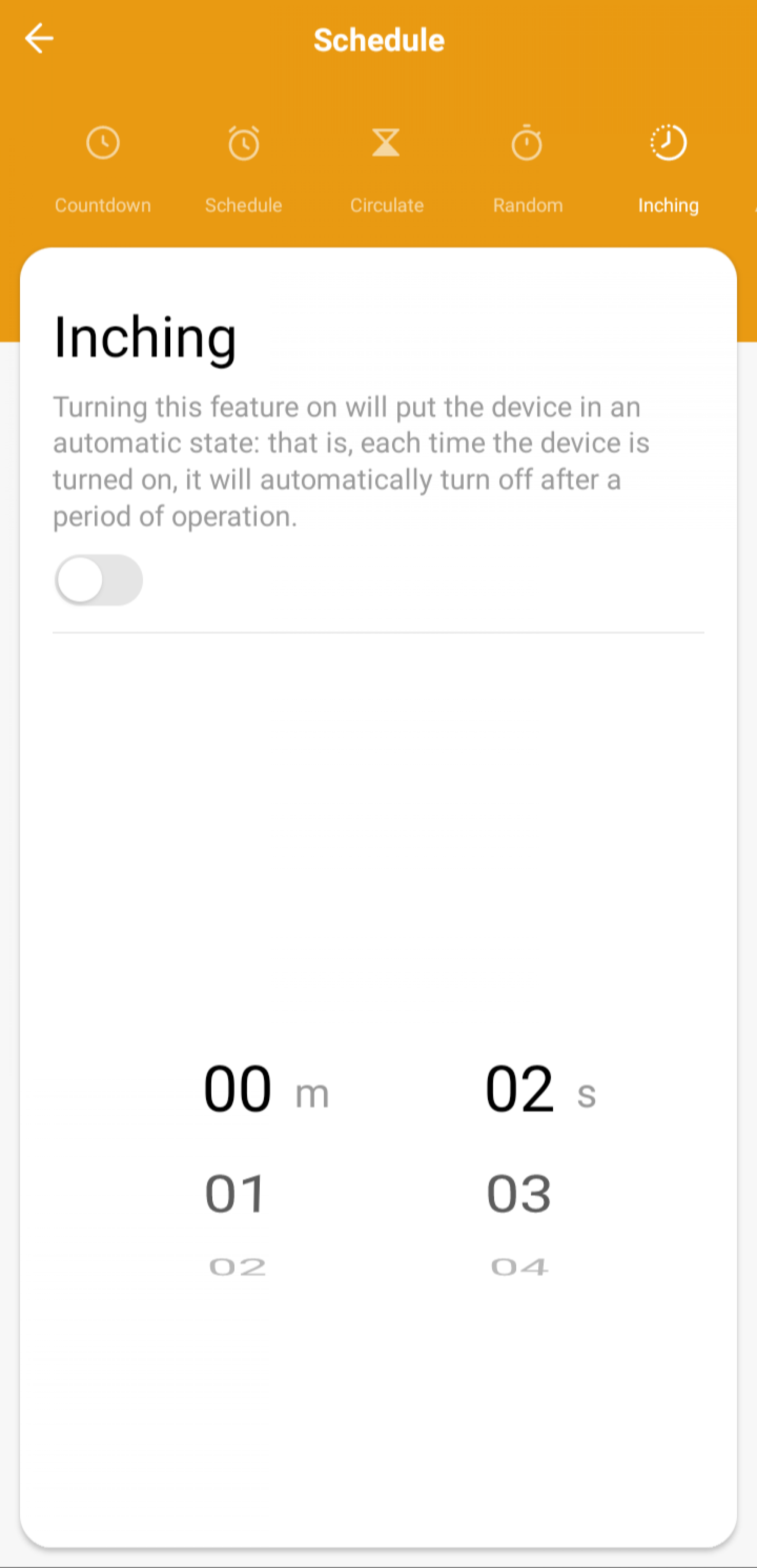
- Inching: This function automatically switches the socket off after it has been switched on. You can set the period between switching on and off.
- Device Settings: Here you can change the device's name, check device information such as virtual ID, IP address, MAC address, time zone, signal strength, etc.
- Group Creation: You can create groups of devices for easier control.
- Network Checking: This feature checks the strength and stability of your network connection.
- Firmware Update: This function lets you update the device's firmware to the latest version, ensuring optimal performance.
- Device Removal: If you no longer wish to use the socket, you can remove the device from your account.
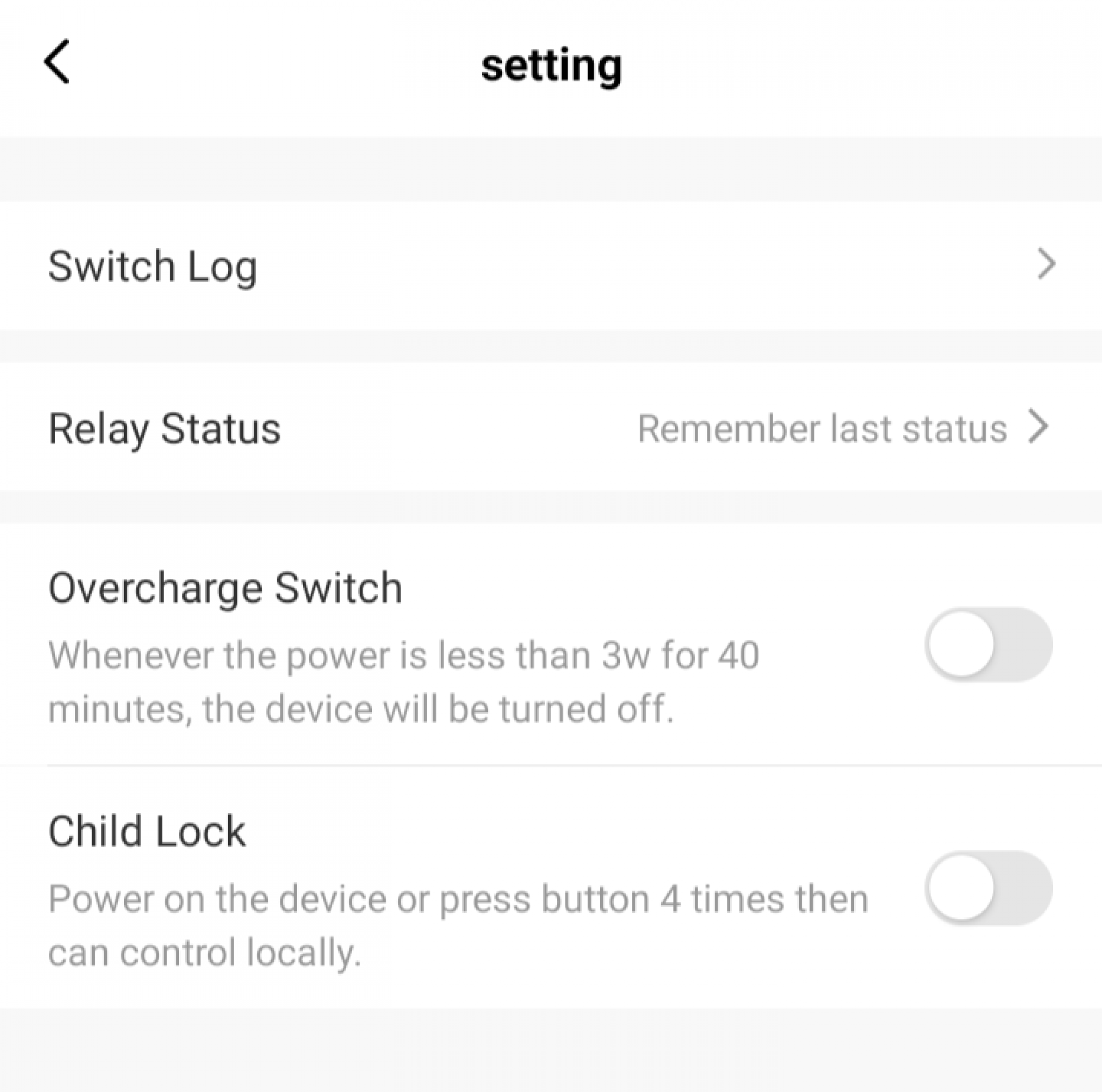
- Switch Protocol: This function allows you to check the history of switching operations.
- Relay Status: Here you can define the behavior after a power supply interruption.
- Overcharge Switch: If the consumption falls below 3 watts for 40 minutes, the socket will automatically switch off.
- Child Lock: This function ensures that the socket can only be activated by pressing the switch on the device four times or via the app or voice control.
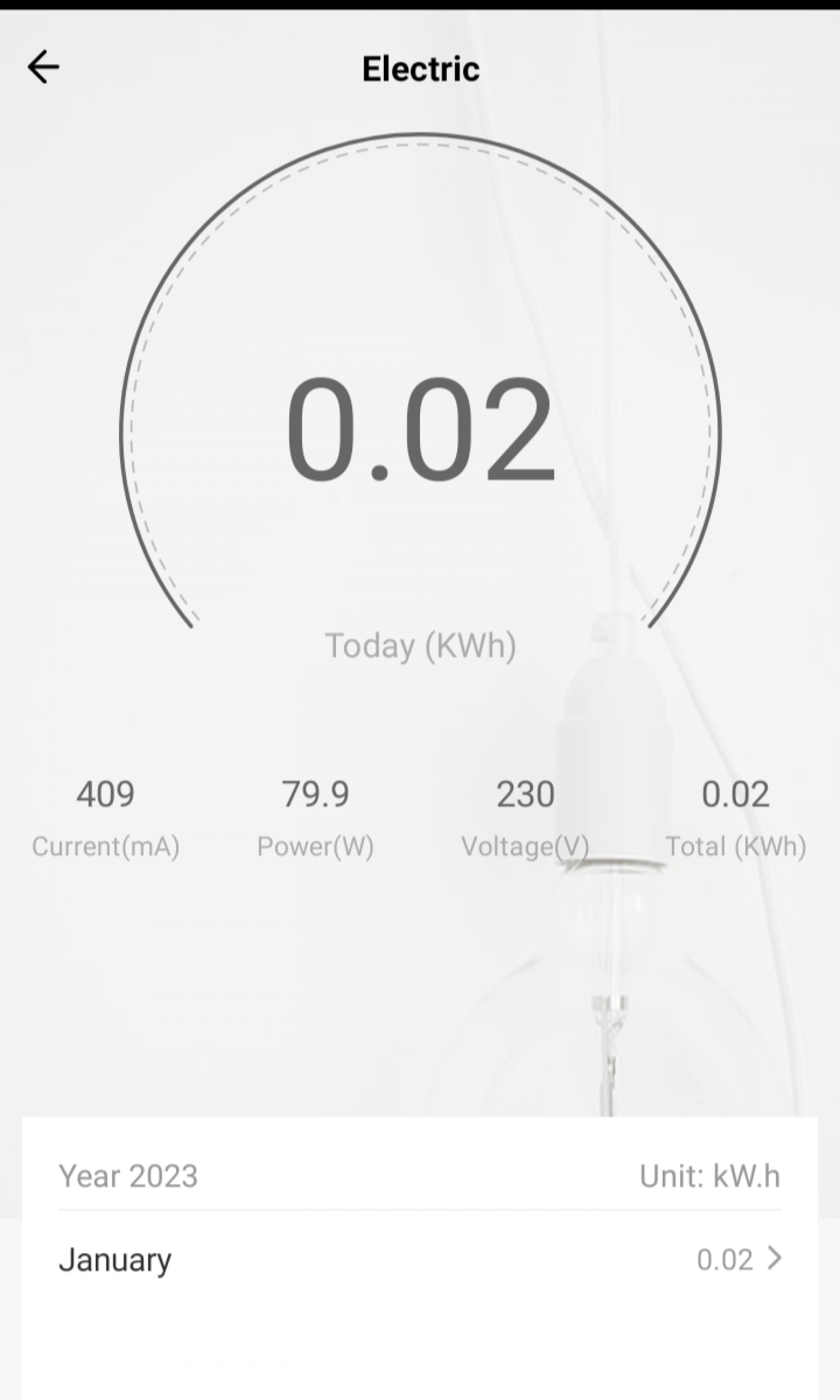
One of the most interesting features of the SURFOU WLAN Smart Socket is its ability to track and display your energy consumption. You can monitor the daily consumption, current power consumption in mA, the current consumption in watts, the current voltage in volts, and the total consumption in kWh. You can also access a monthly consumption statistic.
These features make the SURFOU WLAN Smart Socket a versatile and valuable addition to any smart home setup. Whether you're looking to reduce your energy consumption, increase your home's security, or simply enjoy the convenience of controlling your devices remotely, this smart socket has got you covered.
Completing the experience with the SURFOU WLAN Smart Socket is the straightforward setup process, requiring minimal technical knowledge.
To add the smart socket to your home network, you begin by clicking on the "+" or "Add device" icon in your chosen app. From here, you can either allow an automatic search to locate your device or manually start the installation process.
As the device identification process proceeds, a new device found notification will appear, prompting you to click on "+". During this addition process, a progress circle will be displayed to keep you informed of the ongoing operation. If the addition process times out, you can either restart the process or click on the "Completion" link in the top right corner - in most cases, the socket will be correctly added this way too.
Once your device is added, it will appear in the overview screen, ready for operation. Should you want to utilize voice control with Google Assistant or Amazon Alexa, and haven't already connected the service, you'll need to do this in the corresponding app. If the service has already been connected, your new socket will be automatically added.
With all these features at your disposal, it's evident that the SURFOU WLAN Smart Socket goes beyond being just a power outlet. It's a powerful tool in making your home smarter, more efficient, and more in tune with your lifestyle. From setting personalized schedules to understanding your power consumption patterns, this smart socket takes the convenience of a connected home to a whole new level.
Understanding these functionalities and knowing how to use them to your advantage can drastically enhance your experience with the product. Not only does it bring the concept of a smart home to life, but it also empowers you to tailor your home's operations to your specific needs and lifestyle, bringing a new level of convenience and efficiency into your daily life.
Technical Specifications of the SURFOU WLAN Smart Plug with Power Measurement
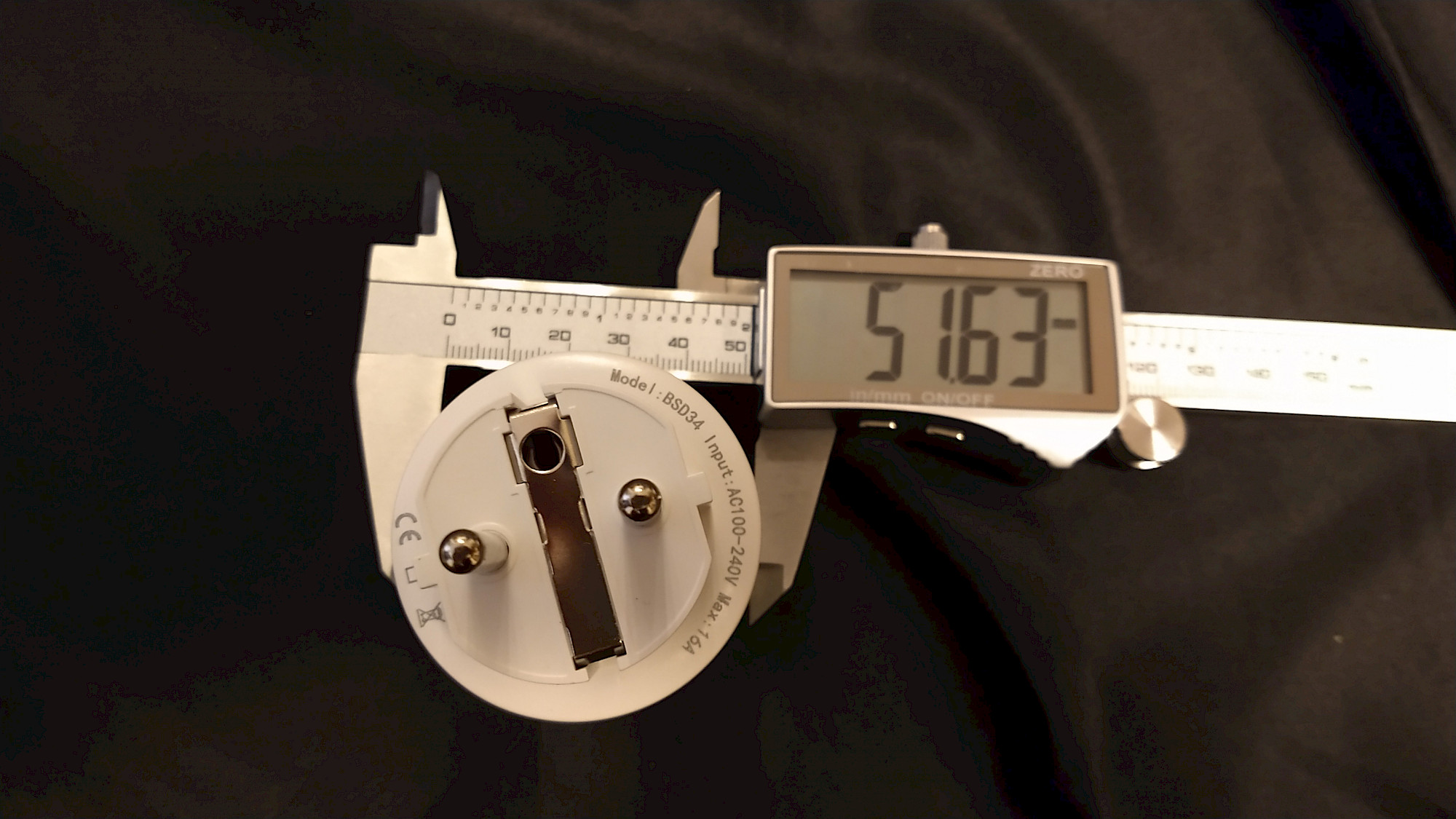
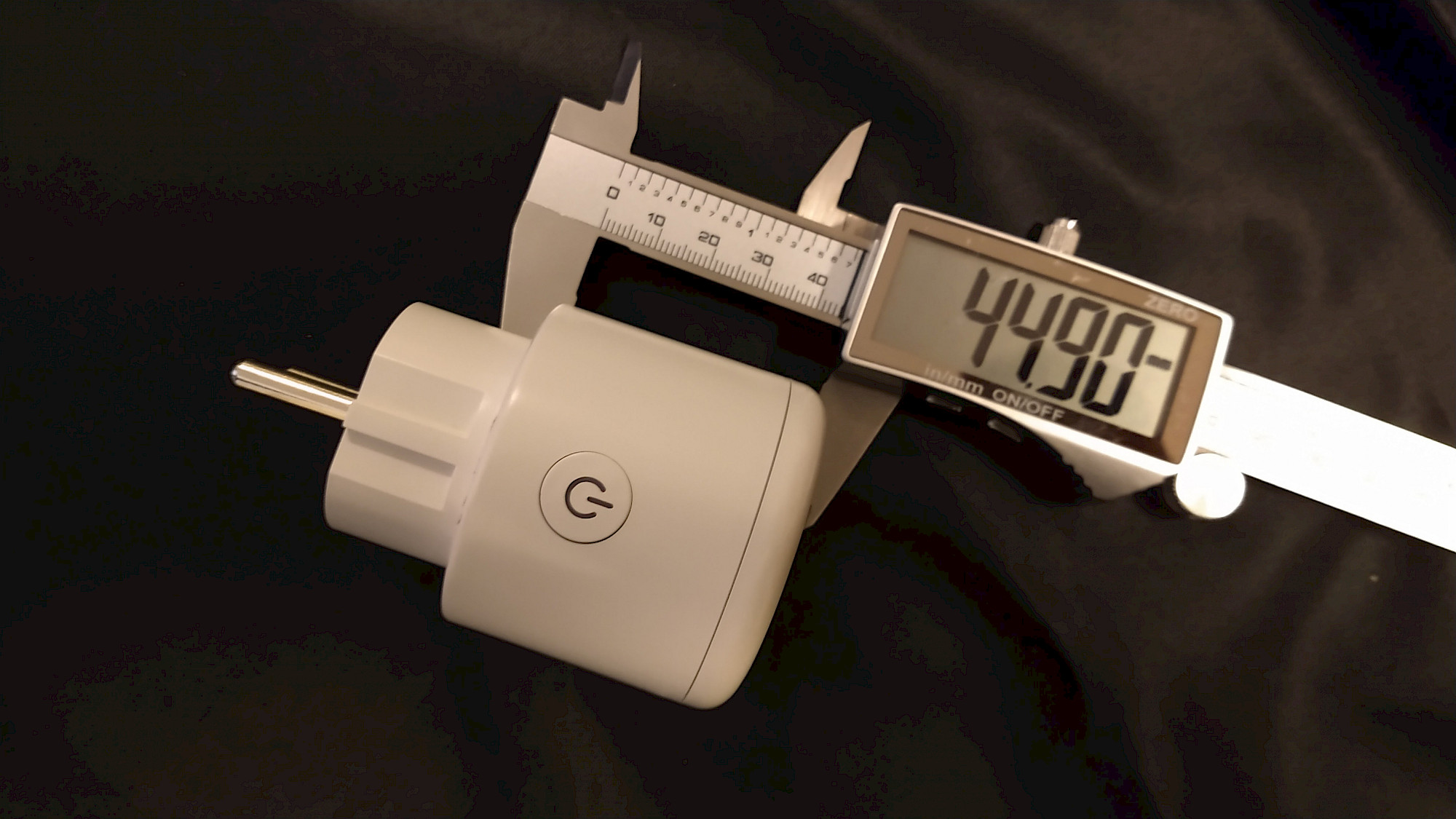
The SURFOU WLAN Smart Plug offers a wealth of technical data, making it a powerful and versatile device in your smart home. Starting with the dimensions: With a measured height of 44.9 mm, which lies outside the socket, and a diameter of 51.6 mm, this plug fits easily into any standard socket while remaining discreet and unobtrusive.
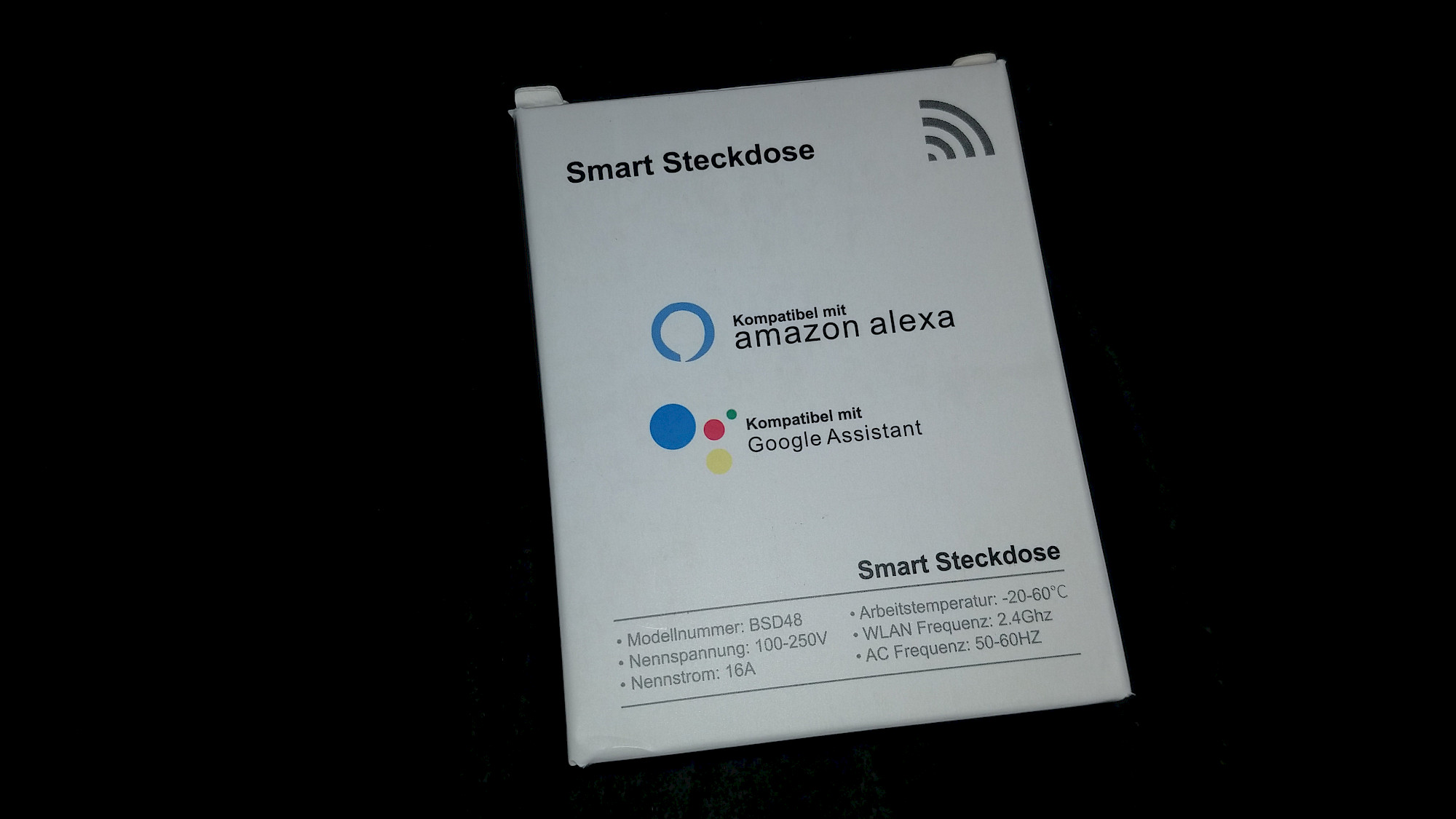
The BSD48 model was designed for a rated voltage of 100-250 V and a maximum rated current of 16 A, making it ideal for use in most households. In addition, it is equipped with a frequency of 50/60 Hz and a WiFi compatibility of 2.4 GHz, ensuring a fast and stable connection.
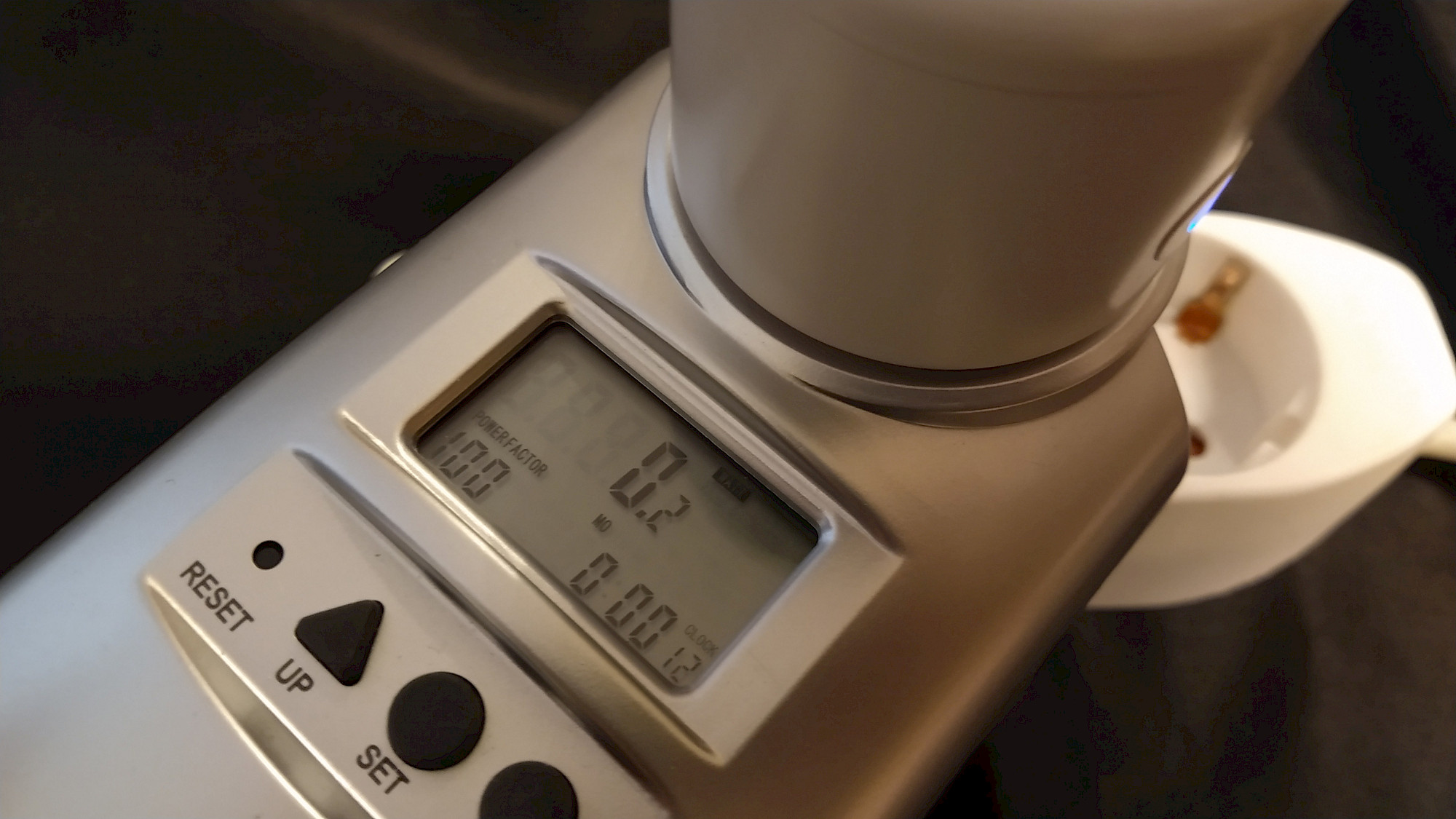
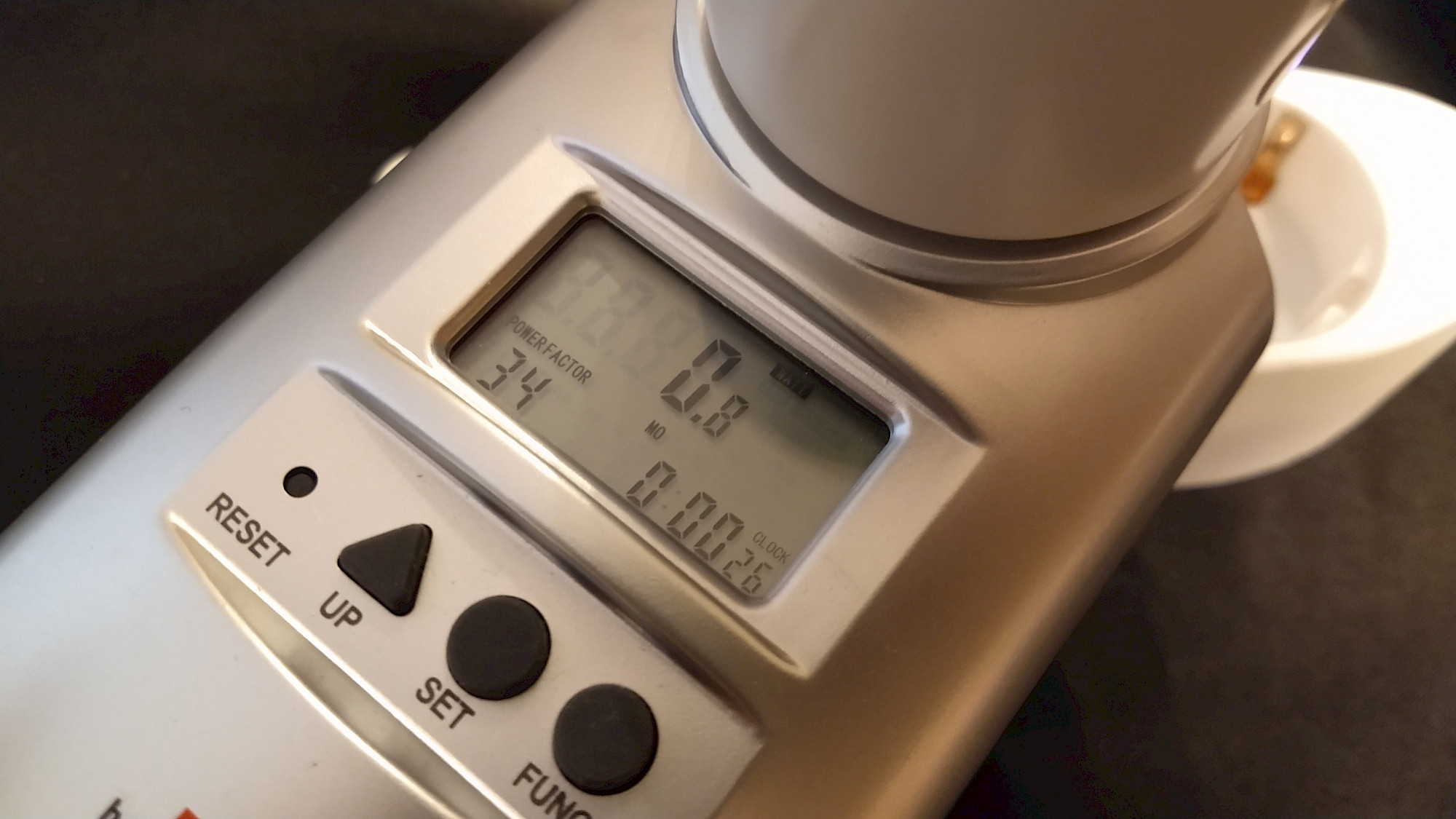
A standout feature of the SURFOU WLAN Smart Plug is its low power consumption. In our measurements, consumption was between 0.2 W and 0.8 W, making it an energy-efficient solution for your smart home.
Last but not least, this smart plug is designed for an operating temperature of -20 to 60 °C. This means that it works reliably even under extreme conditions.
Overall, the technical data of the SURFOU WLAN Smart Plug are impressive. It combines a compact size with powerful specifications and energy efficiency, making it an excellent choice for any smart home.
Other smart plugs from other manufacturers

WLAN Smart Steckdose mit Strommessung, Mini Plug 2er Pack, Smart Home WiFi Steckdose, Alexa Zubehör, Zeitplan, Fernzugriff, Funktioniert mit Alexa, Google Home, SmartThings, Nur 2,4-G-WLAN, 16A

WLAN Smart Steckdose, Intelligente Plug Smart Home Steckdosen Wifi Stecker Alexa Stecker, Aoycocr Smart Plug Funktionieren mit Alexa Echo und Echo Dot, Google Home und, Kein Hub erforderlich (2PACK)

Nooie WLAN Steckdose Smart Steckdose Plug WiFi Stecker Fernbedienbar,Sprachsteuerung und Timer Funktion Kompatibel mit Alexa und Google Home,auf 2.4 GHz Netzwerk (2 Packs)
Als Amazon-Partner erhalten wir bei qualifizierten Käufen eine Provision
Energy Efficiency Defined: The Power Consumption of the Smart SURFOU WLAN Socket
Energy efficiency is a key factor when choosing a smart socket. The SURFOU WLAN socket sets new standards in this respect. As with all our products, we have taken a close look at the power consumption of the SURFOU WLAN socket. This is the so-called own consumption of the socket, i.e. the electricity that the device itself consumes to function.
Our measurements were carried out with the Brennenstuhl Primera-Line Energy Meter PM 231 E. The SURFOU WLAN socket showed remarkably low values: 0.2 watts in the off state and 0.8 watts in the on state. These figures reflect the energy efficiency of this device.
It is important to note that there are minor differences compared to the similarly constructed Eslas socket. However, these differences are minimal and may be due to measurement inaccuracies. However, they are negligible in practice.
The SURFOU WLAN socket stands out in terms of energy consumption and thus places itself on an impressive 4th place in our ranking. However, it is important to emphasize that the differences in this area are overall very small.
The test verdict - rating
The SURFOU WLAN Socket: A Compact Powerhouse with Versatile Control Options
The SURFOU WLAN socket has impressed us in the test and leaves a very positive impression. The compact yet powerful smart socket is more than just a simple adapter. It comes with a host of features and control options that make it an optimal choice for any smart home.
One of the aspects we particularly liked about the SURFOU WLAN socket is its energy consumption. While it does not achieve the absolute lowest values in the field of comparison, its performance can definitely be described as good. The socket's own consumption is within an acceptable range and contributes to the socket's scoring in terms of energy efficiency.
Another highlight of the SURFOU WLAN socket are the extensive control options. With the accompanying app, you can conveniently control the socket from your smartphone, making your home even smarter. Whether turning on and off, timing or other settings - the SURFOU WLAN socket gives you full control over your connected devices.
Moreover, the SURFOU WLAN socket also impresses in terms of price-performance ratio. It is priced at the top end of the market and yet offers a performance that can compete with much more expensive models.
Our final verdict is therefore very positive: With 4.7 out of 5 possible points, which corresponds to a grade of 1.3, the SURFOU WLAN socket receives a "Very Good" from us. It combines compact design, energy efficiency, versatile control options and an excellent price-performance ratio into a thoroughly convincing package.
Keywords: SURFOU WLAN socket, energy efficiency, control options, price-performance ratio, smart home, test verdict, very good.
Exploring the SURFOU WLAN Smart Socket in Motion: An Unboxing and App Walkthrough Video
Dive into a comprehensive look at the SURFOU WLAN Smart Socket as we unbox this smart device and guide you through its operation in the Gosund App. Our exclusive video captures the first moments out of the box, showcasing the compact dimensions of the socket that make it such a versatile addition to your home. We'll also help you navigate the Gosund App, explaining how to control your socket remotely, manage energy consumption, and establish routines for automated device operation.
Join us for this in-depth, step-by-step exploration of the SURFOU WLAN Smart Socket, where we'll share our insights and impressions. From discussing the intuitive design and efficient use of space to demonstrating the features that make this smart socket a standout choice, we cover everything you need to know.
Stay tuned for an impressive demonstration of the smart socket’s capabilities. Discover how this device can transform your home into an intelligent, energy-efficient space and how it stands out among the competition. Experience firsthand the seamless integration of the SURFOU WLAN Smart Socket into your daily routine through our exclusive video.