Review - TP-Link Tapo Nano P115 Smart WLAN socket - My experiences
Sockets now also in Smart - switch and control by voice control or on the go.
Als Amazon-Partner erhalten wir bei qualifizierten Käufen eine Provision
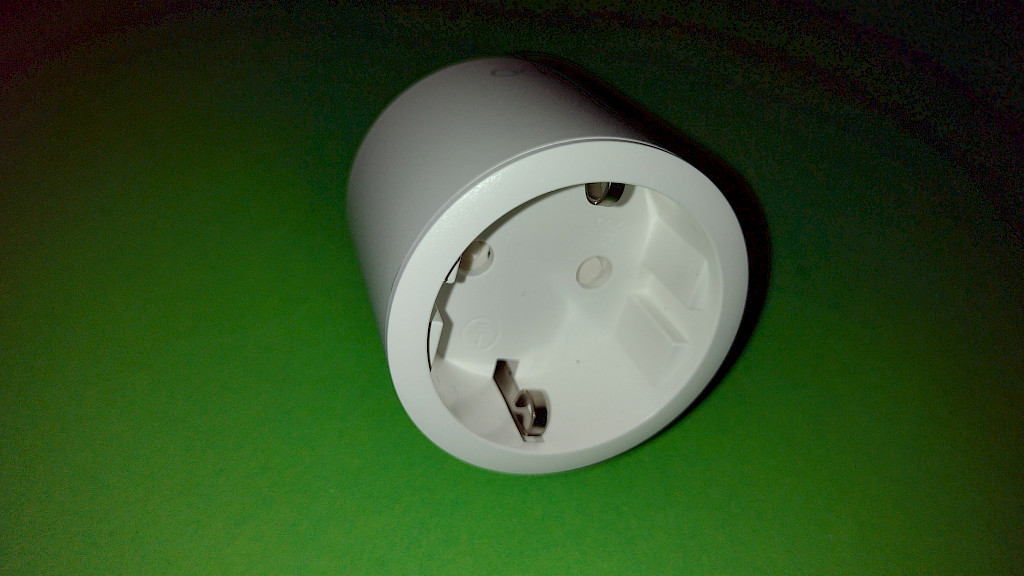
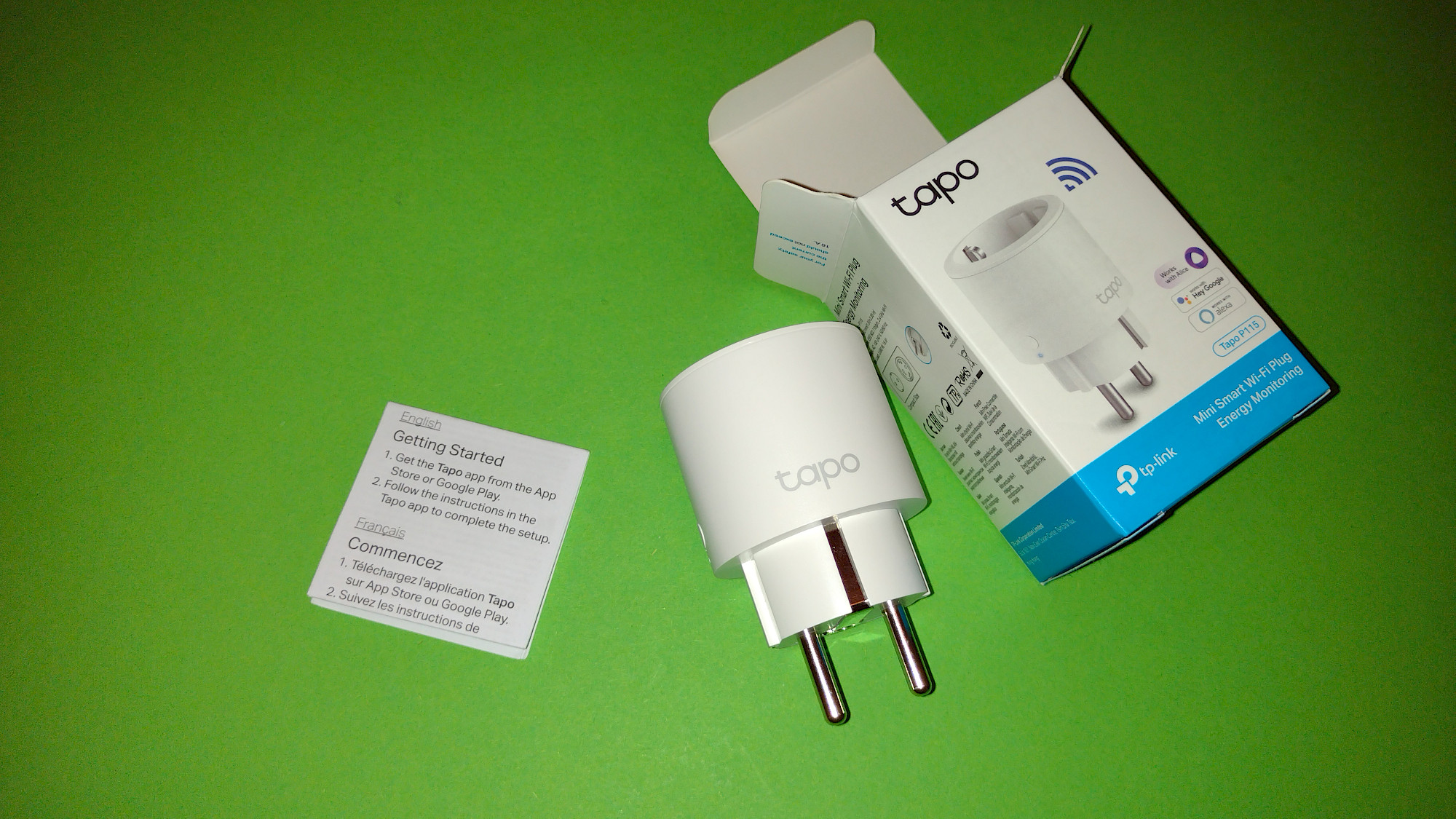
The Tapo Nano P115 W-Lan socket in detail
table of contents
- Die Vor- und Nachteile der Tapo Nano P115
- Technical specifications
- Die Installation der TP-Link Tapo Nano P115 – Schritt für Schritt
- Stromverbrauch der TP-Link Tapo P115 Steckdose
- The smart socket in use
- Sprachsteuerung der TP-Link Tapo P115 – Erfahrungen & Kritik
- W-Lan socket with many functions at a reasonable price.
- more pictures
- Frequently asked questions on this topic
Als Amazon-Partner erhalten wir bei qualifizierten Käufen eine Provision
Die Vor- und Nachteile der Tapo Nano P115
positive
- easy setup
- small design / little space required
- extensive functions
negative
- Only with registration / account creation
More features
- Connection to Google Home and Amazon Alexa
- timing
- presence simulation
- timer function
- consumption measurement
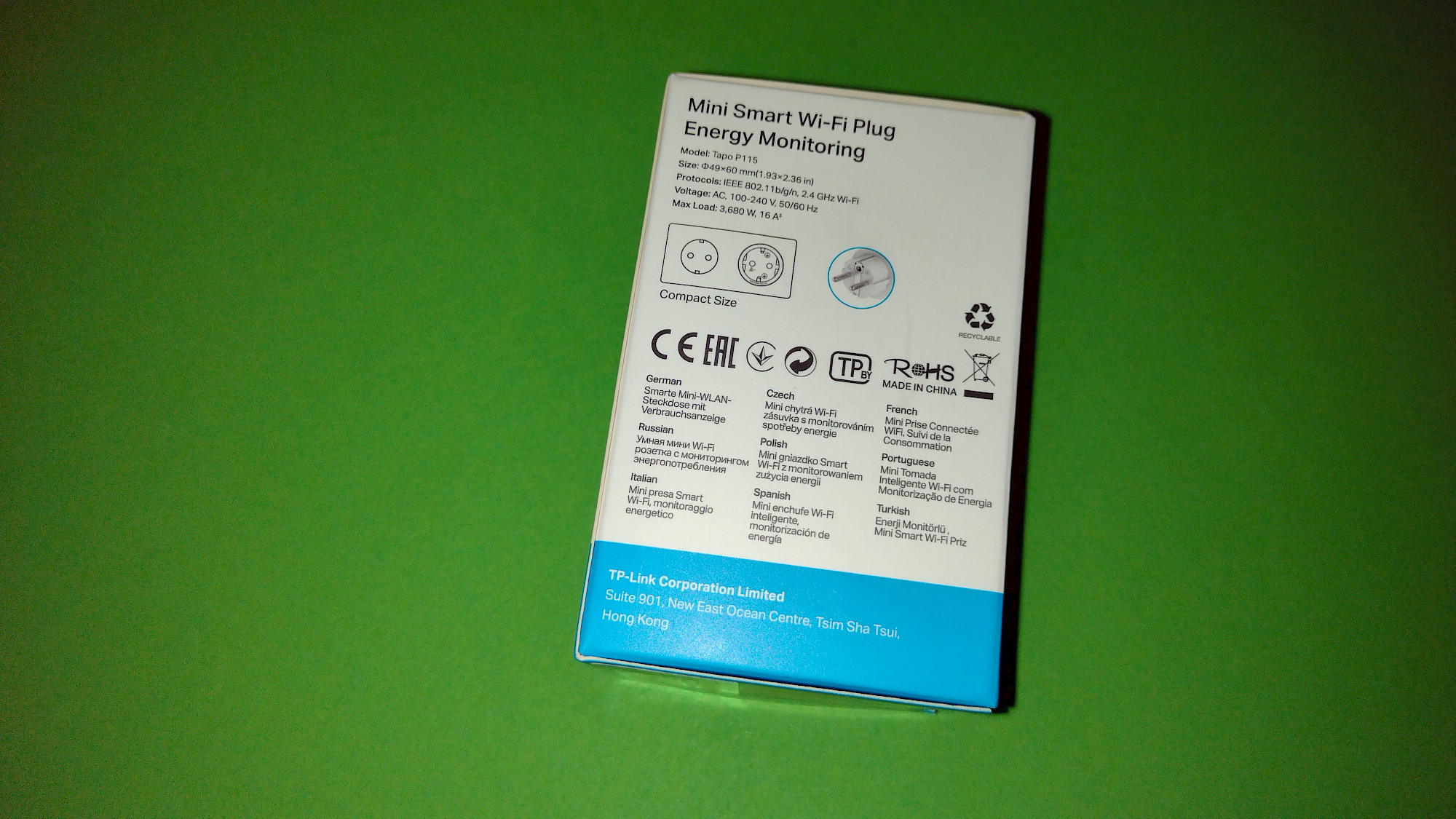
Technical specifications
- Dimensions:
- Diameter: 48.6mm
- Total height: 79mm
- Height (part that protrudes from the socket): 42mm
- Weight: 69 grams
- WiFi: 2.4GHz
- Protocol: IEEE 802.11b/g/n
- Maximum load: 3680W, 16A
- Smartphone requirements for app: Android 4.4 or higher, iOS 10 or higher
Best Sellers in Smart & Remote Controlled Plugs (Selection)

TP-Link Tapo Smart Plug Wi-Fi Outlet, Works with Amazon Alexa (Echo and Echo Dot), Google Home, Wireless Smart Socket, Device Sharing, Without Energy Monitoring, No Hub Required - Tapo P100 (4-Pack)

Smart Plug, nooie 13 A WiFi-Smart-Stecker mit Alexa und Google-Home, Alexa-Smart-Stecker mit Sprachsteuerung, Alexa-Stecker, Fernbedienung, Timer, nur 2,4 GHz WLAN (4 Stück)

Kasa Mini Smart Plug by TP-Link, Wi-Fi Outlet, Works with Amazon Alexa(Echo and Echo Dot), Google Home and Samsung SmartThings, Wireless Smart Socket (KP105), A Certified for Humans Device
Als Amazon-Partner erhalten wir bei qualifizierten Käufen eine Provision
Die Installation der TP-Link Tapo Nano P115 – Schritt für Schritt
- Download and install the app (TP-Link Tapo)
- Open the app and accept the privacy policy and terms of use
- Login or create an account
- TP-Link ID = email
- Set password (and repeat).
- Once again accept the Privacy Policy and Terms of Use
- optionally subscribe to the newsletter
- take a step back and log in. The login didn't work for me, but I'm sure I entered the password correctly. Resetting the password helped and the login worked.
- After that, you can better secure the account with a two-step verification (2FA) - I'll skip this step for now.
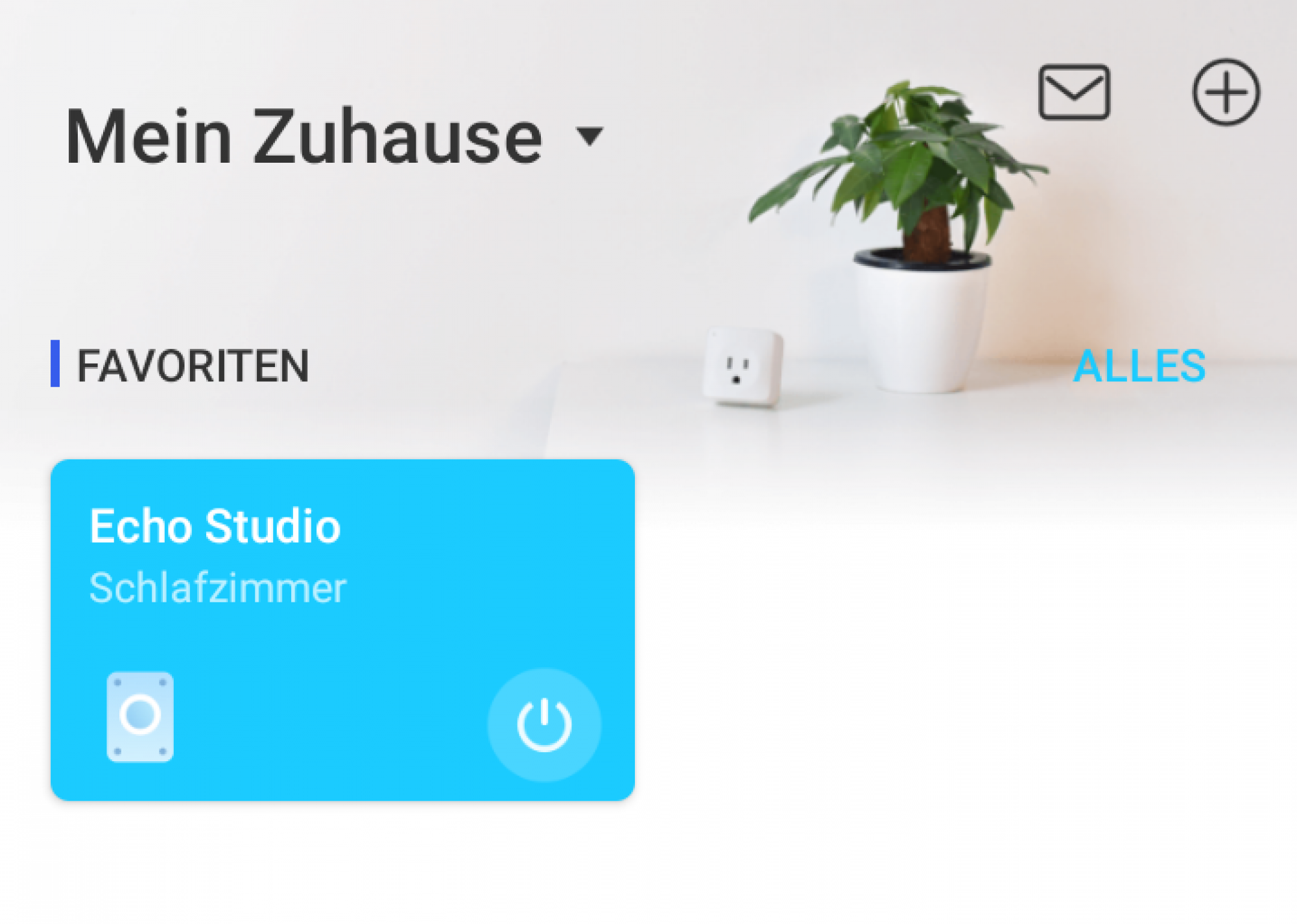
- + Click icon to add a new device
- select the corresponding socket under sockets => Tapo P115
- Plug in the WiFi connector and wait until the small LED flashes pink/blue
- In the next step you can activate location detection to automatically set the time for sunrise and sunset.
- The plug connects to the smartphone via a temporary WLAN
- Now you can select your home WiFi and enter the password to connect
- The WiFi connection is established
- In this step you can give your smart socket a name
- You can assign the plug to a room or create one
- Choose an icon for your device
- Firmware is checked to ensure it is up-to-date
- Now you can connect your Tapo App to services like Alexa or Google
- In my example, I use voice control via Alexa. The link works almost automatically with a few clicks. The device is then automatically recognized and added to the Alexa app
- The installation is complete and your device is ready to use.
Smart sockets from other manufacturers

Amazon Smart Plug (WLAN-Steckdose), funktioniert mit Alexa

Usmart Kleinste Alexa Steckdose Zubehör Smart Plug App Fernbedienung,WLAN Smart Steckdose mit Alexa Google Home,Stromverbrauch messen Sprachsteuerung Timer,Wlan Steckdose,Nur 2.4GHz WIFI
Meross Smart Plug
Als Amazon-Partner erhalten wir bei qualifizierten Käufen eine Provision
Stromverbrauch der TP-Link Tapo P115 Steckdose
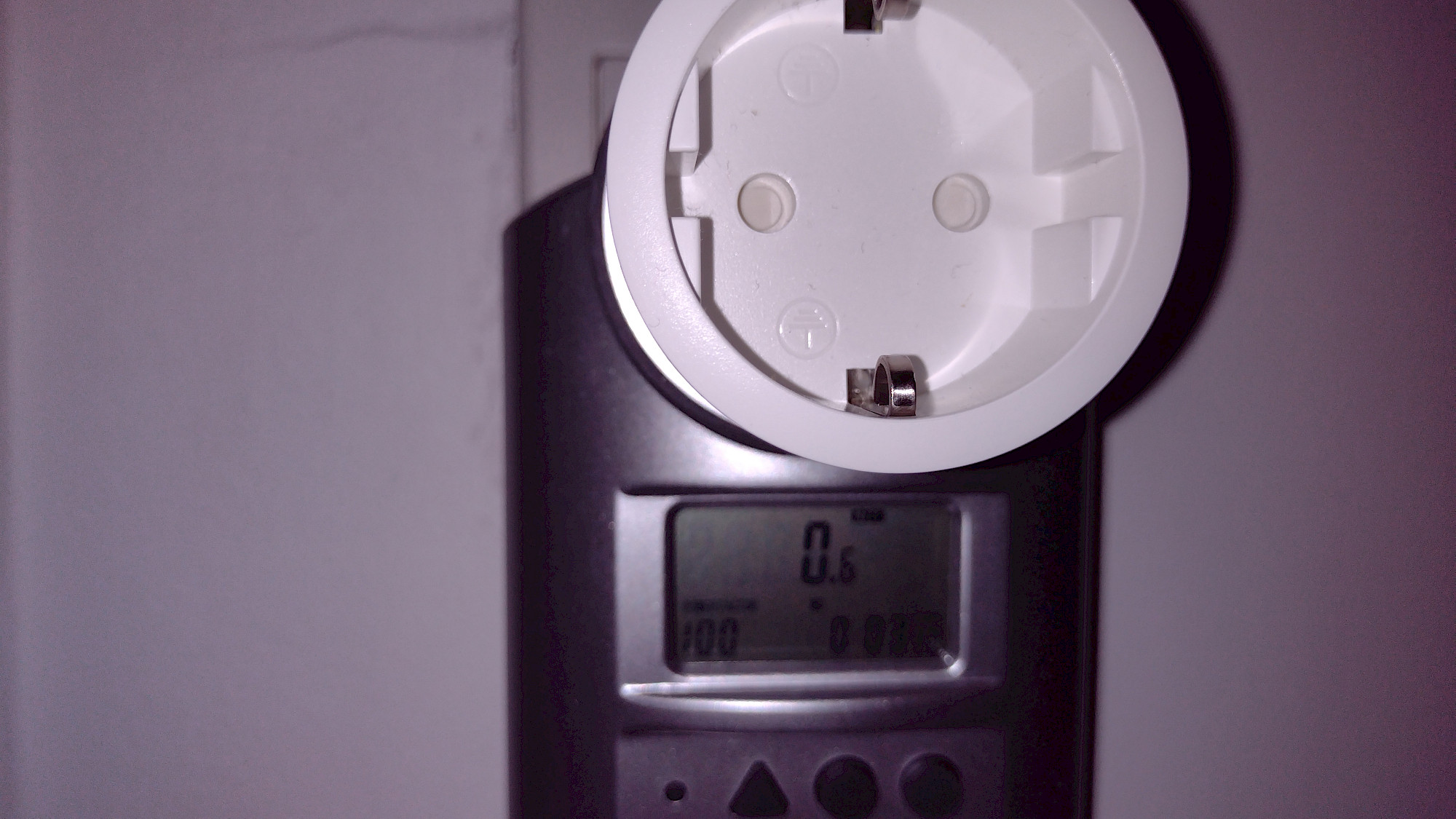
Der Energieverbrauch einer smarten Steckdose ist ein wichtiger Faktor, insbesondere wenn sie dauerhaft im Einsatz ist. In meinem Test habe ich folgende Werte für die TP-Link Tapo Nano P115 gemessen:
- Standby-Verbrauch:0,6 W (wenn die Steckdose mit dem WLAN verbunden, aber kein Gerät eingeschaltet ist)
- Aktiver Verbrauch:0,9 W (wenn die Steckdose aktiv ein Gerät schaltet)
Diese Werte zeigen, dass der Eigenverbrauch der Tapo P115 sehr gering ist. Selbst wenn die Steckdose rund um die Uhr im Standby-Modus läuft, summiert sich der Verbrauch auf etwa 5,26 kWh pro Jahr, was weniger als 2 Euro an Stromkosten entspricht (bei einem angenommenen Strompreis von 40 Cent/kWh).
Trotz des minimalen Verbrauchs bietet die Steckdose eine detaillierte Energieüberwachung, mit der sich angeschlossene Geräte optimal kontrollieren lassen. Weitere Infos dazu findest du in den FAQs weiter unten.
The smart socket in use
The Tapo P115 can be switched via the app, voice control or via the small switch on the socket. All three variants worked immediately and without problems in the test. The response time is very fast.
The app offers a number of functions for control:
- manual switching on and off
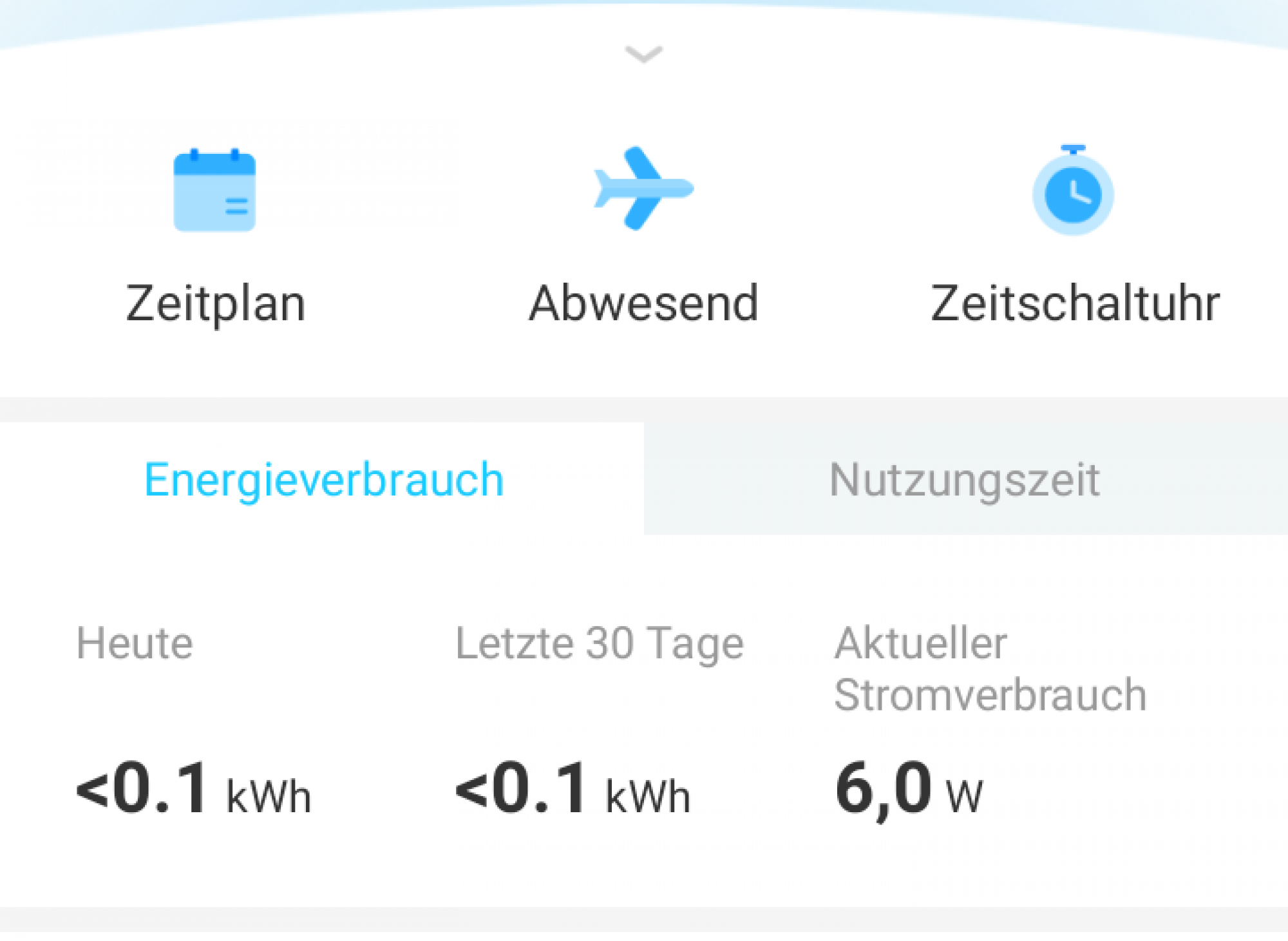
- Create a schedule: Here you can set fixed times / days of the week when your socket will be switched on or off. You can also define sunrise or sunset as the time.
- Away mode: Here you can specify a period (time / days) in which the presence of a person is simulated. During this period, the socket is then switched on or off at random times.
- Time switch / timer: here you specify a period (hours / minutes) after which the power is switched on or off.
- Measure power consumption: The current power consumption is displayed here - in watts. You can also see the power consumption of today and the last 30 days as well as the usage time in the same periods. In the case of the energy consumption times, you can also call up a diagram display by clicking on it.
- Settings: Here you can set or change the device icon, location and device name. You can also set the behavior of the LED on the device (automatic / on / night mode) and the behavior after a power failure or if you unplugged the socket and then plugged it back in ( last state / on / off). You can also find information about the device and firmware here.
More W-Lan sockets

Philips Hue Smart Plug für Hue Lichtsysteme, smarte Steckdose zur Steuerung von Leuchten, kompatibel zur Sprachsteuerung und per App von überall, weiß

ANTELA WLAN Smart Steckdose, Stromverbrauch Messen, kompatibel mit Alexa und Google Home, Sprachsteuerung, APP Fernsteuerung, Zeitplan, 2,4GHz, 16A, 2 Stück

Homematic IP Schaltsteckdose, Smart Home, digitaler Zwischenstecker steuert Leuchten oder Elektrogeräte per App, Alexa & Google Home, Energie sparen, 157338A0
Als Amazon-Partner erhalten wir bei qualifizierten Käufen eine Provision
Sprachsteuerung der TP-Link Tapo P115 – Erfahrungen & Kritik
Die TP-Link Tapo P115 lässt sich problemlos mit Amazon Alexa und Google Assistant verbinden. Sobald du den Tapo-Skill in der Alexa-App aktivierst und dein Konto verknüpfst, werden die Tapo-Steckdosen automatisch erkannt und integriert.
Funktioniert meist zuverlässig – aber nicht immer ohne Verzögerung
Grundsätzlich klappt die Steuerung per Sprachbefehl meist ohne Probleme. Geräte lassen sich über Alexa oder Google Assistant einfach ein- und ausschalten, ohne dass die App geöffnet werden muss.
Allerdings habe ich in meinem Test immer wieder Verzögerungen bei der Steuerung über Alexa festgestellt. In seltenen Fällen wurde der Sprachbefehl gar nicht ausgeführt, bis ich die Steckdose einmal über die Tapo-App manuell angesteuert habe. Danach funktionierte die Sprachsteuerung wieder zuverlässig.
Fazit zur Sprachsteuerung
✅ Einfache Integration in Alexa & Google Assistant
✅ Meist zuverlässige Steuerung per Sprachbefehl
❌ Gelegentliche Verzögerungen oder Verbindungsprobleme mit Alexa
❌ Manuelle Steuerung über die App manchmal erforderlich, um die Sprachsteuerung wieder zu aktivieren
Trotz dieses kleinen Kritikpunkts bleibt die Sprachsteuerung ein praktisches Feature, das die Bedienung der Steckdose im Alltag deutlich erleichtert.
The test verdict - rating
W-Lan socket with many functions at a reasonable price.
Therefore, there is also an absolute buy recommendation from me.
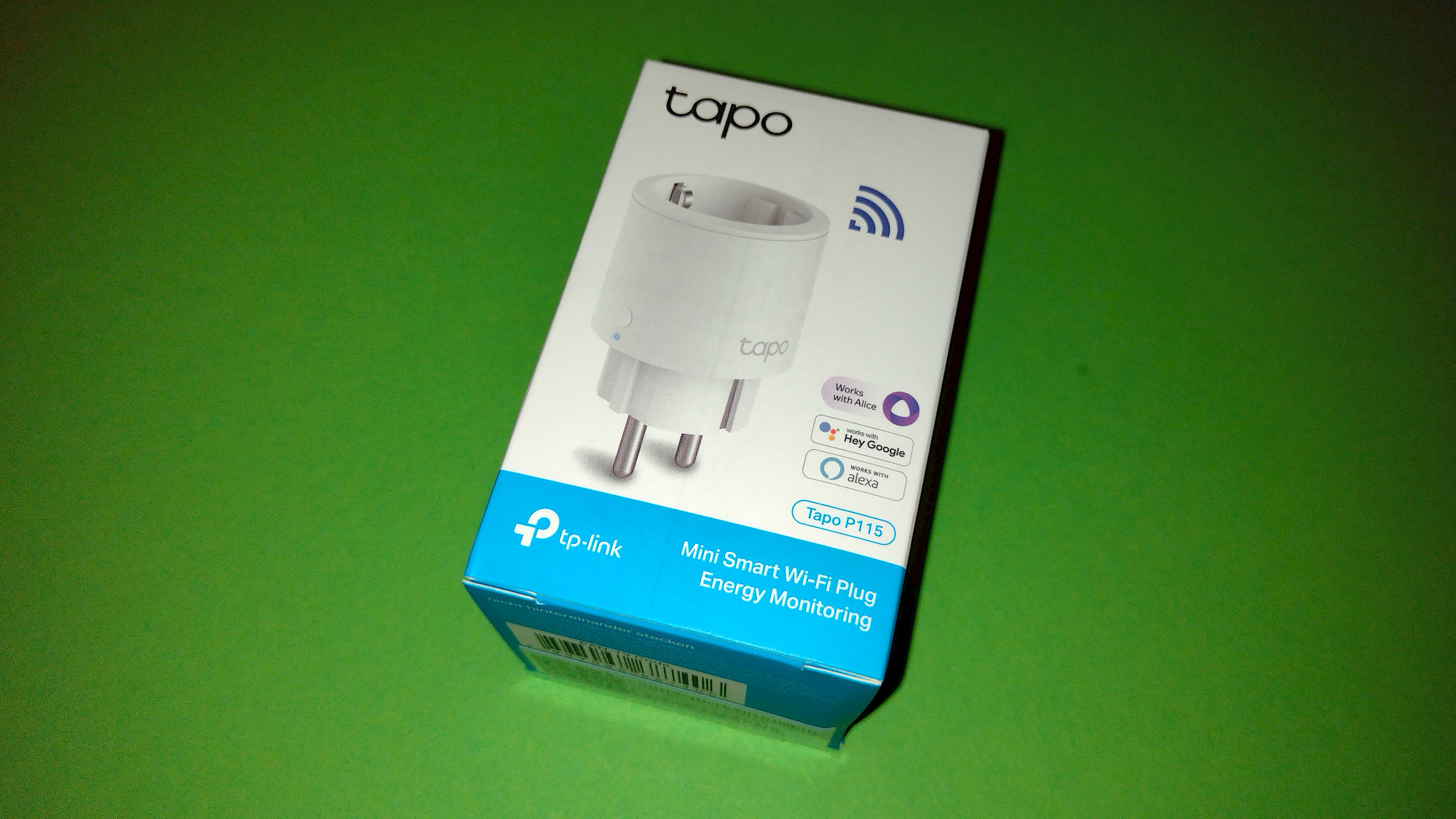
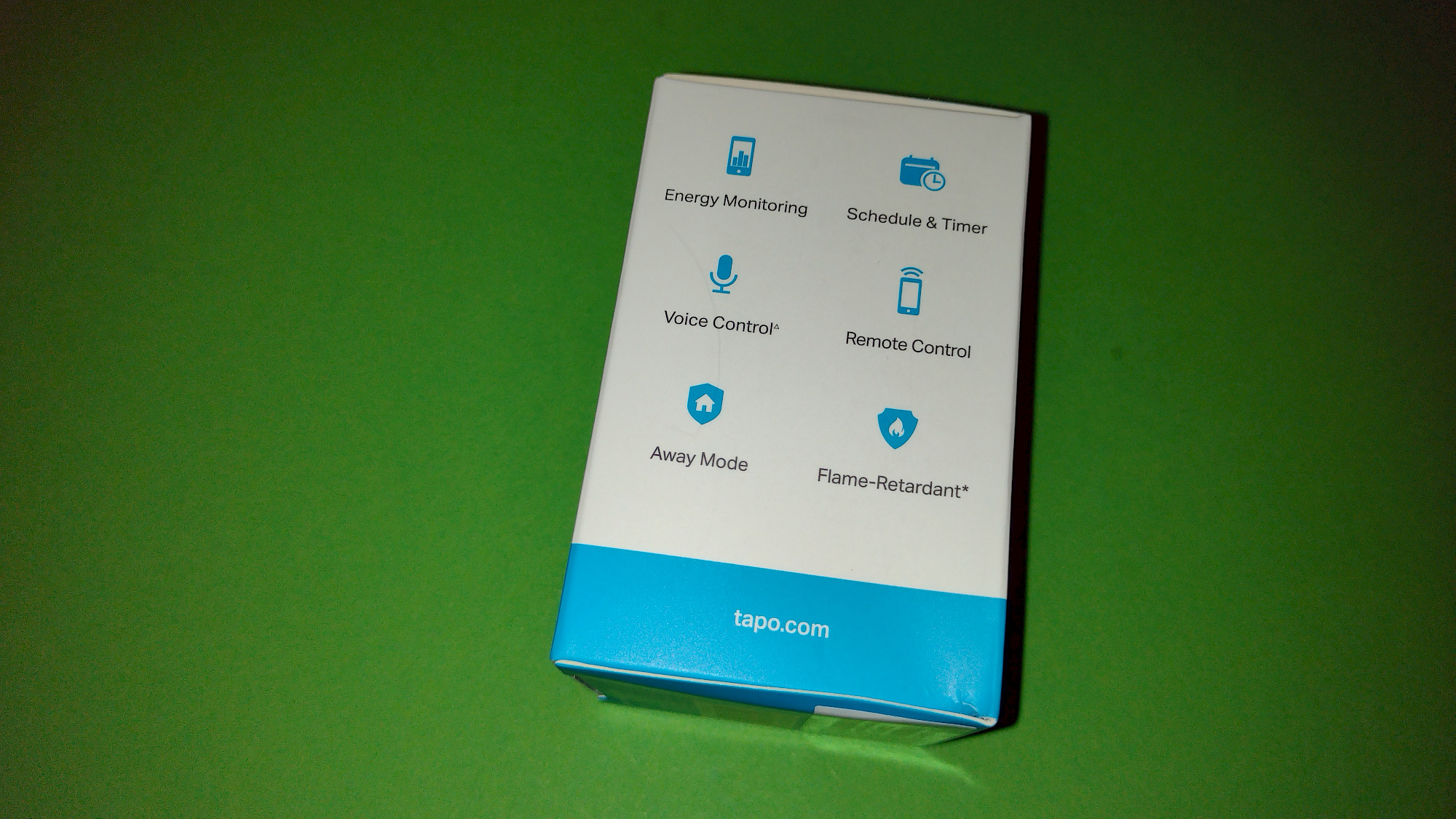
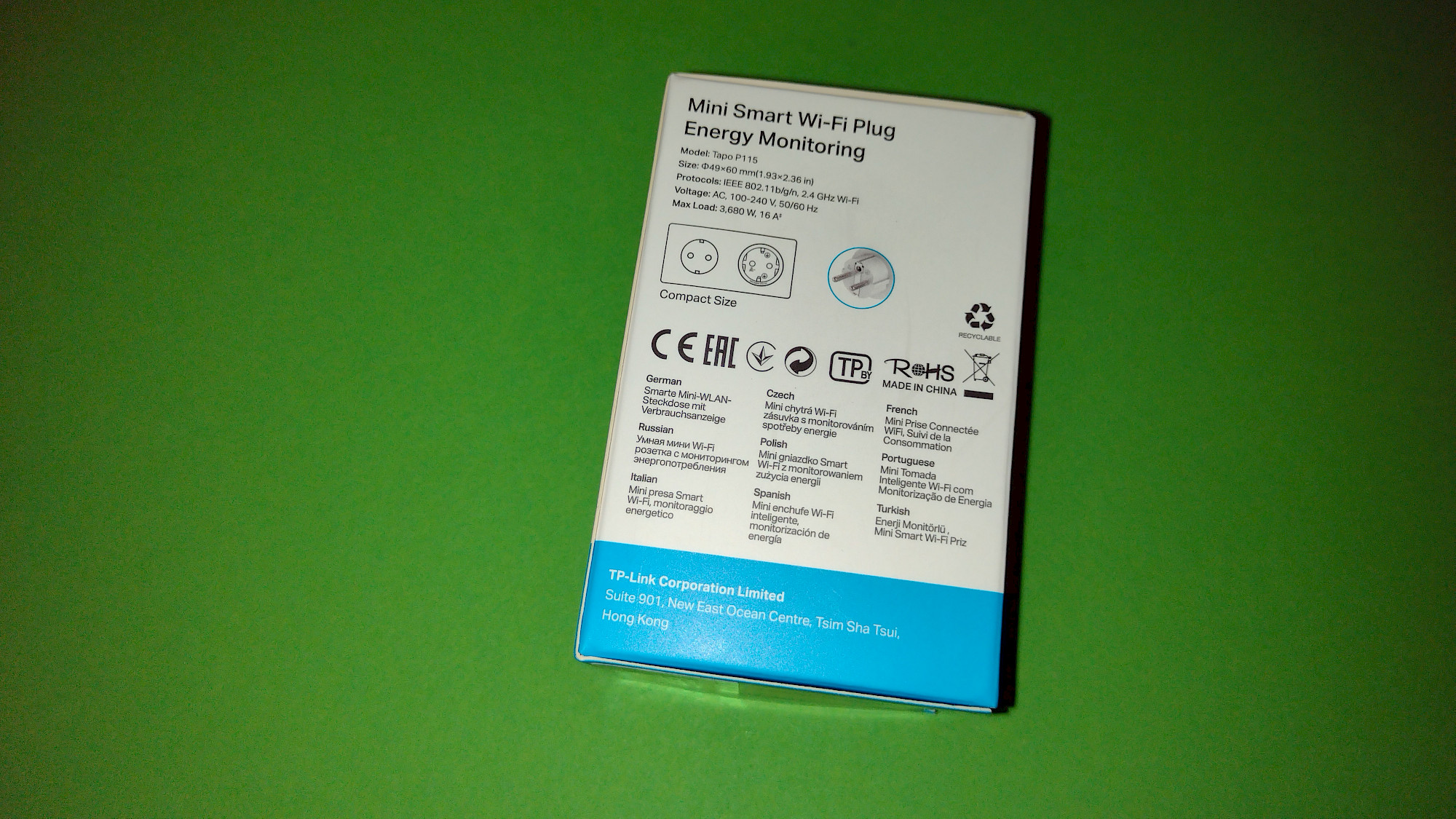
More images from our review
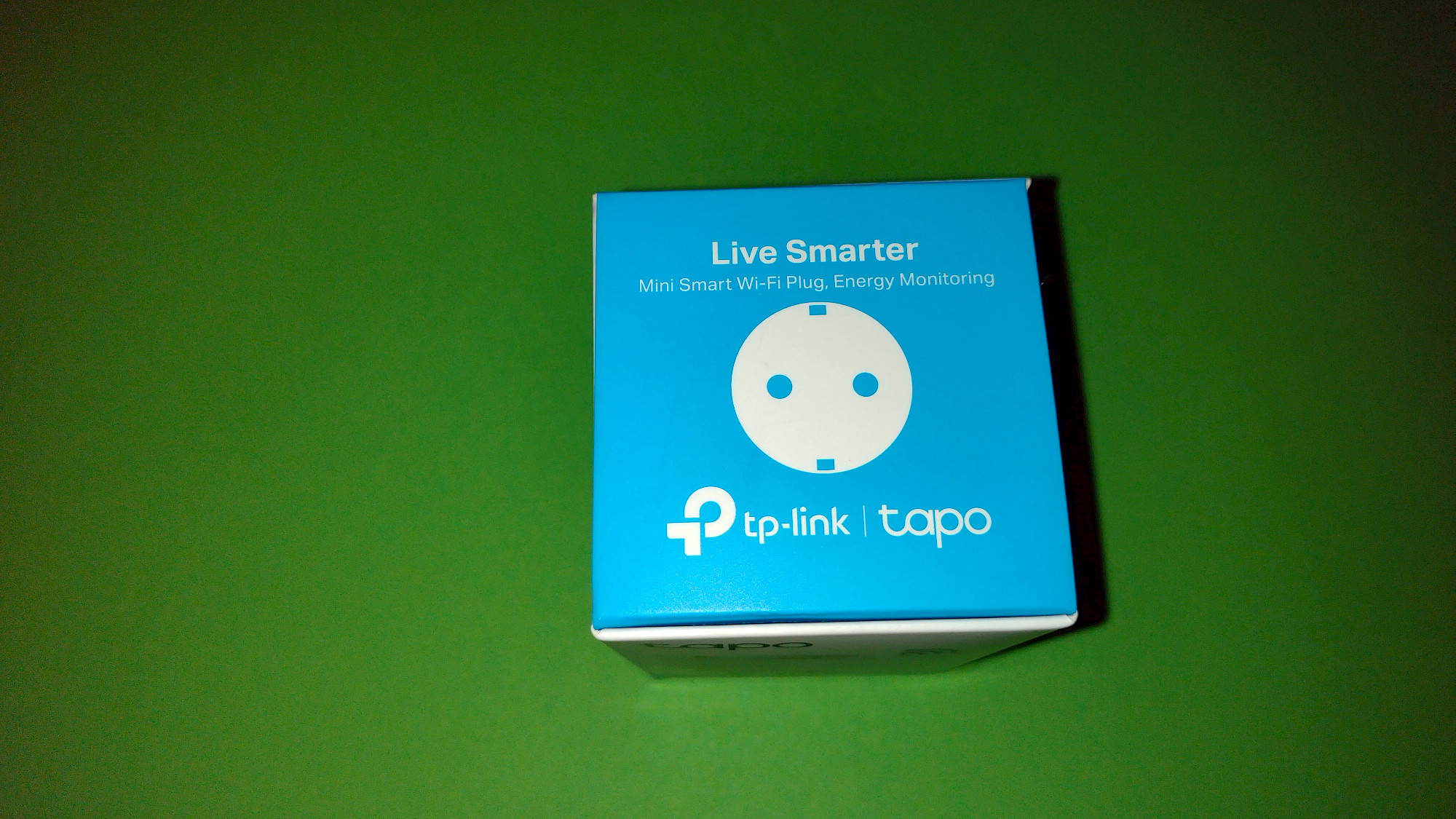
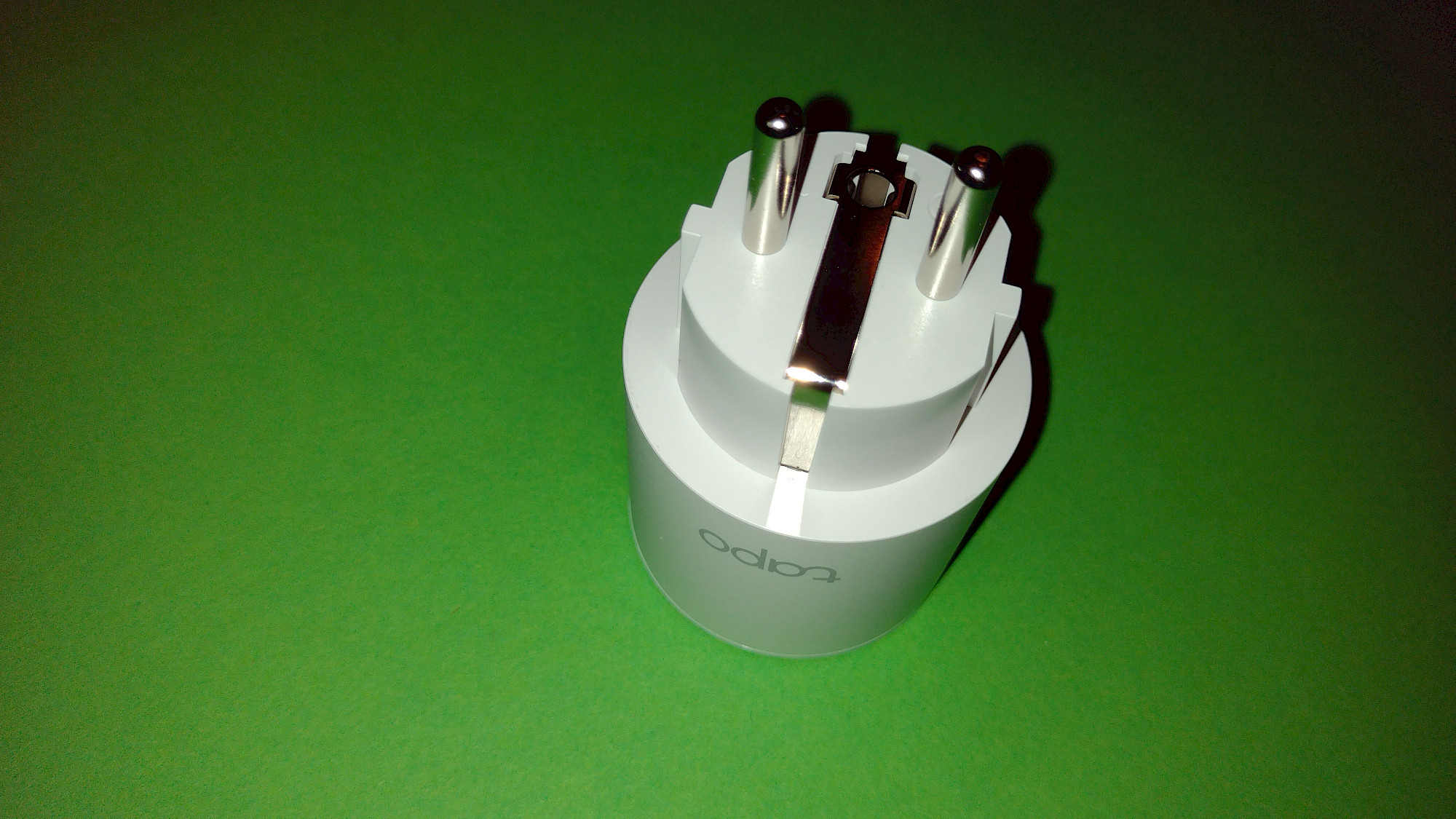
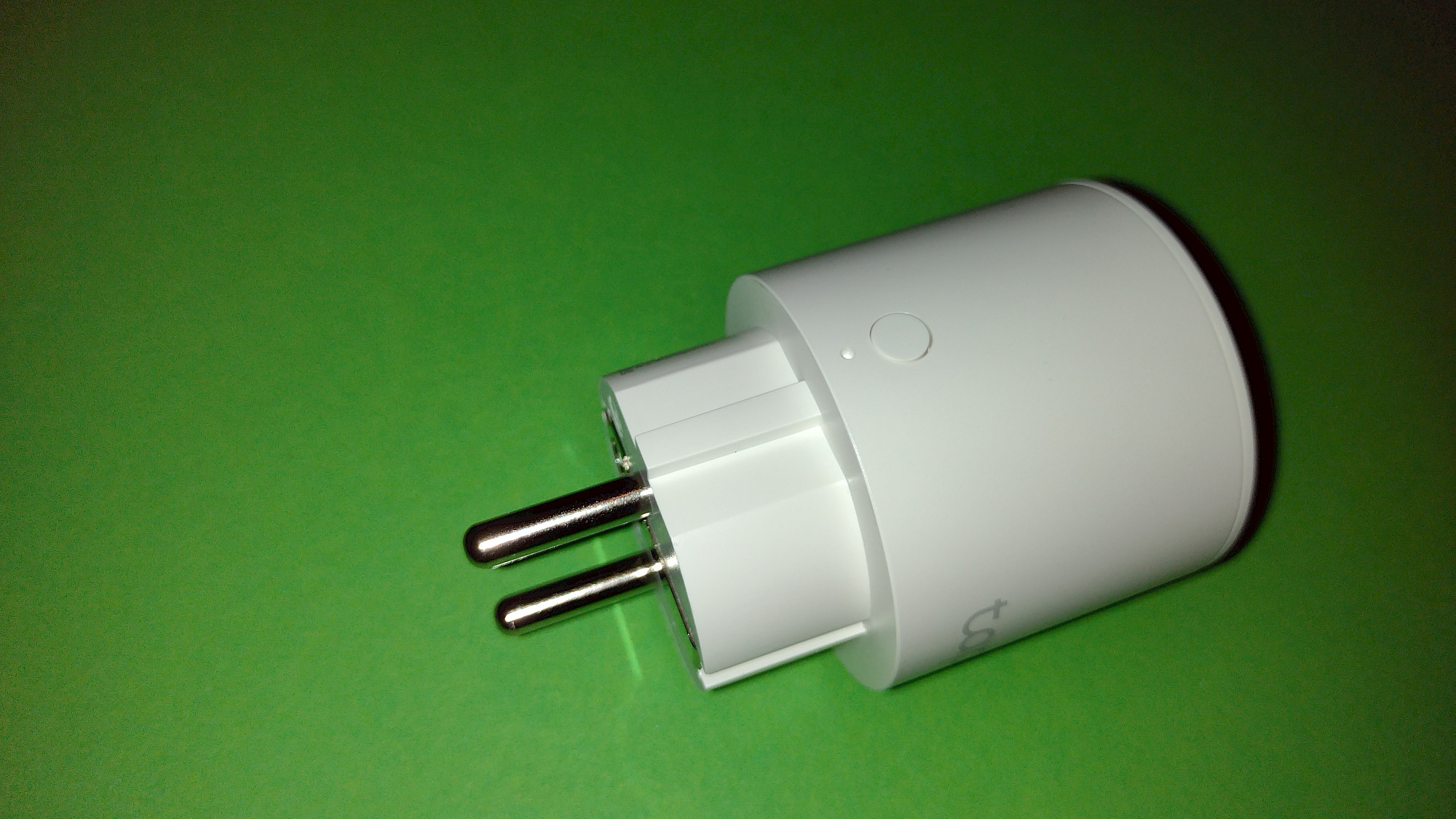
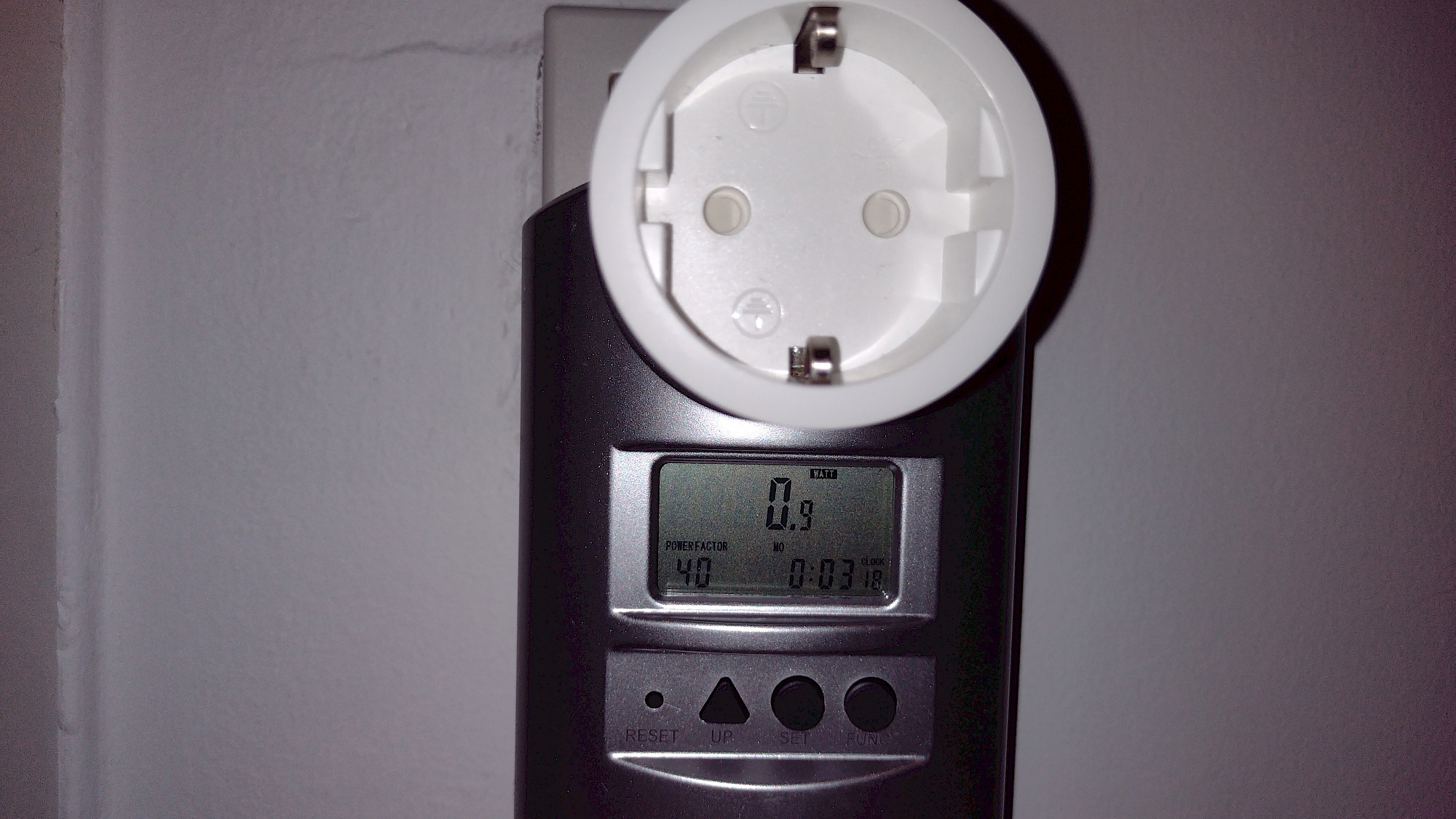
The product from our review (or similar)
TP-Link Tapo Smart Plug Wi-Fi Outlet, Works with Amazon Alexa (Echo and Echo Dot), Google Home, Wireless Smart Socket, Device Sharing, Without Energy Monitoring, No Hub Required - Tapo P100 (4-Pack)
Als Amazon-Partner erhalten wir bei qualifizierten Käufen eine Provision